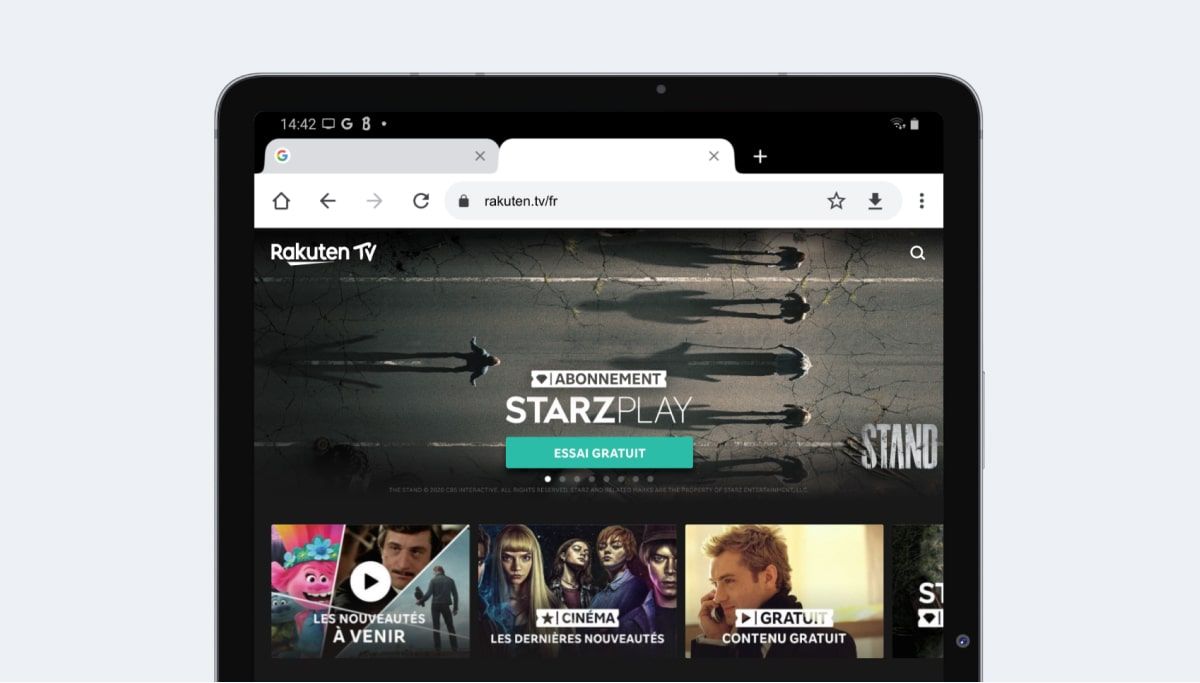
Viewport resolution (CSS rules)
This is the resolution that interests designers and developers the most as it determines breakpoints and media query definitions. Generally, only this resolution is discussed.
Regarding Samsung Galaxy Tab S7, it is:
- 800 pixels in width
- 1280 pixels in height ⚠️ height is indicative as the Safari, Chrome, etc. browser reduces the visible area
ℹ️ Some analytics tools only display the manufacturer resolution (below) and not the one presented above, so be careful when interpreting results.
Available in the simulator
Test your responsive site on Samsung Galaxy Tab S7 thanks to the browser extension.
It's free and can be activated in 2 clicks.
Pixel density
On Samsung Galaxy Tab S7 it is 2
If you want to target devices in CSS with at least this pixel density, you can use this media query.
                            @media only screen and (-webkit-min-device-pixel-ratio: 2) {

                                /* CSS */

                            }
Also in JavaScript, it is possible to retrieve the pixel density value.
                            window.devicePixelRatio

                            // Which will return the number 2
Manufacturer resolution Samsung Galaxy Tab S7
Given the pixel density, this gives:
- 1600 pixels in width
- 2560 pixels in height
Free HD mockup in PNG format