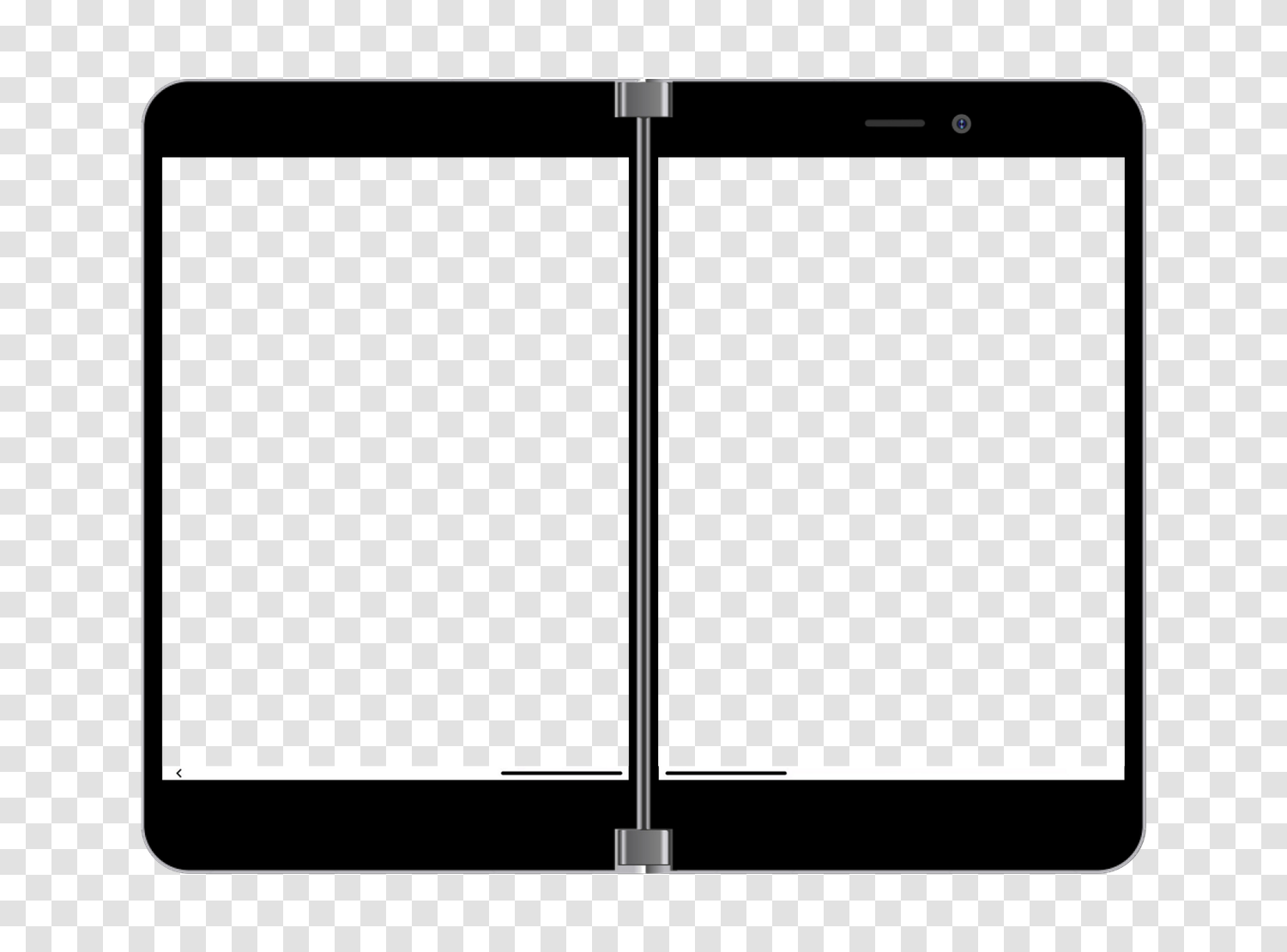
Two orientations to validate
On Microsoft Surface Duo, your visitors constantly switch from portrait to landscape. Both orientations correspond to two different breakpoints, and the second is almost always the least tested.
Microsoft · Android 16.0 · Tablet · 2020
All display characteristics of Microsoft Surface Duo, tablet Microsoft from 2020: CSS viewport of 1114 x 705 pixels, 2.5x density, media queries, and one-click responsive test.
Test your site on Microsoft Surface Duo directly in your browser, without buying the device.
4.9/5 based on 5,100 reviews · 1,500,000 users · free
On Microsoft Surface Duo, your visitors constantly switch from portrait to landscape. Both orientations correspond to two different breakpoints, and the second is almost always the least tested.
With a density of 2.5x, Microsoft Surface Duo provides a useful benchmark to ensure your images remain sharp without serving unnecessarily large files.
This model is representative of Wifi usage. Testing on it ensures your page remains usable when images and fonts load slowly.
This is the resolution that interests designers and developers the most, as it determines breakpoints and the definition of media queries. In practice, it's the only one mentioned in a stylesheet.
The height remains indicative: Safari, Chrome, and other mobile browsers reduce the visible area with their address bar, which folds on scroll.
Be cautious when analyzing your statistics: some tools only report the manufacturer resolution, never the CSS viewport presented here.
2.5
The device pixel ratio of Microsoft Surface Duo is 2.5.
In other words, a 1-pixel square in CSS occupies 2.5 pixels on the panel. An image exported at actual size will appear blurry.
This resolution is the hardware's. It explains the display's sharpness, but it's never the one to target in a media query.
588 pixels per inch (ppi) · 5.6 inches diagonal, or 14.2 cm
This string is what the browser of Microsoft Surface Duo sends. It is useful for your automated tests, reading your server logs, and server-side detection.
User-Agent string used by Microsoft Surface Duo, useful for your automated tests and logs.
Mozilla/5.0 (Linux; Android 16; Surface Duo) AppleWebKit/537.36 (KHTML, like Gecko) Chrome/131.0.6778.260 Mobile Safari/537.36 EdgA/131.0.0.0These snippets are generated from the exact characteristics of Microsoft Surface Duo. Copy them directly into your stylesheet or configuration.
Targets screens whose width matches that of Microsoft Surface Duo and models of the same format.
@media only screen and (min-width: 705px) and (max-width: 1113px) {
  /* Microsoft Surface Duo */
}Serves high-resolution images to screens of at least 2.5x.
@media only screen and (-webkit-min-device-pixel-ratio: 2.5),
       only screen and (min-resolution: 240dpi) {
  /* High-density images and icons */
}Adds a named breakpoint at the exact width of Microsoft Surface Duo.
// tailwind.config.js
module.exports = {
  theme: {
    screens: {
      'microsoft-surface-duo': '1114px'
    }
  }
}Detects format and density client-side.
const isDeviceWidth = window.matchMedia('(min-width: 1114px)').matches;
const isHighDensity = window.devicePixelRatio >= 2.5;Essential for Microsoft Surface Duo to use its CSS viewport and not a simulated width of 980 pixels.
<meta name="viewport" content="width=device-width, initial-scale=1">Mobile FIRST includes Microsoft Surface Duo: your page displays in a viewport of 1114 x 705 pixels, with the model's User-Agent, touch events, and scrolling behavior of a real mobile.
This is where the difference with Chrome DevTools' responsive mode is seen: DevTools resizes a window, the extension replicates the device's browser and allows exporting shareable screenshots and videos.
The neighboring formats of Microsoft Surface Duo are the ones to test right after, as they reveal poorly placed breakpoints.
| Model | CSS Viewport | Pixel density | Manufacturer resolution |
|---|---|---|---|
| Microsoft Surface Duo | 1114 x 705 | 2.5x | 2785 x 1762 |
| Apple iPad Mini (6th Gen) | 768 x 1024 | 2x | 1536 x 2048 |
| Apple iPad Air 4 | 820 x 1180 | 2x | 1640 x 2360 |
| Apple iPad PRO 11" (3rd Gen) | 834 x 1194 | 2x | 1668 x 2388 |
| Samsung Galaxy Tab S7 | 800 x 1280 | 2x | 1600 x 2560 |
The CSS viewport of Microsoft Surface Duo measures 1114 pixels wide and 705 pixels high. This is the width to use for defining your media queries, not the manufacturer's resolution.
The device pixel ratio of Microsoft Surface Duo is 2.5. Each CSS pixel is thus displayed by 2.5 physical pixels, requiring you to provide your images in 2.5x to keep them sharp.
The panel of Microsoft Surface Duo displays 2785 x 1762 physical pixels. This is the value reported by most analytics tools, while your CSS works on a viewport of 1114 x 705 pixels.
The User-Agent of Microsoft Surface Duo is: Mozilla/5.0 (Linux; Android 16; Surface Duo) AppleWebKit/537.36 (KHTML, like Gecko) Chrome/131.0.6778.260 Mobile Safari/537.36 EdgA/131.0.0.0
Install the Mobile FIRST extension on Chrome, Firefox, or Edge, then select Microsoft Surface Duo. Your page displays in a viewport of 1114 x 705 pixels with the corresponding mobile User-Agent, in two clicks and for free.
DevTools resizes the window and applies partial emulation. Mobile FIRST additionally applies the User-Agent of Microsoft Surface Duo, touch events, scroll behavior, and the actual appearance of the device, and allows capturing directly usable images and videos.
Yes. The extension works on any URL open in your browser, including localhost:3000, 127.0.0.1, or a password-protected pre-production environment.
No. The simulation covers the vast majority of development needs at no cost. A final test on a real device is still recommended before critical production deployment, but it's no longer necessary for each iteration.
A media query on the exact width targets Microsoft Surface Duo: @media only screen and (min-width: 1114px). Combine it with the pixel density to precisely target this model and those sharing its format.
Without buying a single phone, without creating an account.
Free installation in seconds · computer only