Free mockup · Samsung · 2021

Mockup Samsung Galaxy Z Flip3 to download in transparent PNG

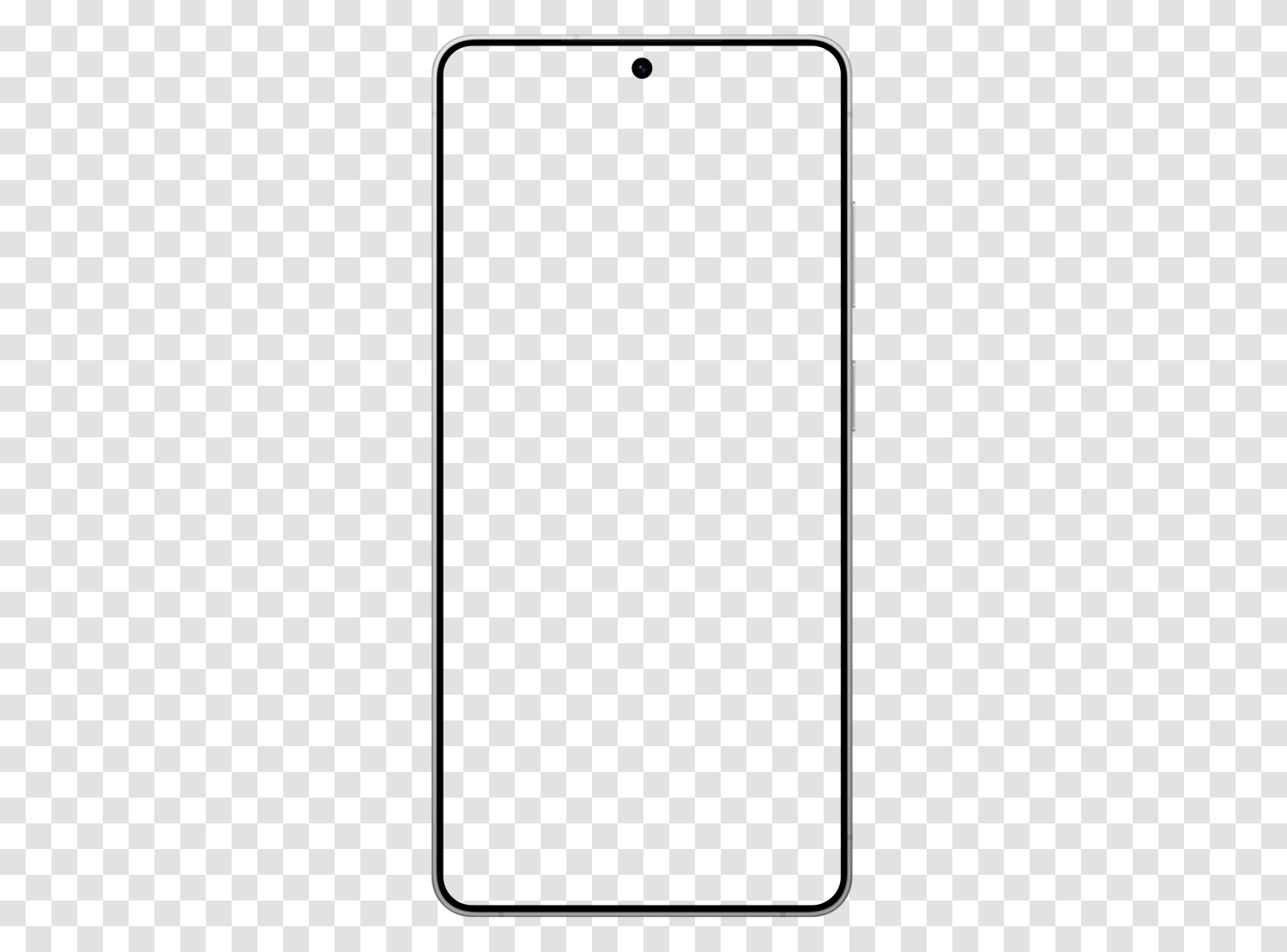
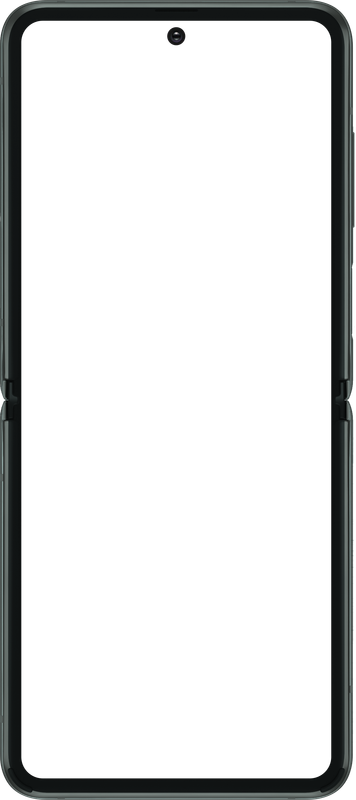
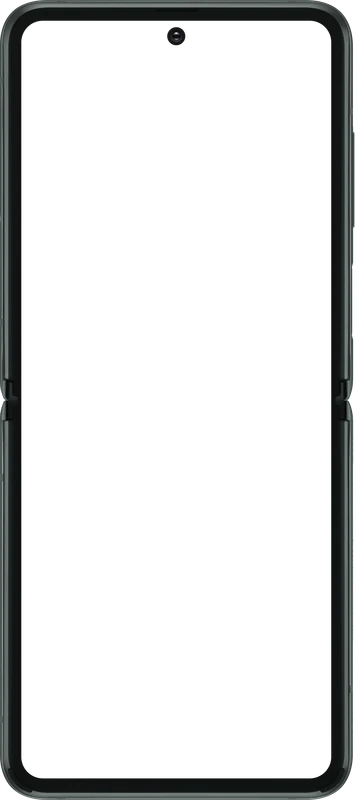
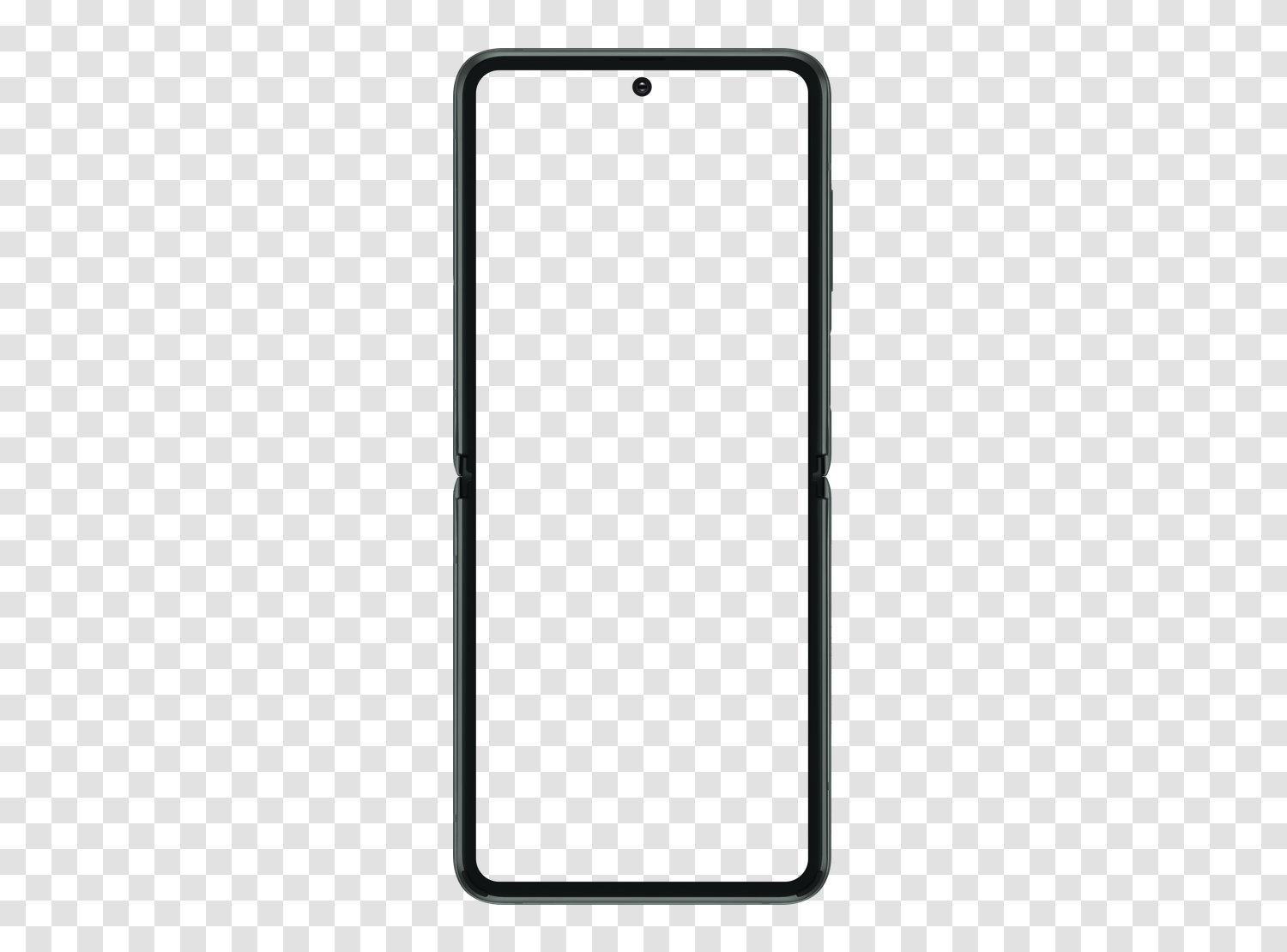
The Samsung Galaxy Z Flip3 chassis cut out, empty screen and transparent background. Place your capture on the layer below, the frame overlays automatically. Free, no account, personal and commercial use.

  • PNG · alpha
  • 356 × 800 px
  • 61 KB
  • No watermark
Mockup Samsung Galaxy Z Flip3 viewed from the front, empty screen and transparent background, on a checkerboard indicating transparency

Download the mockup

The standard version is free, in transparent PNG or WebP. The high definition version is available for $9.90, as a one-time payment.

Standard version

Free

The frame with a transparent background, empty screen, in 356 × 800 pixels. Sufficient for a web mockup, presentation, or social post.

  • Transparent PNG · 356 × 800 px · 61 KB
  • Transparent WebP · 356 × 800 px · 9 KB
  • No watermark, no account creation
  • Personal and commercial use

Immediate download, no account creation

High definition version

$9.90

The same mockup at its native resolution of 1150 × 2581 pixels, for printing, a high-density screen, or tight cropping on the frame.

  • PNG and WebP · 1150 × 2581 px, native resolution
  • Enough to print, or crop tightly on the frame
  • The same file, without any loss of detail
  • One-time payment, immediate download

One-time payment, no subscription · Stripe

To fill the screen

Generate the mobile screenshot in one click

Open your site in the Mobile FIRST simulator, choose Samsung Galaxy Z Flip3, and export a transparent PNG capture at the correct ratio. It slides directly into this mockup.

Install the extension

4.9/5 based on 5,100 reviews · 1,000,000 users · free

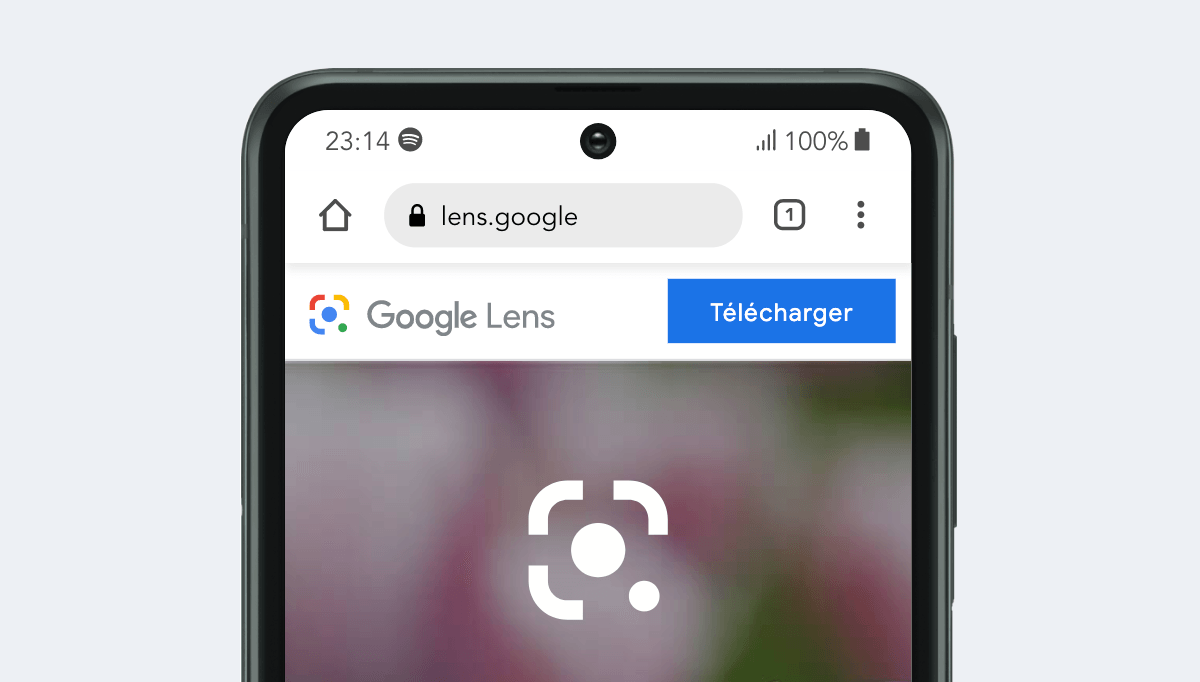
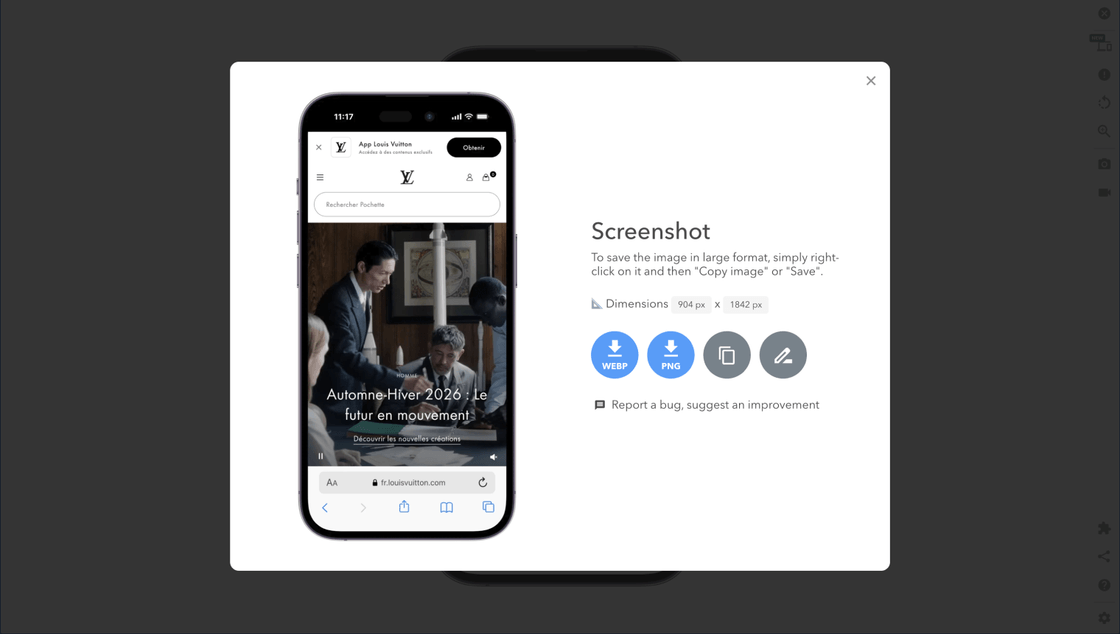
Screenshot exported from Mobile FIRST, with its dimensions and WebP and PNG downloads

How to use this mockup

Three steps, no matter your mockup tool.

  1. 01 Download the transparent PNG No account, no watermark, no download limit.
  2. 02 Place your capture behind the frame With the screen empty, just slide the image onto the lower layer: no cutting out, no mask to create.
  3. 03 Export your visual Client mockup, sales page, store capture, social post or portfolio.

What is a Samsung Galaxy Z Flip3 mockup for?

A mockup is the frame of a device photographed from the front, screen left empty, into which you slide a capture. The same screen presented raw looks like just another image; placed in Samsung Galaxy Z Flip3, it immediately reads as a smartphone interface.

This file is a PNG with a transparent background: the device outline and screen area are empty, saving you from any cutting out. You place your capture on the lower layer in Figma, Sketch, Photoshop, Canva, Keynote, or PowerPoint, and the frame overlays neatly, even on a colored background, gradient, or photo.

For a sharp rendering, prepare your capture at the screen ratio, ideally at its native resolution of 1080 x 2640 pixels. The free version is exported in 356 × 800 pixels, more than enough for a screen; the high-definition version goes up to 1150 × 2581 pixels and covers printing as well as tight cropping. Other models are available in the same format, all downloadable for free: iPhone, Samsung Galaxy, Google Pixel, iPad, and laptop mockups.
License and conditions

  • Personal and commercial use allowed
  • No attribution required, no watermark
  • Modification and cropping allowed
  • Resale or redistribution of the file alone prohibited
  • Cited brands and models remain the property of their holders

The represented devices, their brands, and models belong to their respective holders. These mockups are used to illustrate an interface and do not constitute an official product or partnership. Details are in the license agreement.

Frequently asked questions about this mockup

Is the Samsung Galaxy Z Flip3 mockup free?

Yes. The download is free and without account creation, for personal and commercial use. Only the high definition version is paid.

Is the background really transparent?

Yes, the PNG is exported with an alpha channel. The background and screen are empty: you place your capture behind the frame without having to cut out anything.

What screen size to prepare to fill the mockup?

A capture at the screen ratio, ideally at its native resolution of 1080 x 2640 pixels. A capture taken at the CSS viewport of 360 x 880 pixels then scaled also works.

Can I use it in a client presentation or advertisement?

Yes, including in a commercial context. Only the resale of the file alone is excluded. The cited brands and models belong to their respective owners.

How to generate the screenshot to insert?

With the Mobile FIRST extension: open your site in the simulator, choose the device, then export a transparent PNG capture in one click, already at the correct ratio.

The mockup is ready, only the capture is missing

Install the extension and export the Samsung Galaxy Z Flip3 capture at the correct ratio, in one click.