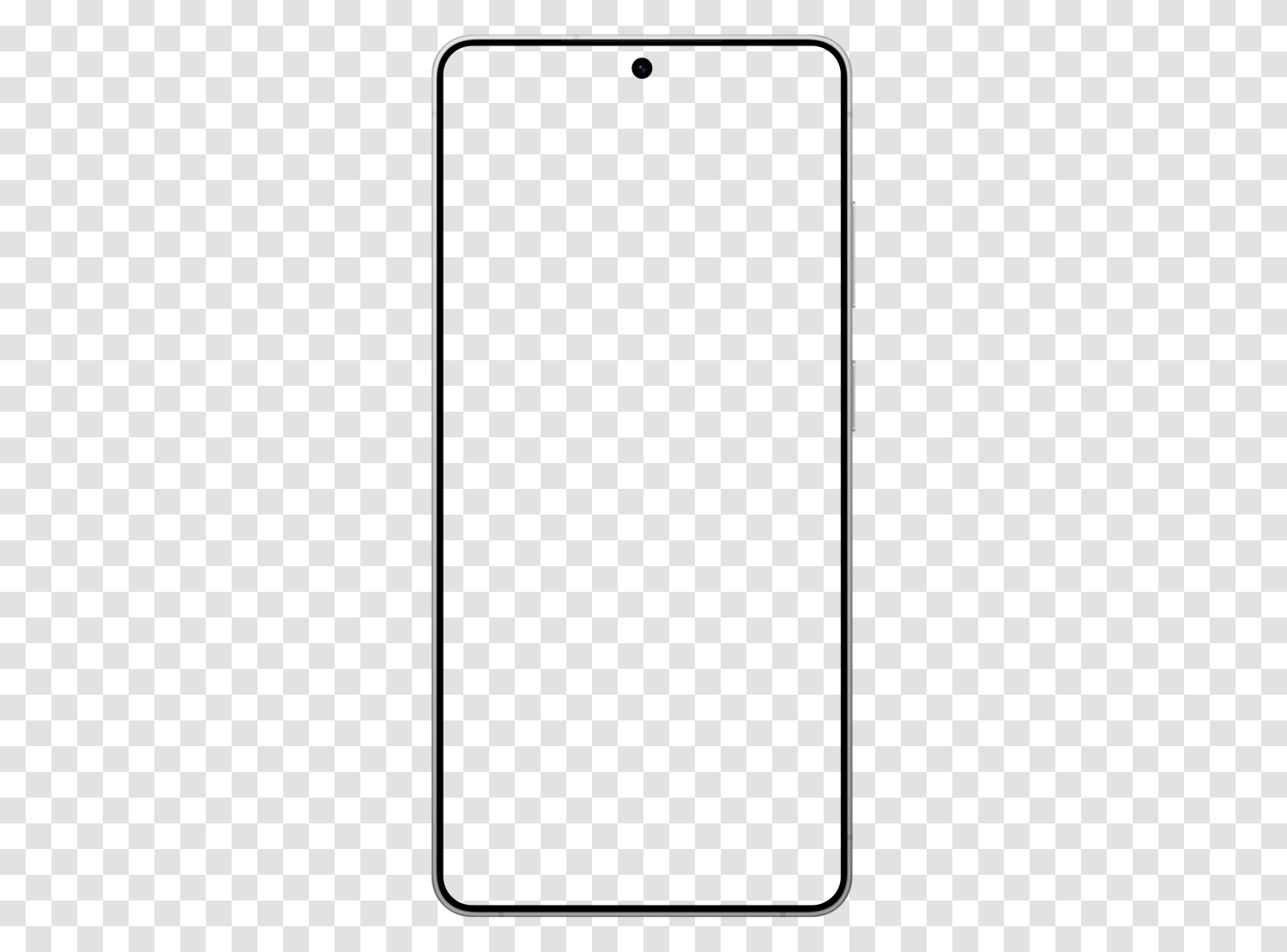
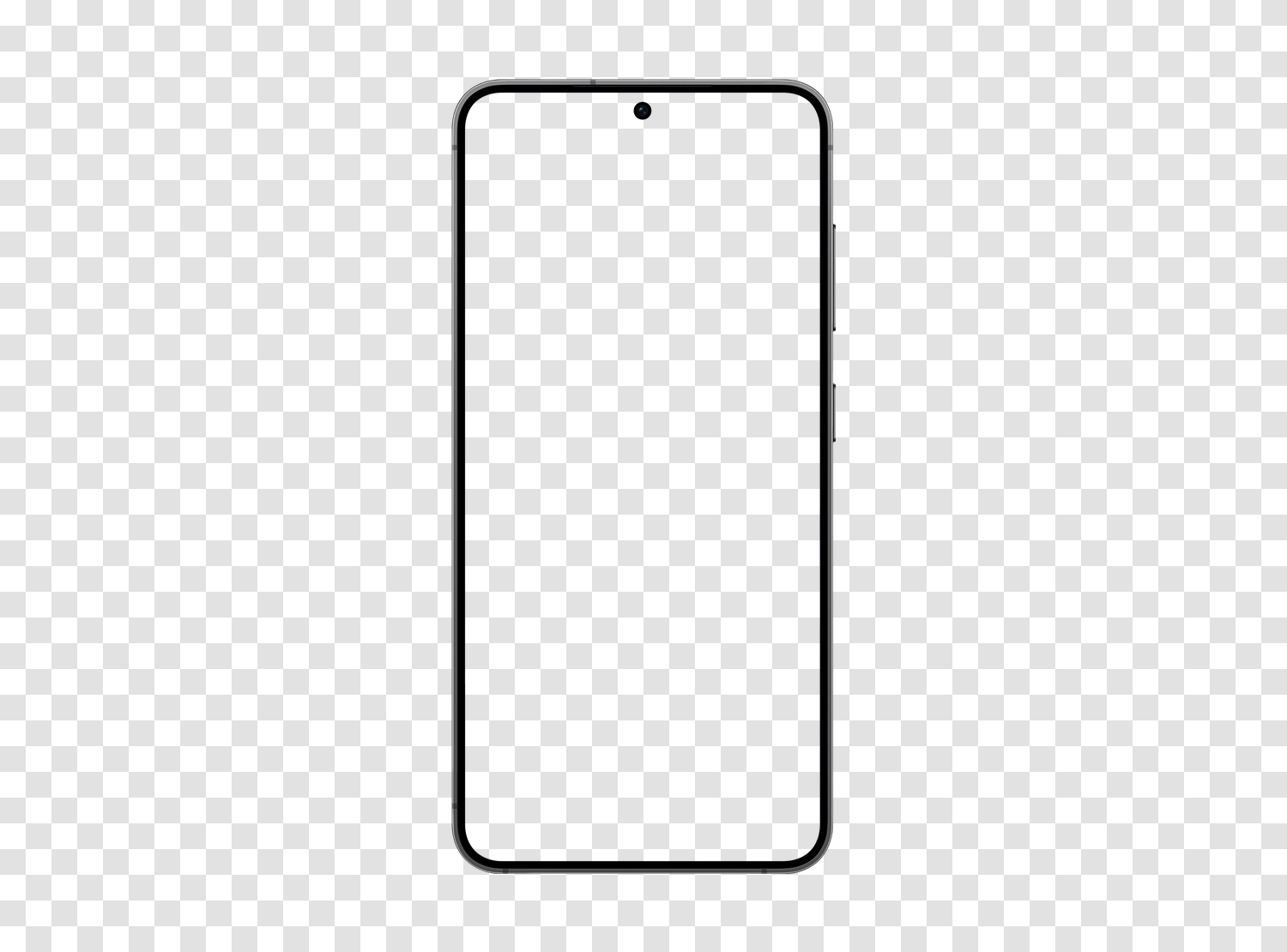
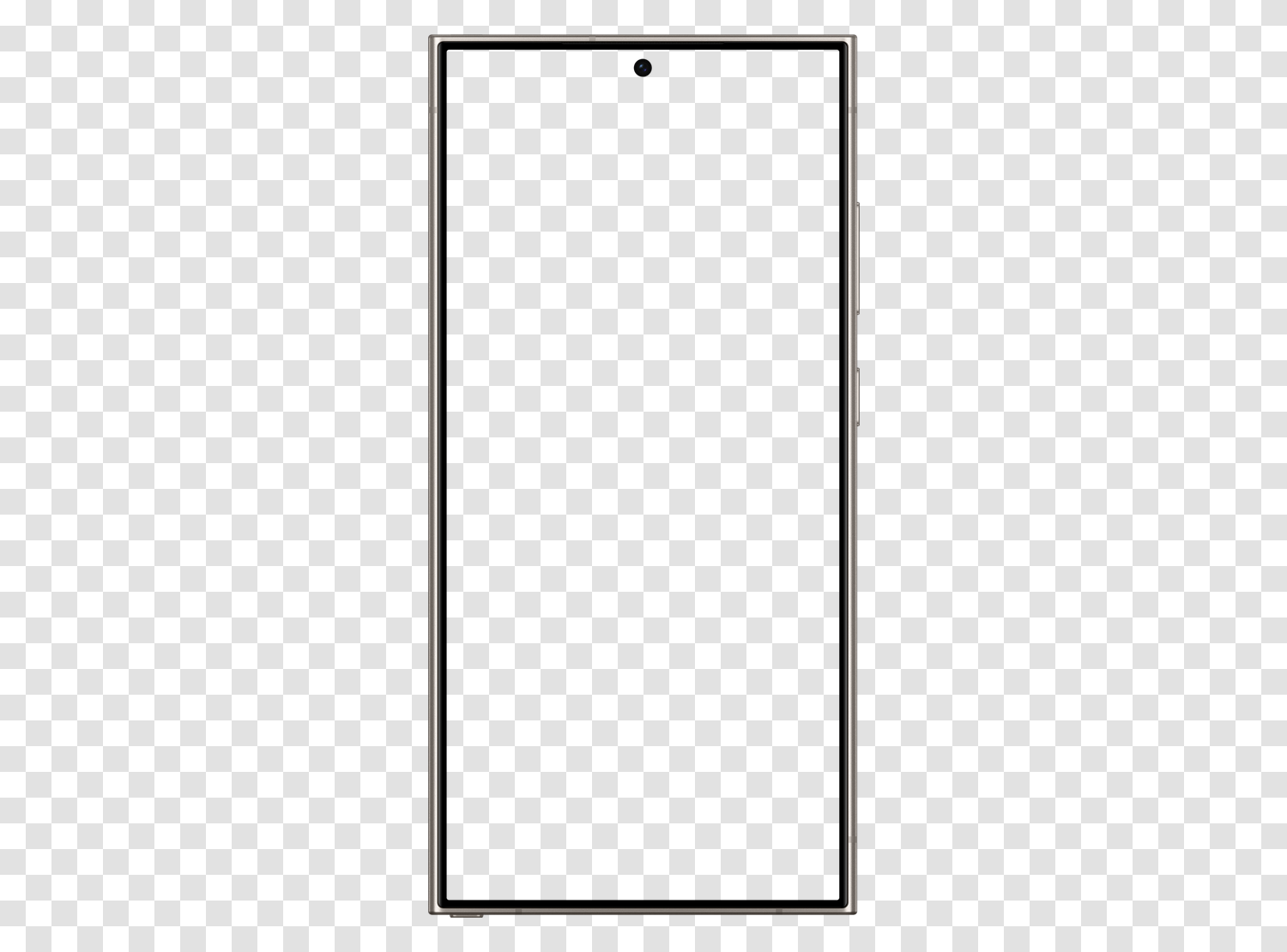
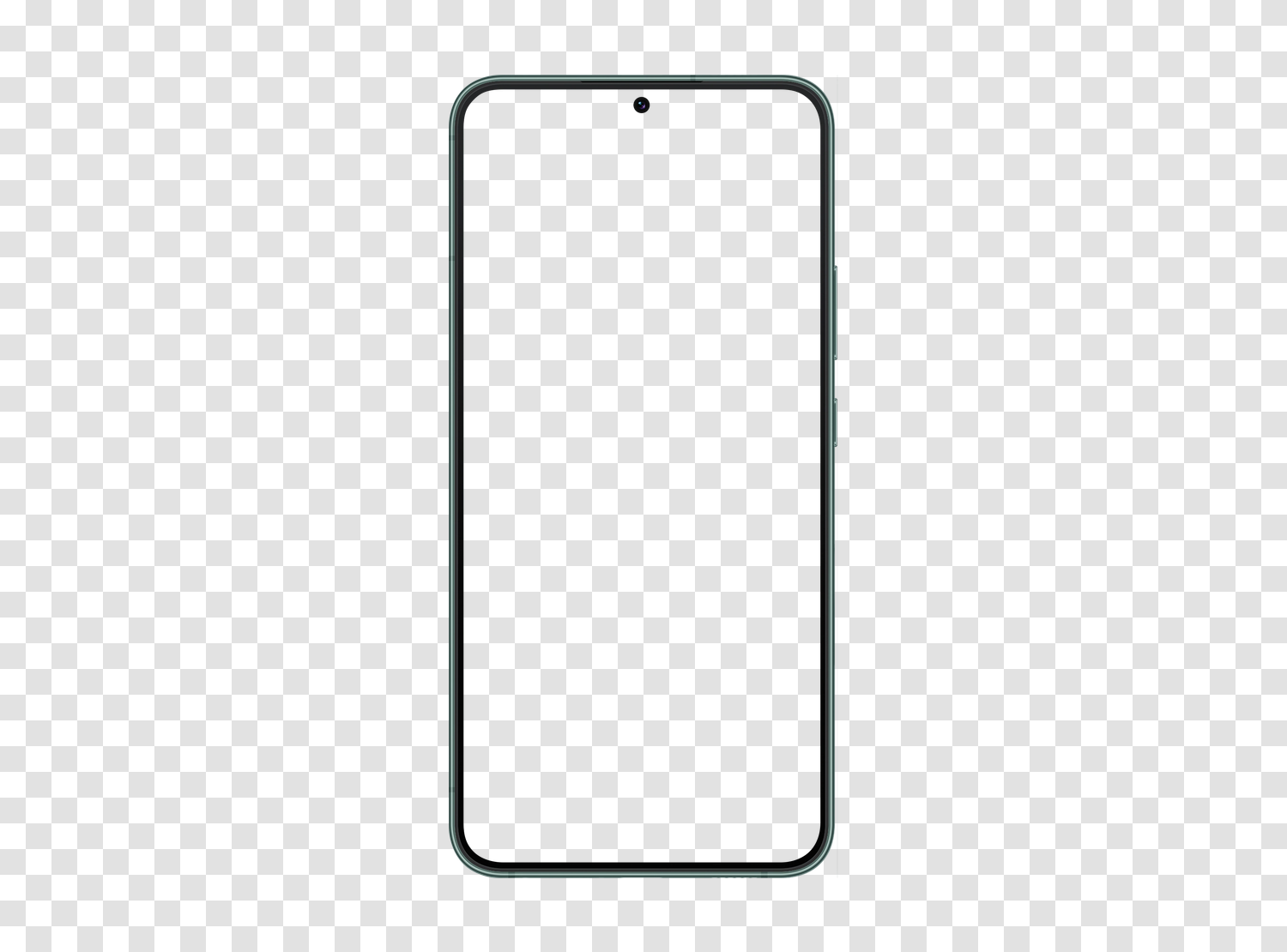
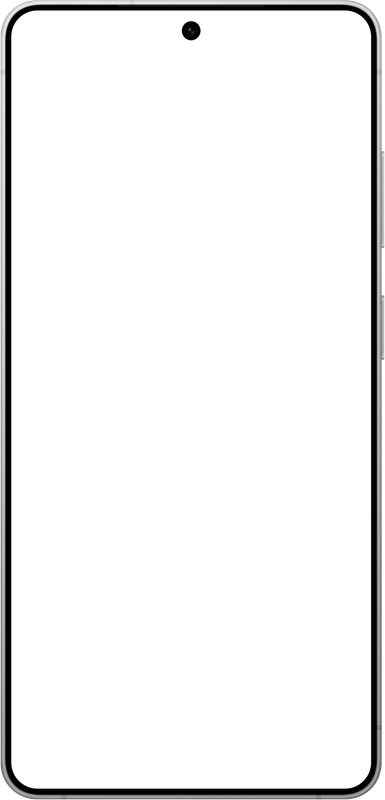
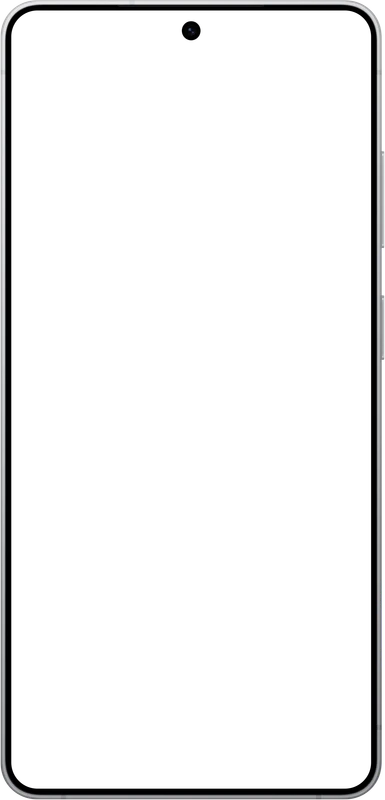
A mockup is the frame of a device photographed from the front, screen left empty, into which you slide a capture. The same screen presented raw looks like just another image; placed in Galaxy S26 ULTRA, it immediately reads as a smartphone interface.
This file is a PNG with a transparent background: the device outline and screen area are empty, saving you from any cutting out. You place your capture on the lower layer in Figma, Sketch, Photoshop, Canva, Keynote, or PowerPoint, and the frame overlays neatly, even on a colored background, gradient, or photo.
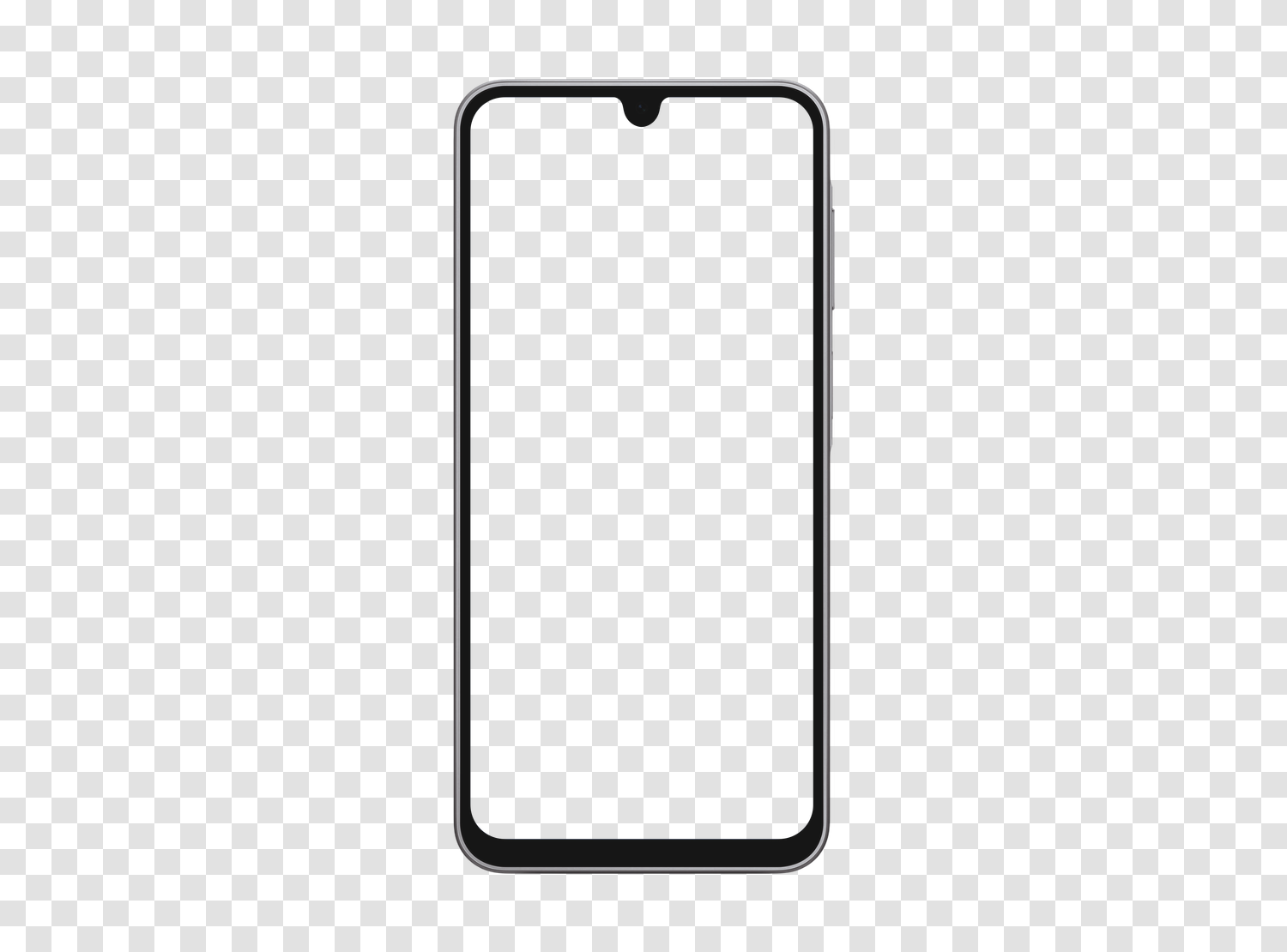
For a sharp rendering, prepare your capture at the screen ratio, ideally at its native resolution of 1648 x 3564 pixels. The free version is exported in 385 × 800 pixels, more than enough for a screen; the high-definition version goes up to 1225 × 2544 pixels and covers printing as well as tight cropping. Other models are available in the same format, all downloadable for free: iPhone, Samsung Galaxy, Google Pixel, iPad, and laptop mockups.