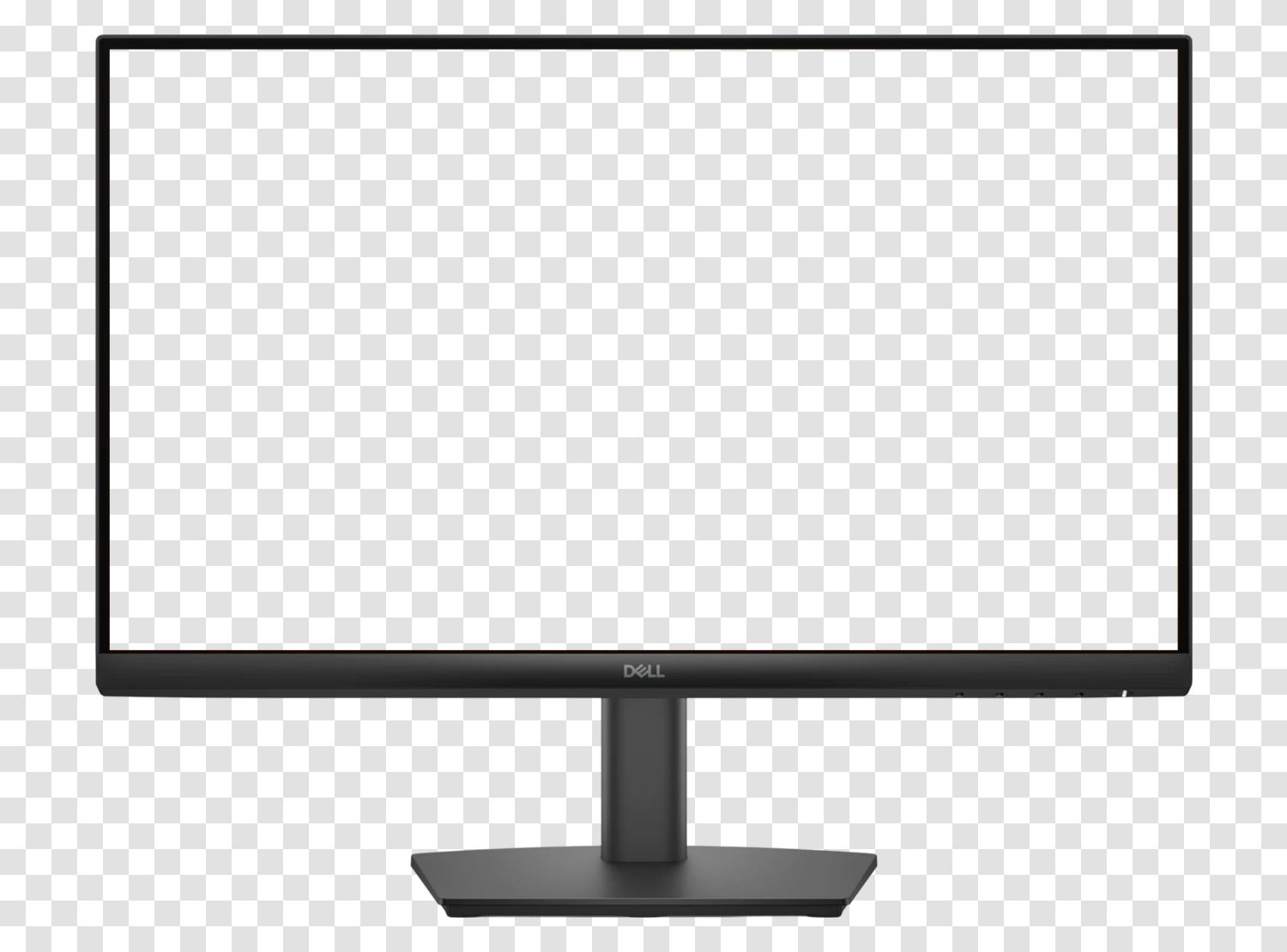
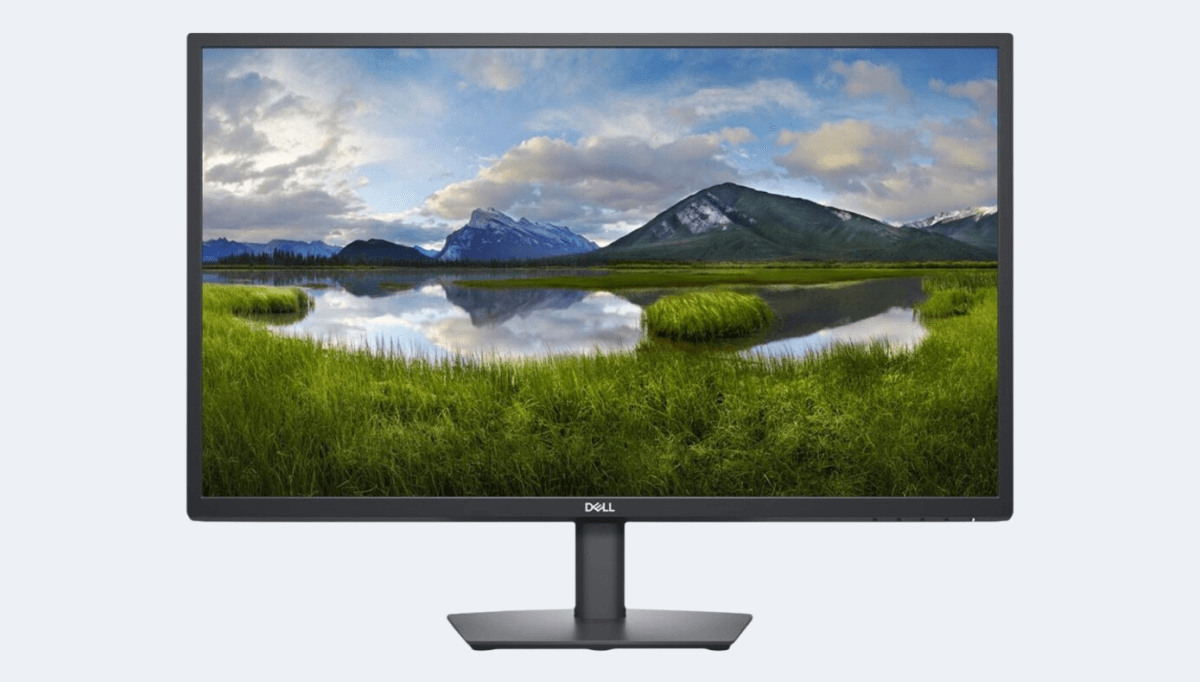
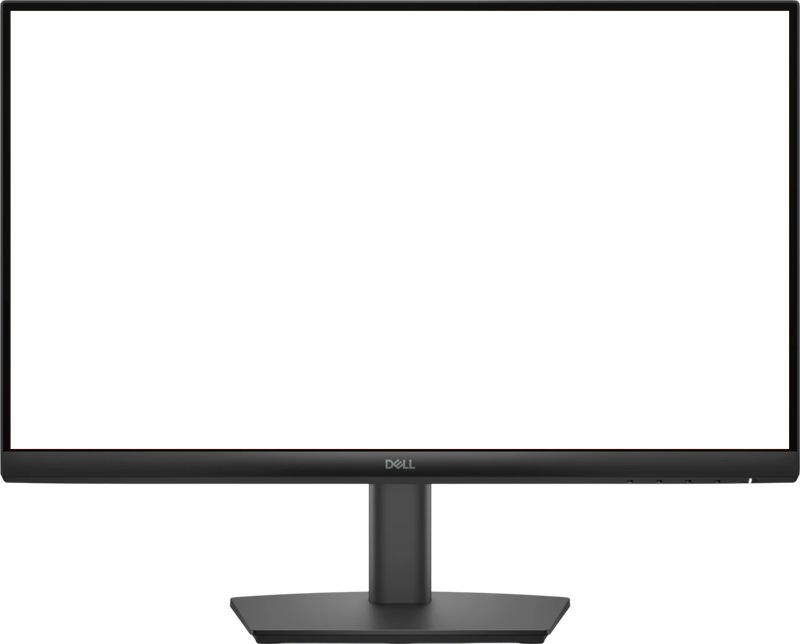
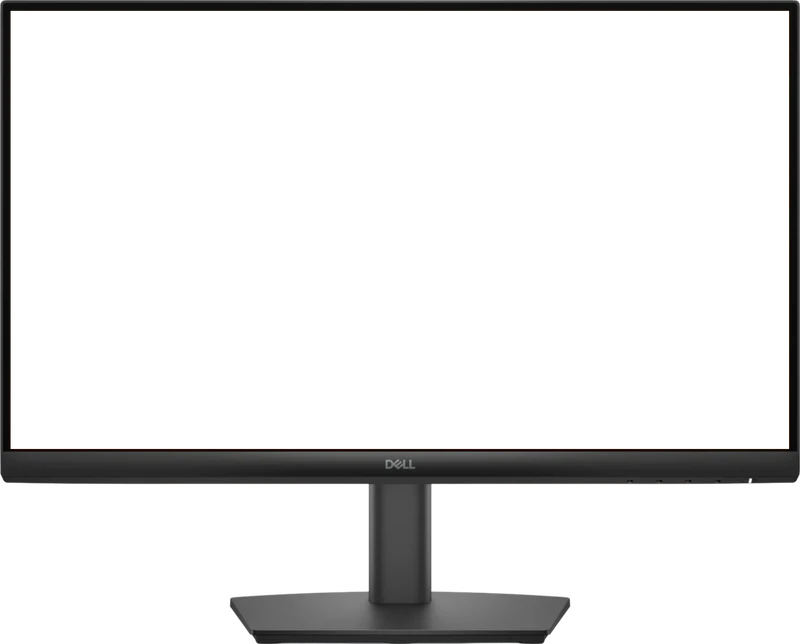
A mockup is the image of a device frame, empty screen, in which you insert a capture to show a site or application in its usage context. On a sales page, portfolio, or client presentation, the same capture placed in Dell E2222H 22" is immediately readable as a computer interface.
This file is a PNG with a transparent background: the device outline and screen area are empty, saving you from any cutting out. You place your capture on the lower layer in Figma, Sketch, Photoshop, Canva, Keynote, or PowerPoint, and the frame overlays neatly, even on a colored background, gradient, or photo.
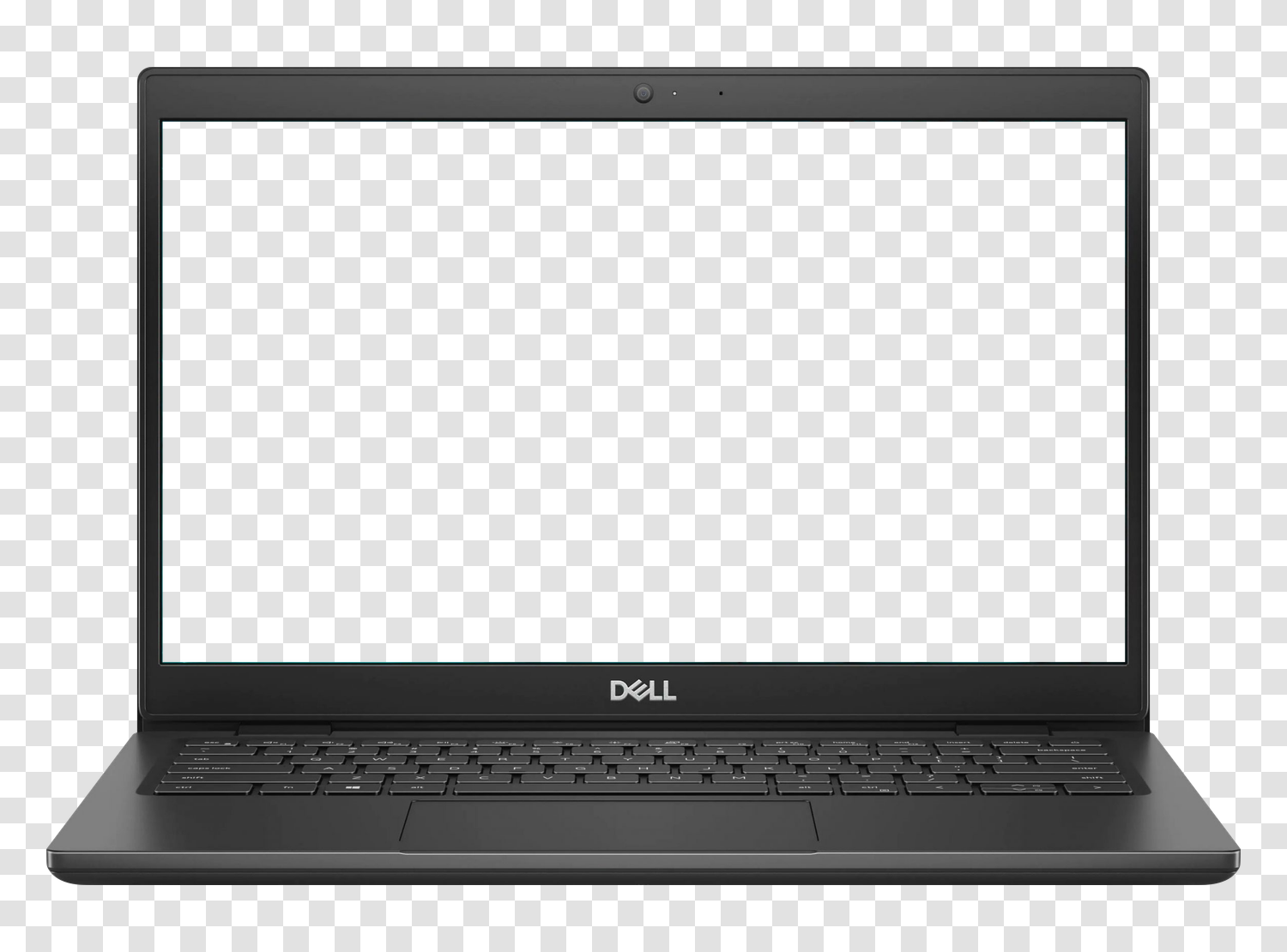
For a sharp rendering, prepare your capture at the screen ratio, ideally at its native resolution of 1920 x 1080 pixels. The free version is exported in 800 × 644 pixels, more than enough for a screen; the high-definition version goes up to 5478 × 4411 pixels and covers printing as well as tight cropping. Other models are available in the same format, all downloadable for free: iPhone, Samsung Galaxy, Google Pixel, iPad, and laptop mockups.