The error message
Due to technical limits of the browser, this error message (in your language) may appear when you start a video recording. Here is how to work around it.

The workaround
Step 1
Right-click anywhere on the page where the simulator is active, choose the "Mobile Simulator" entry, then "Record a screen video". 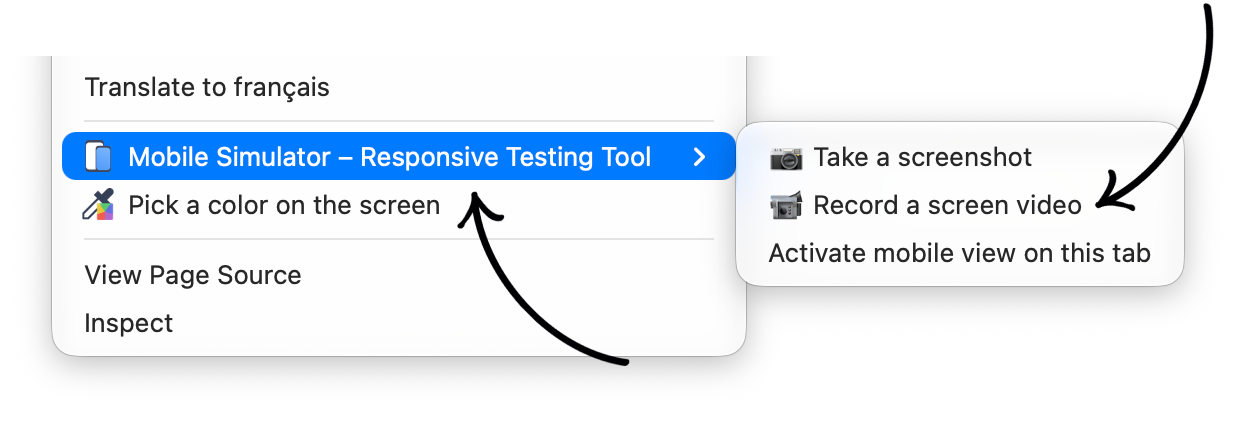
Step 2
To stop the video, click the red stop button on the right.

Need help?
If you still have a question, contact us.