Library · 78 models · updated with each release
Device mockups to download in transparent PNG
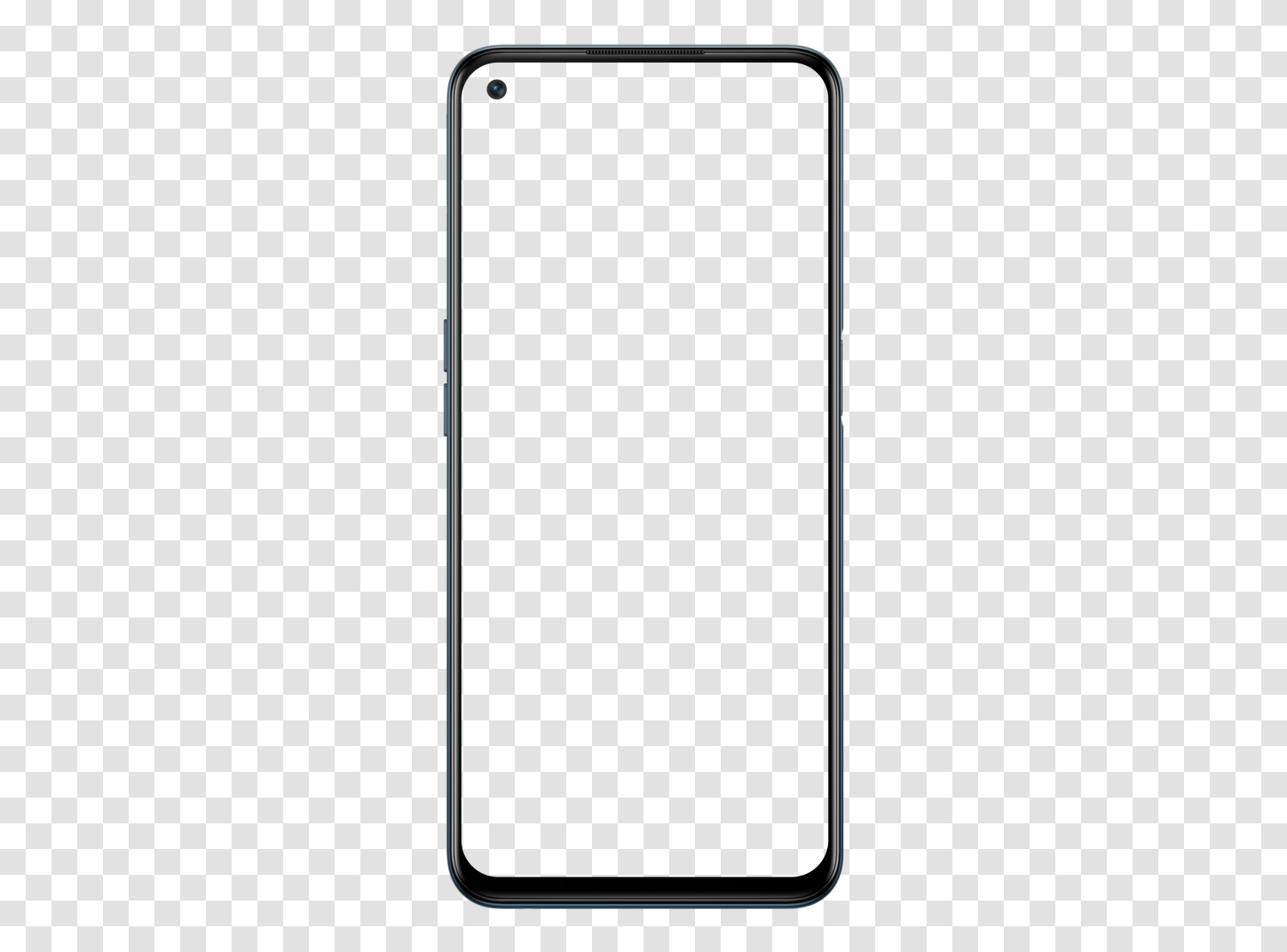
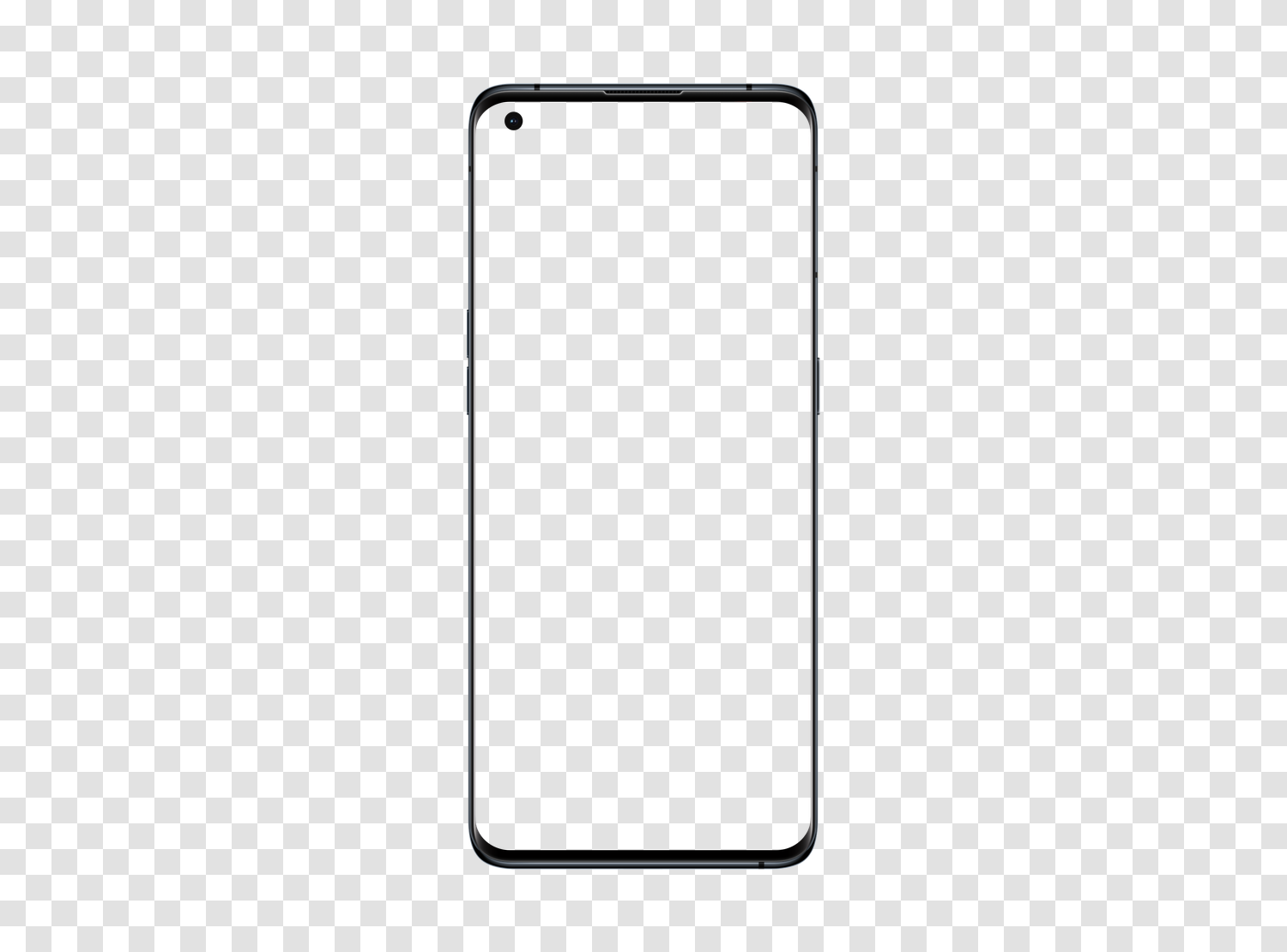
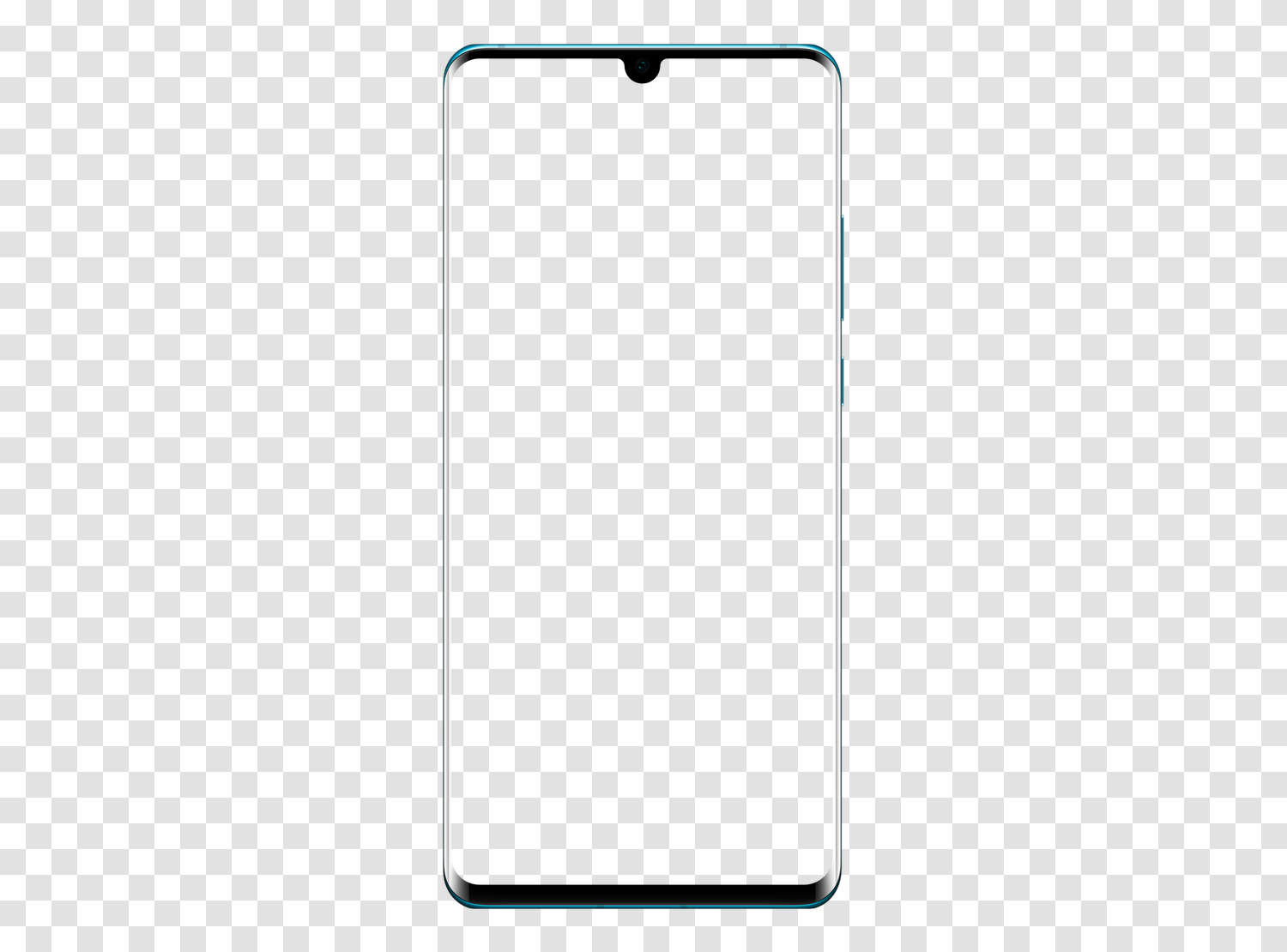
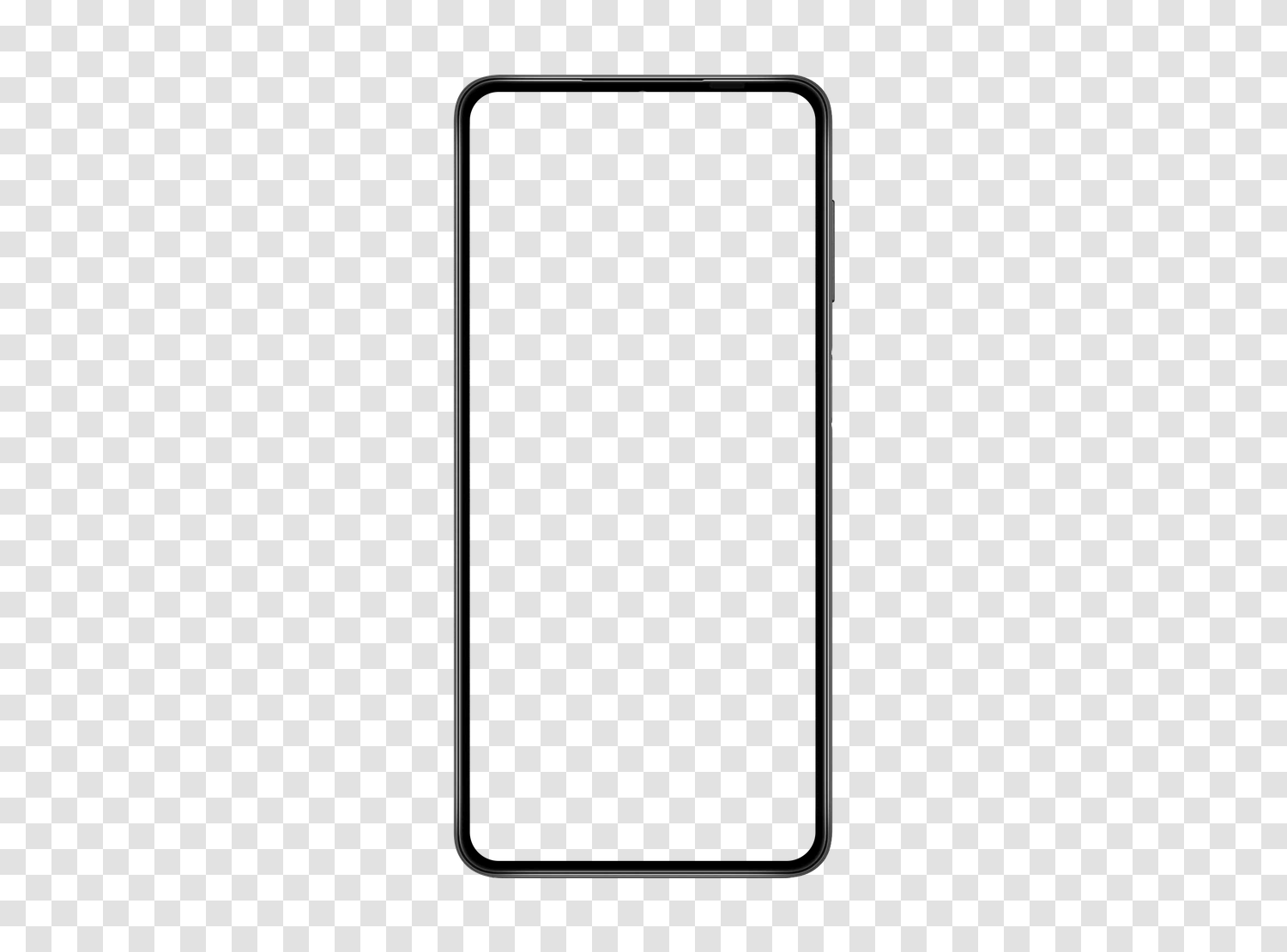
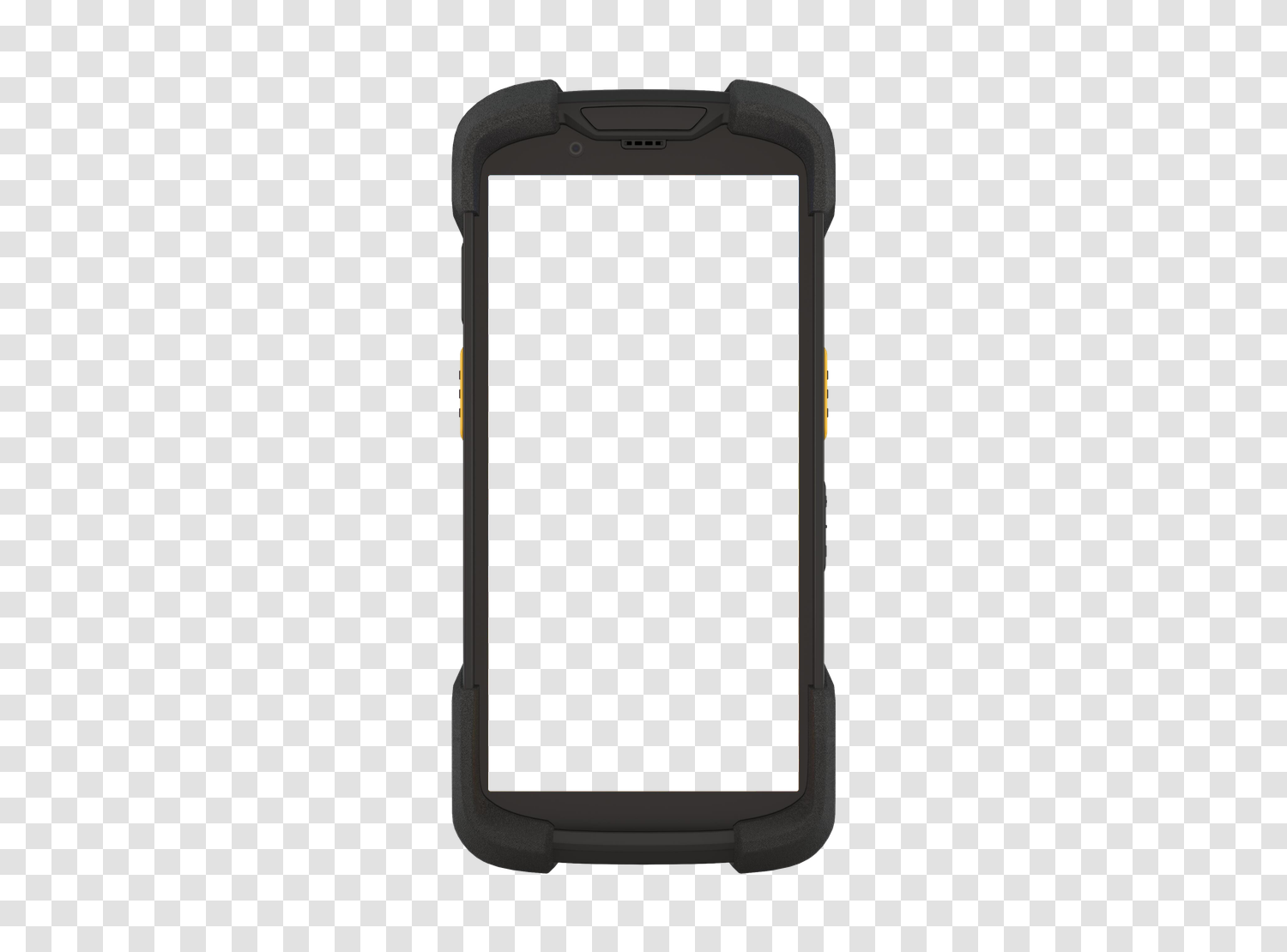
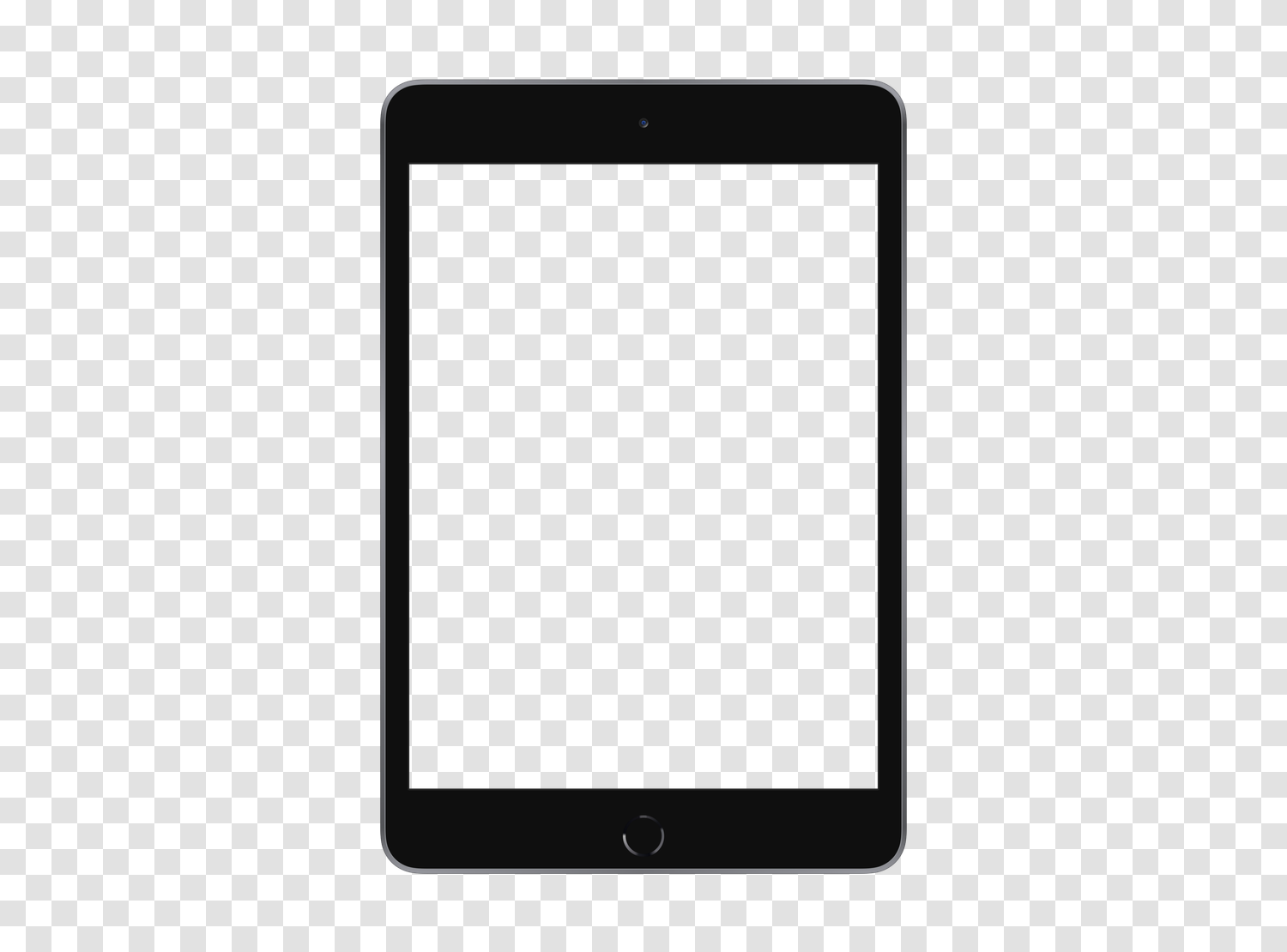
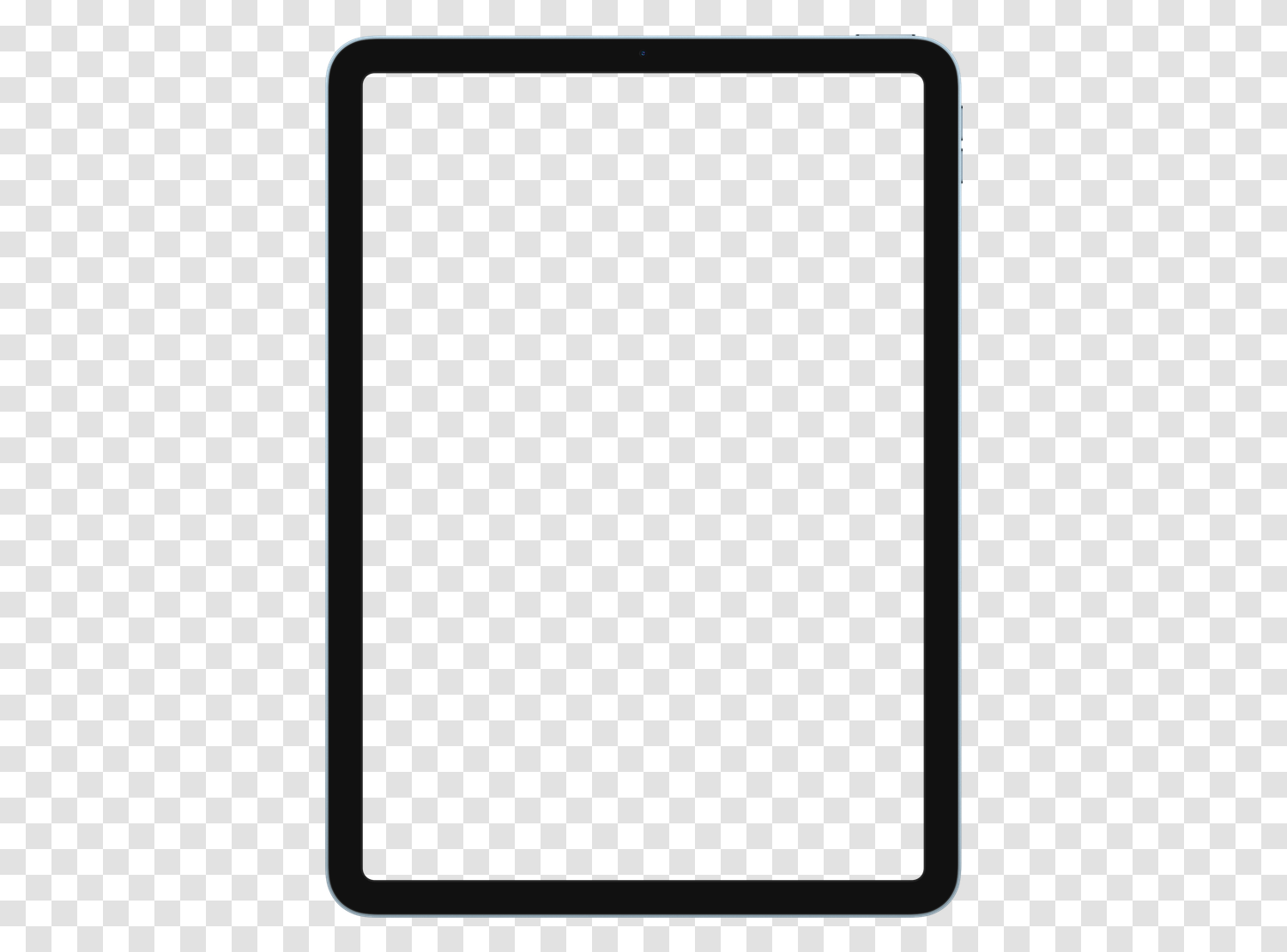
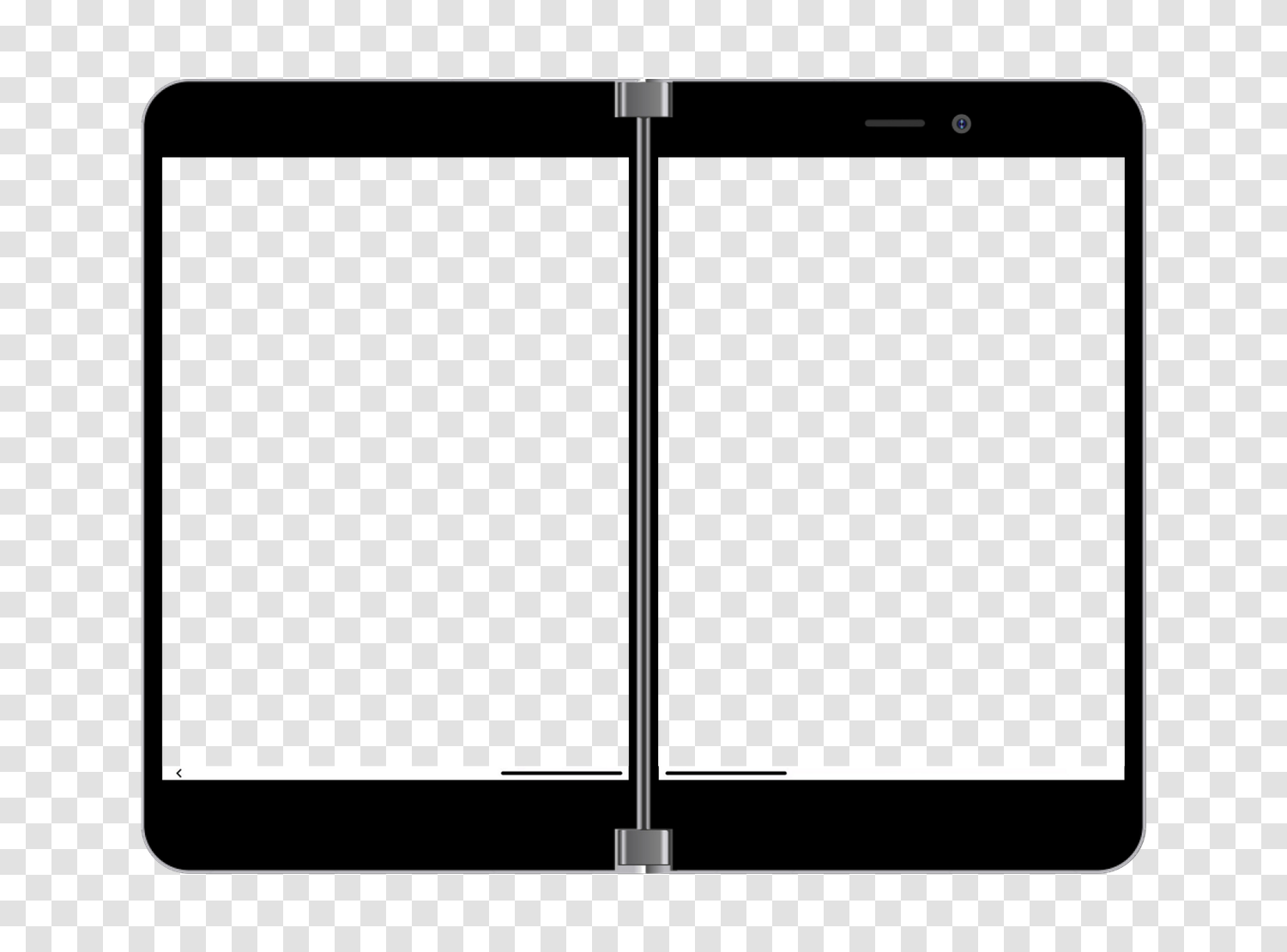
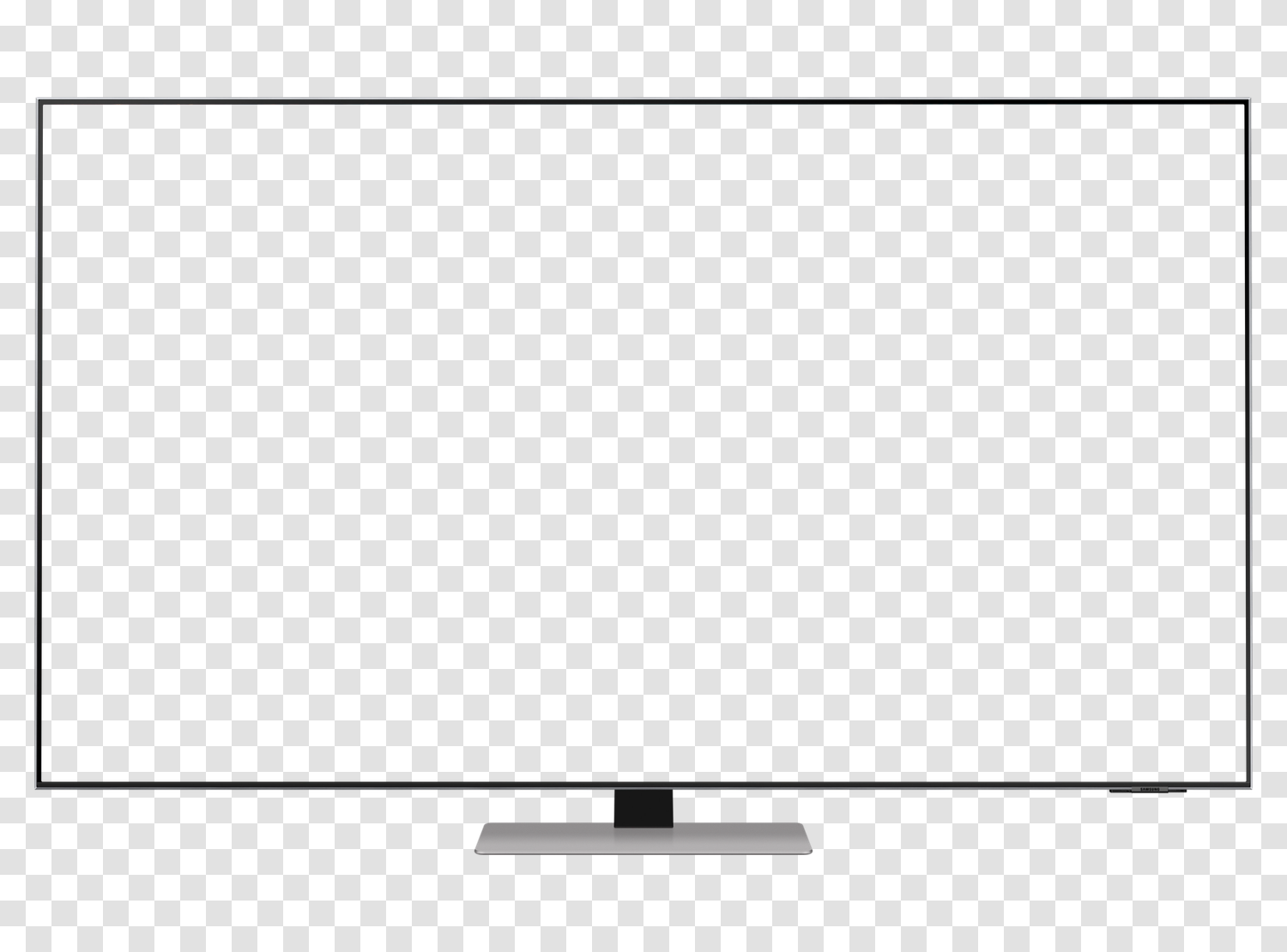
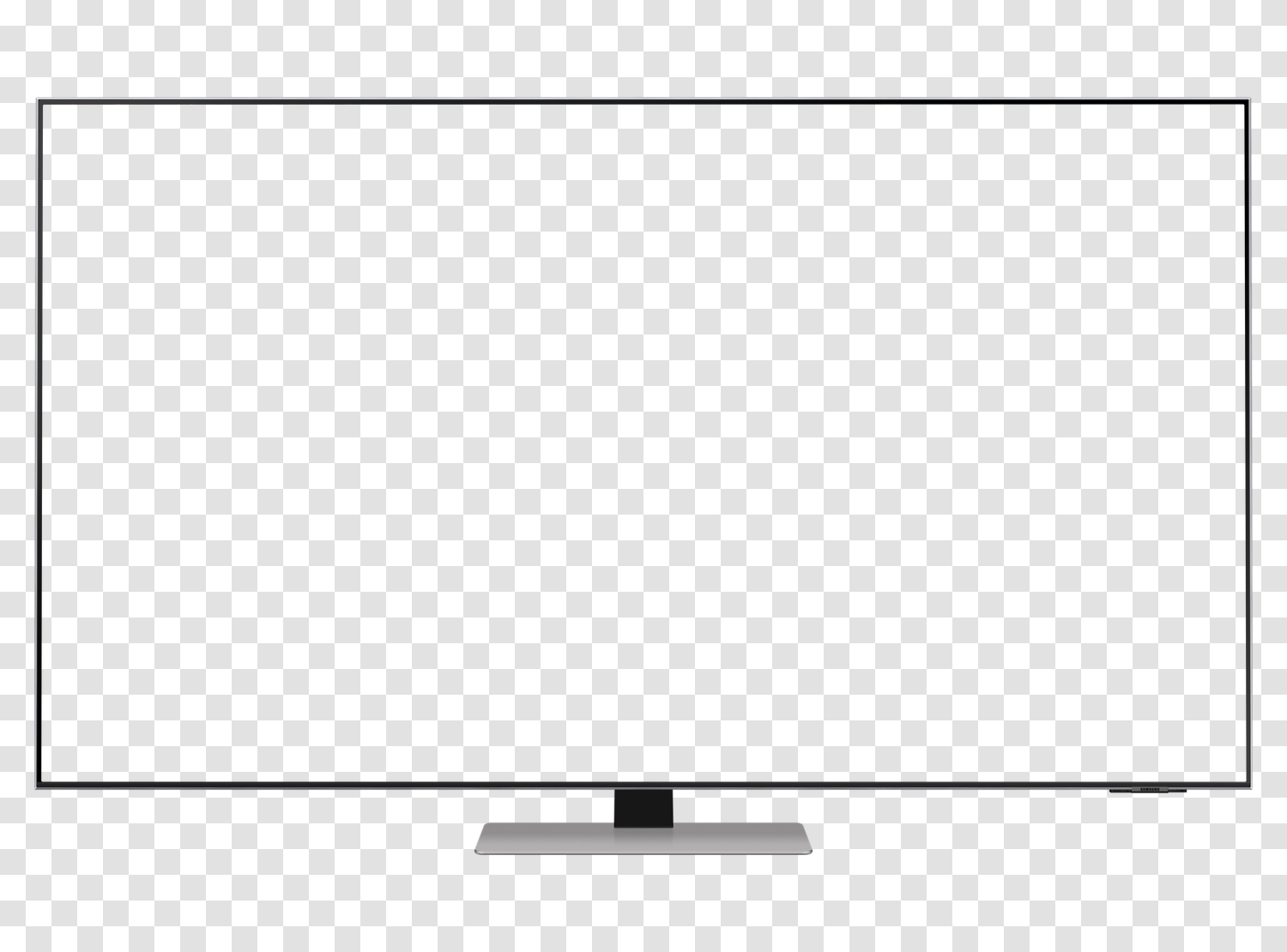
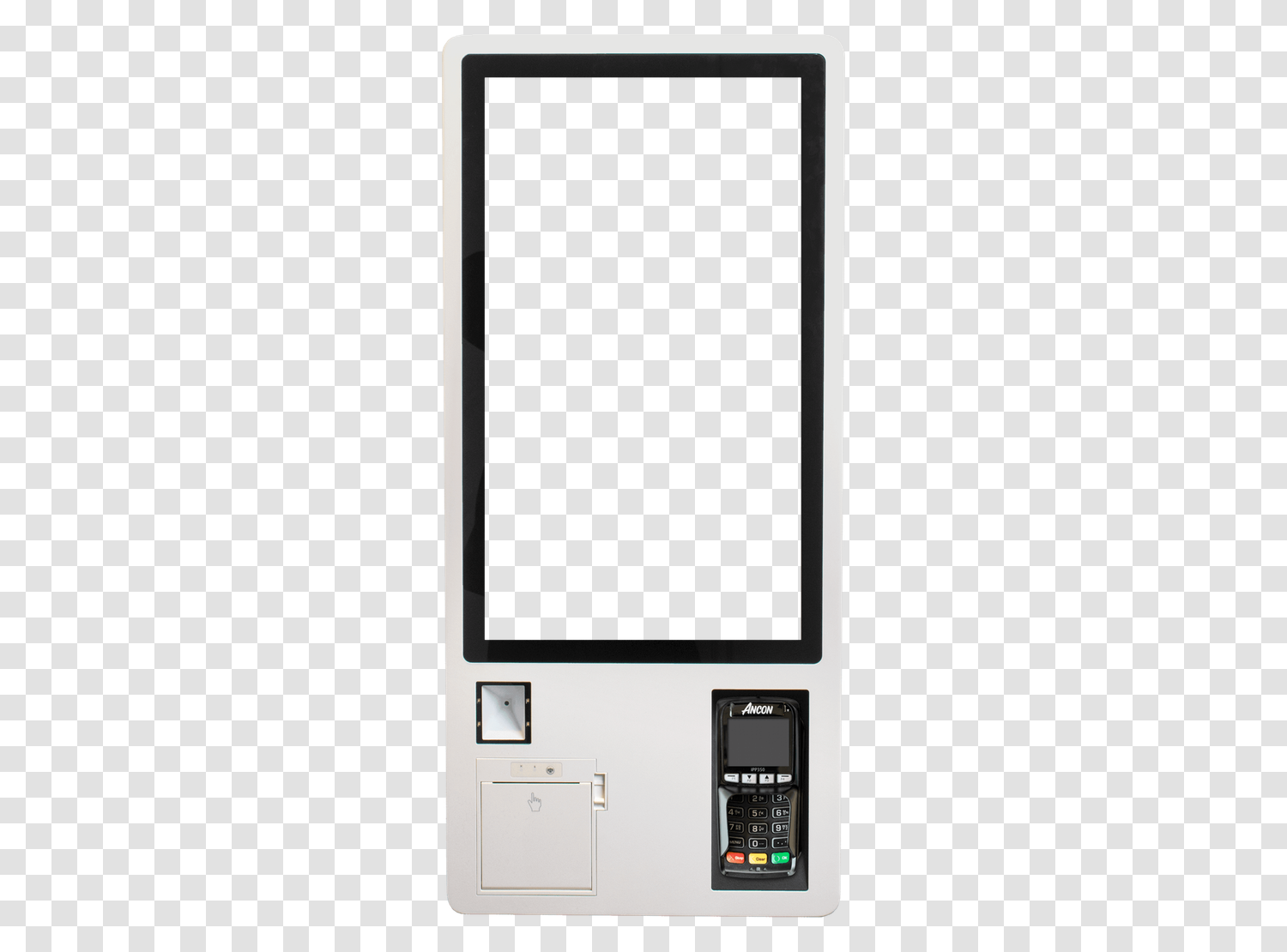
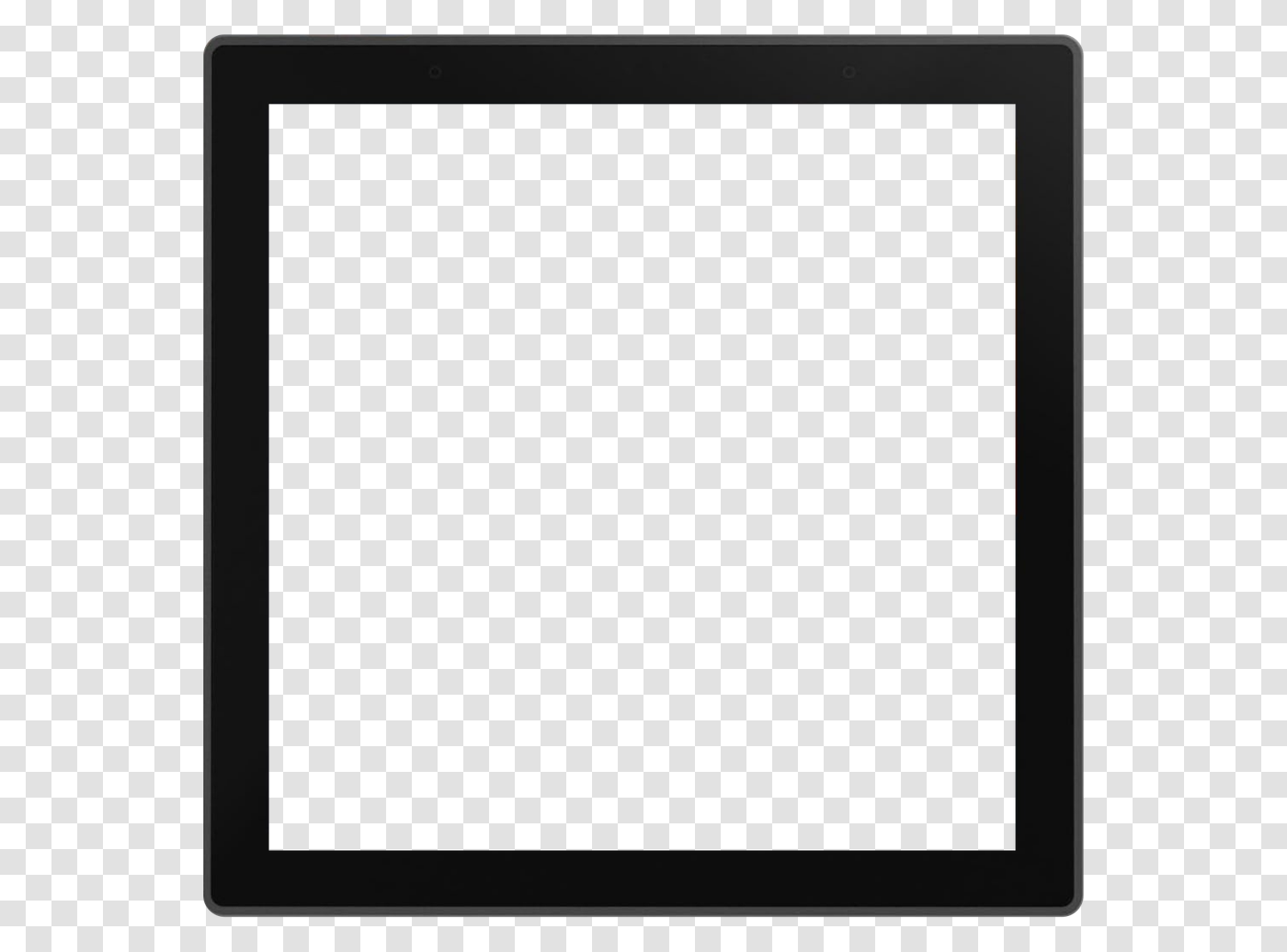
Smartphones, tablets, computers, and smartwatches, front view, empty screen, on a transparent background. Slide your capture behind the frame: no cropping, no watermark. Free, personal and commercial use.
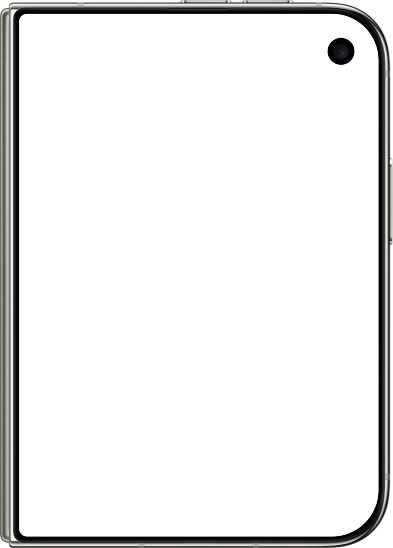
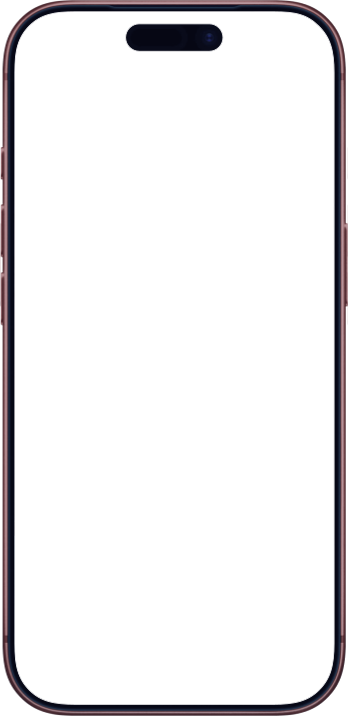
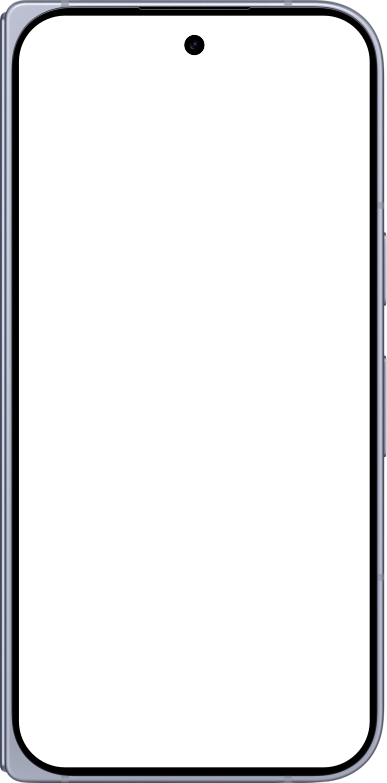
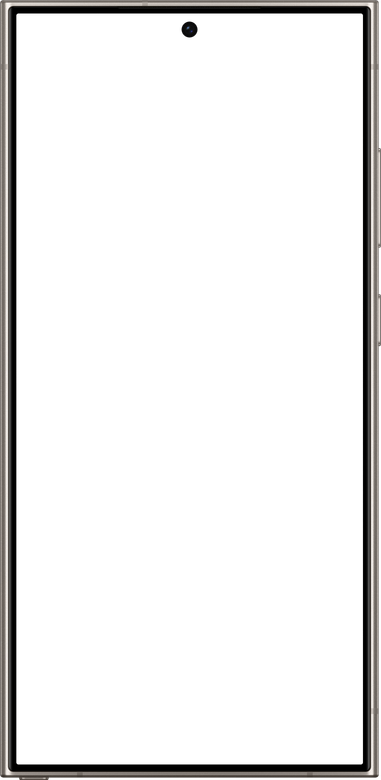
Smartphone mockups
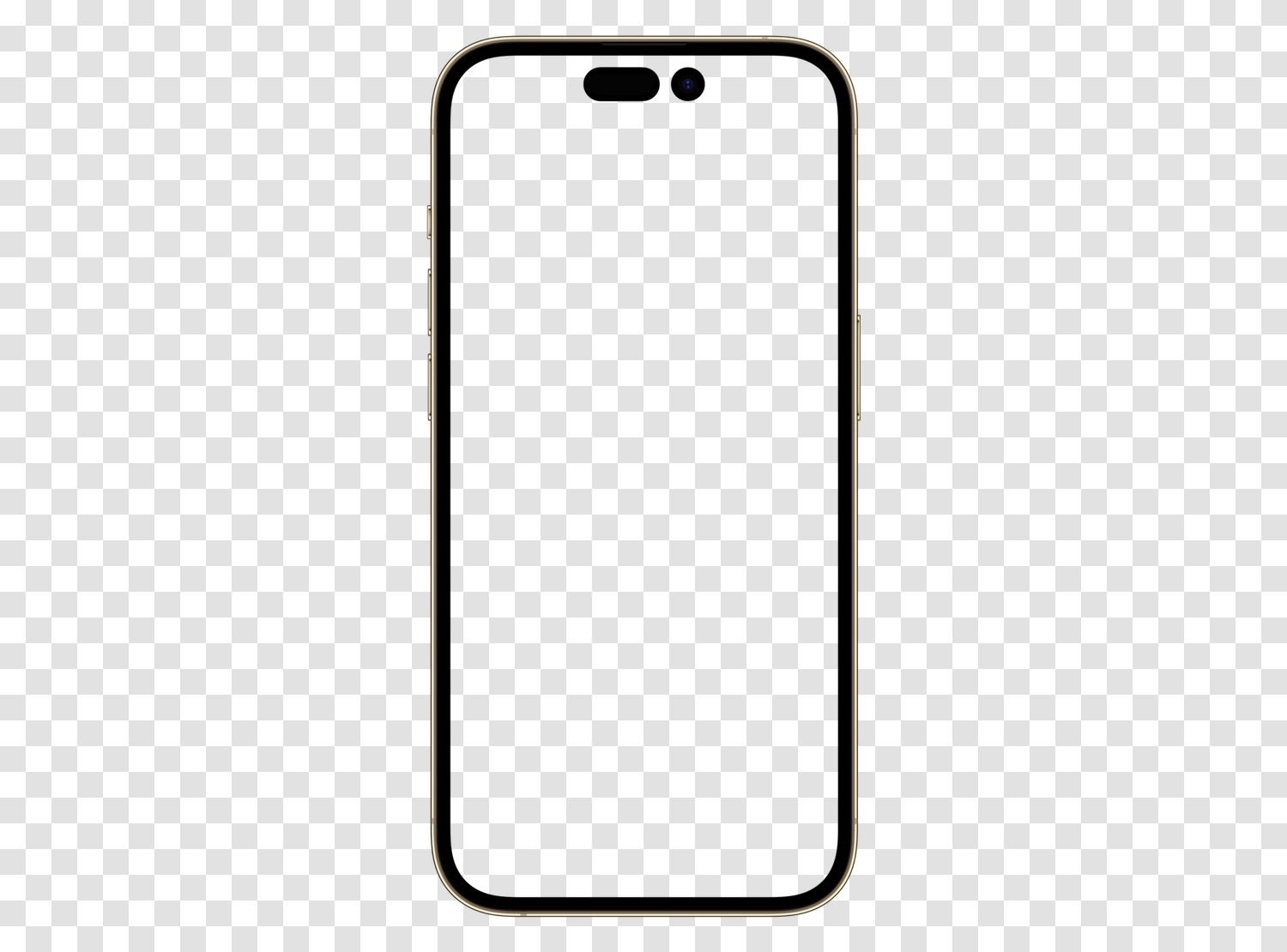
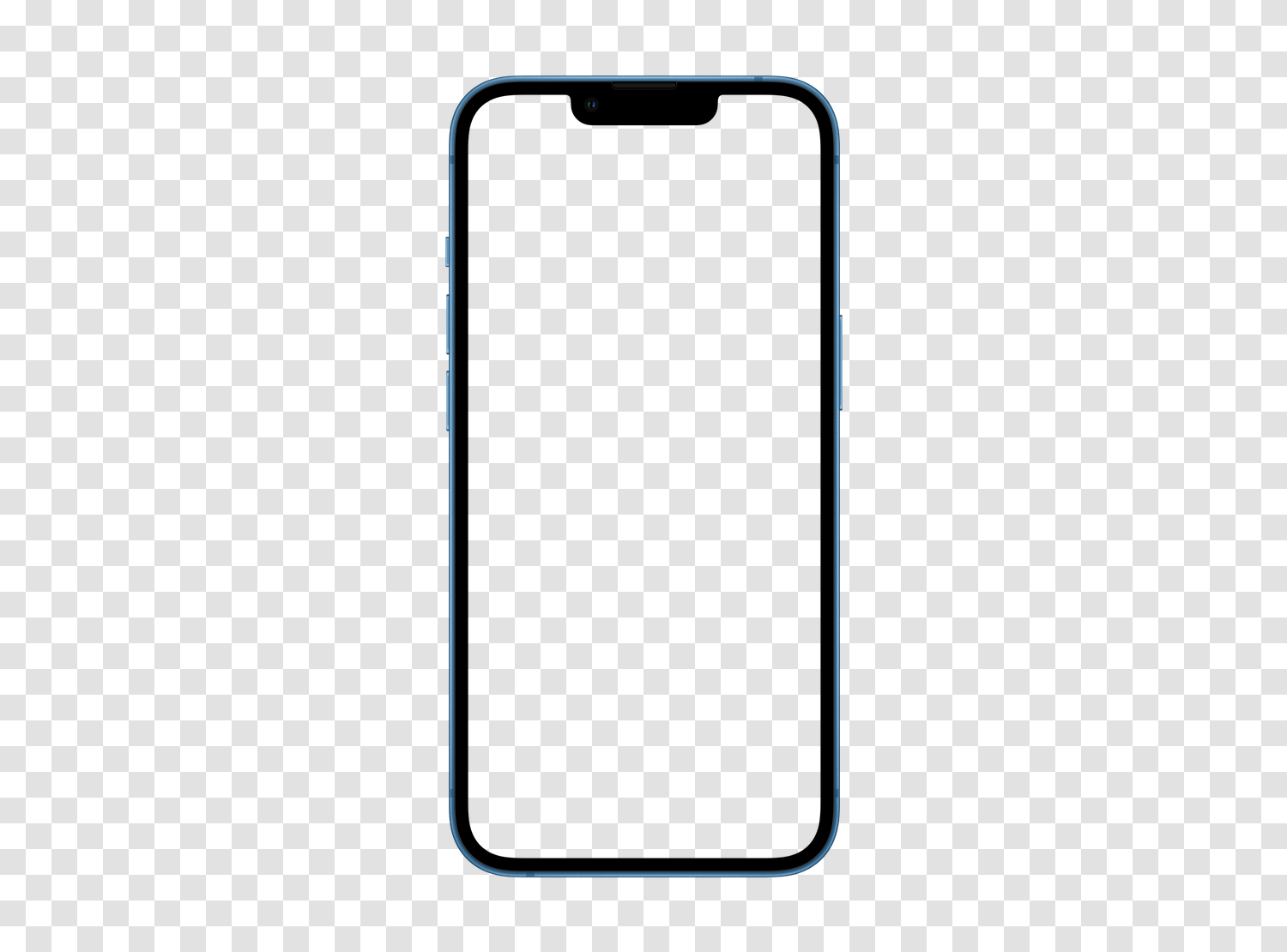
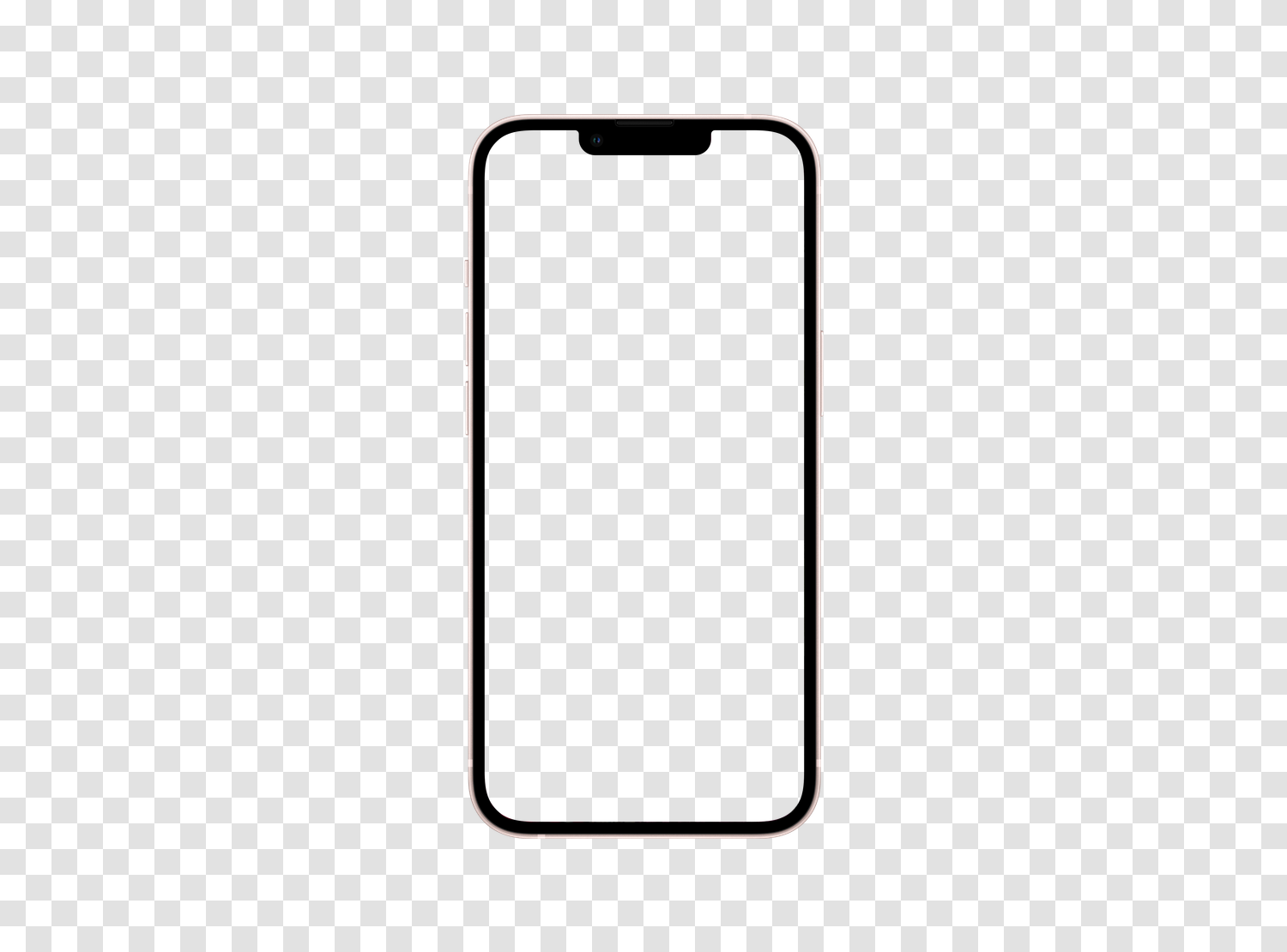
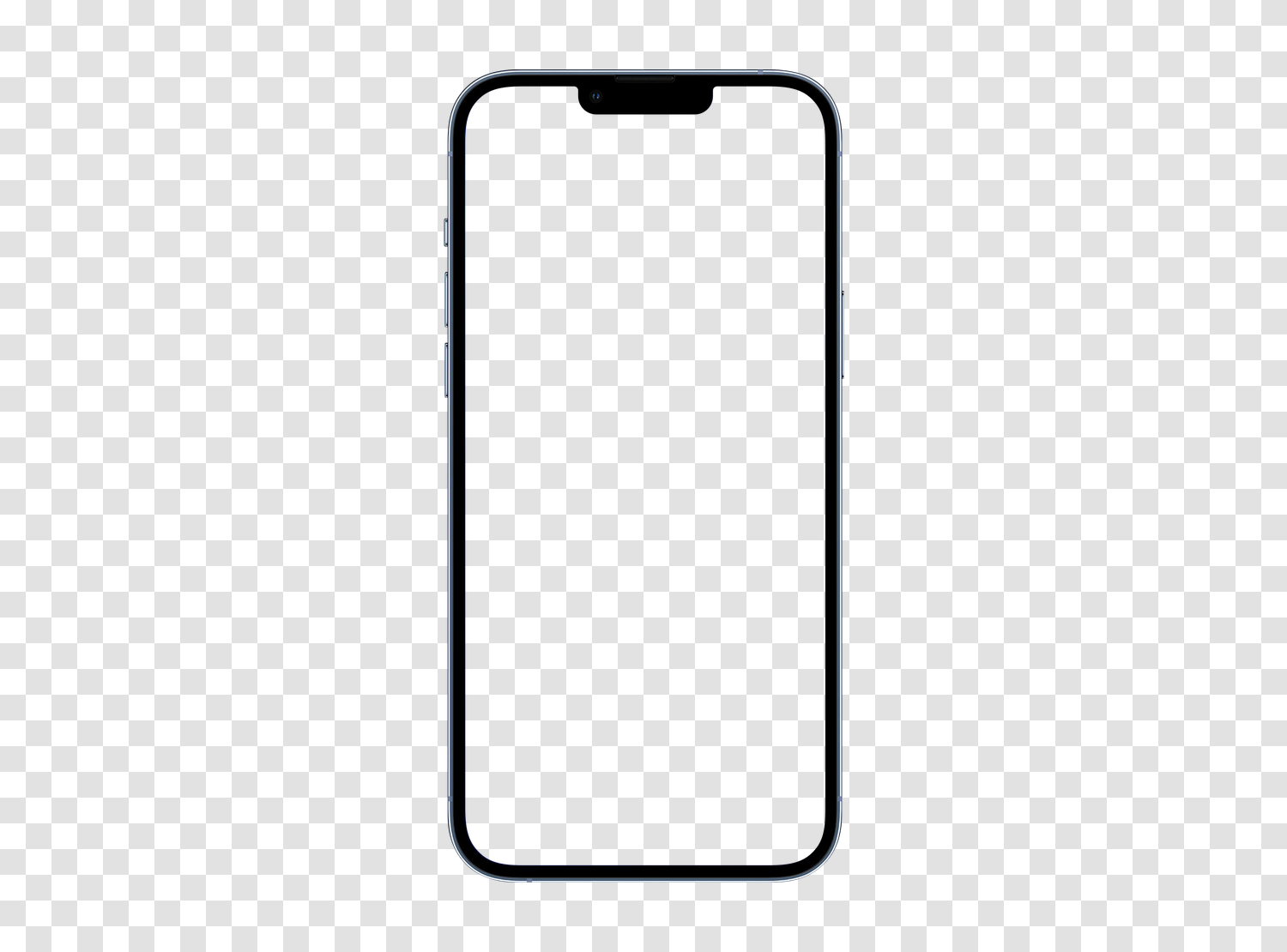
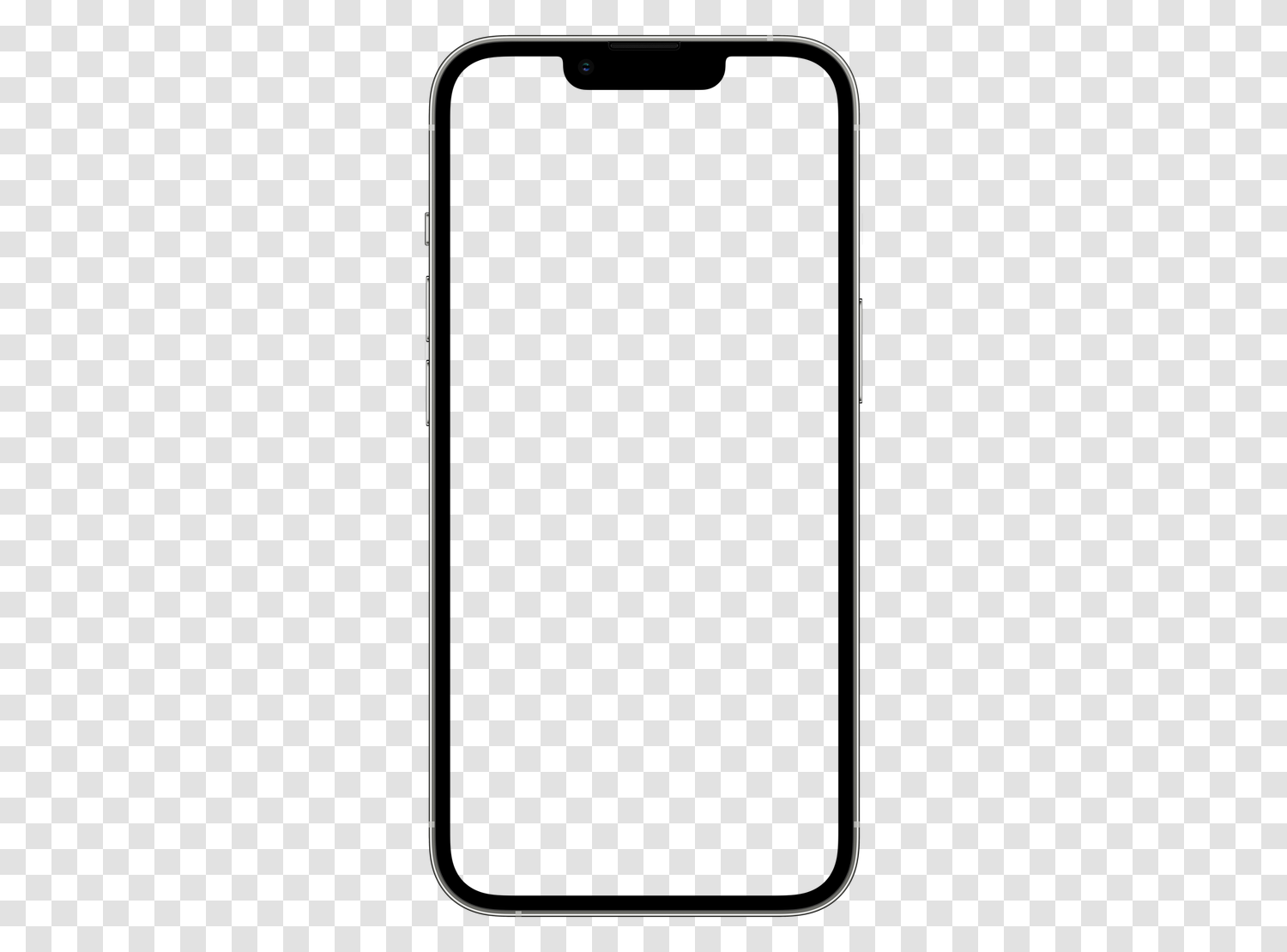
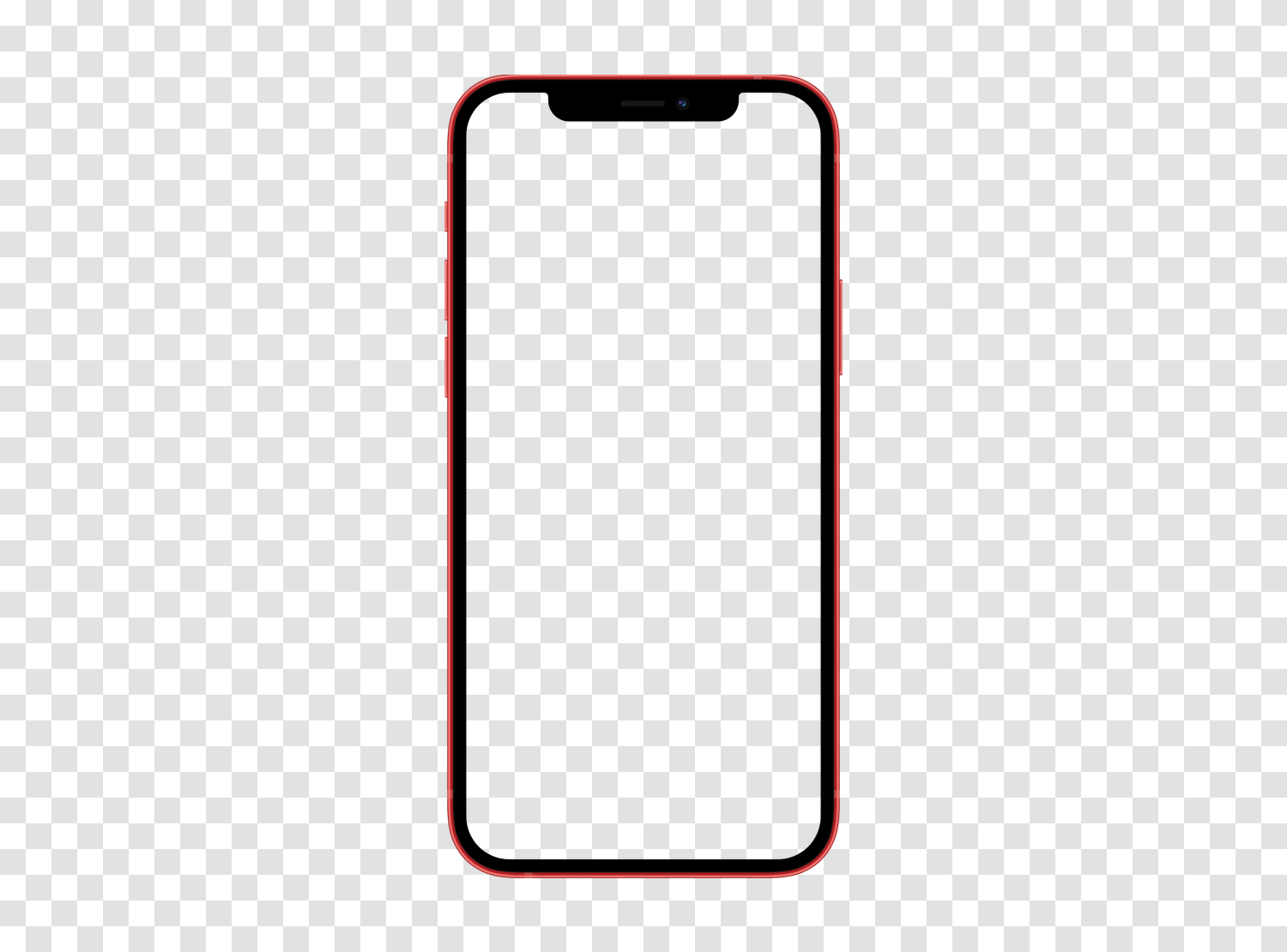
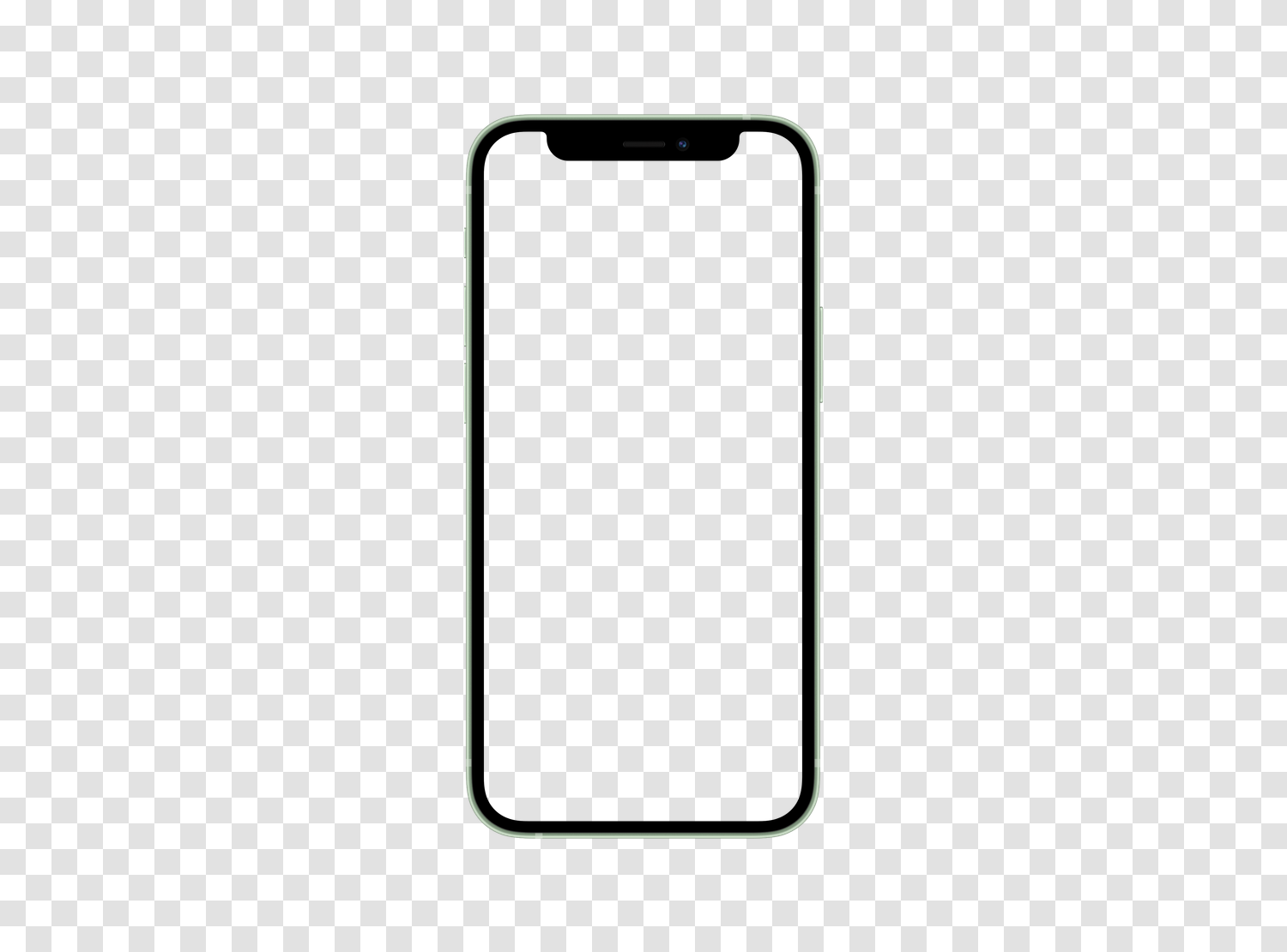
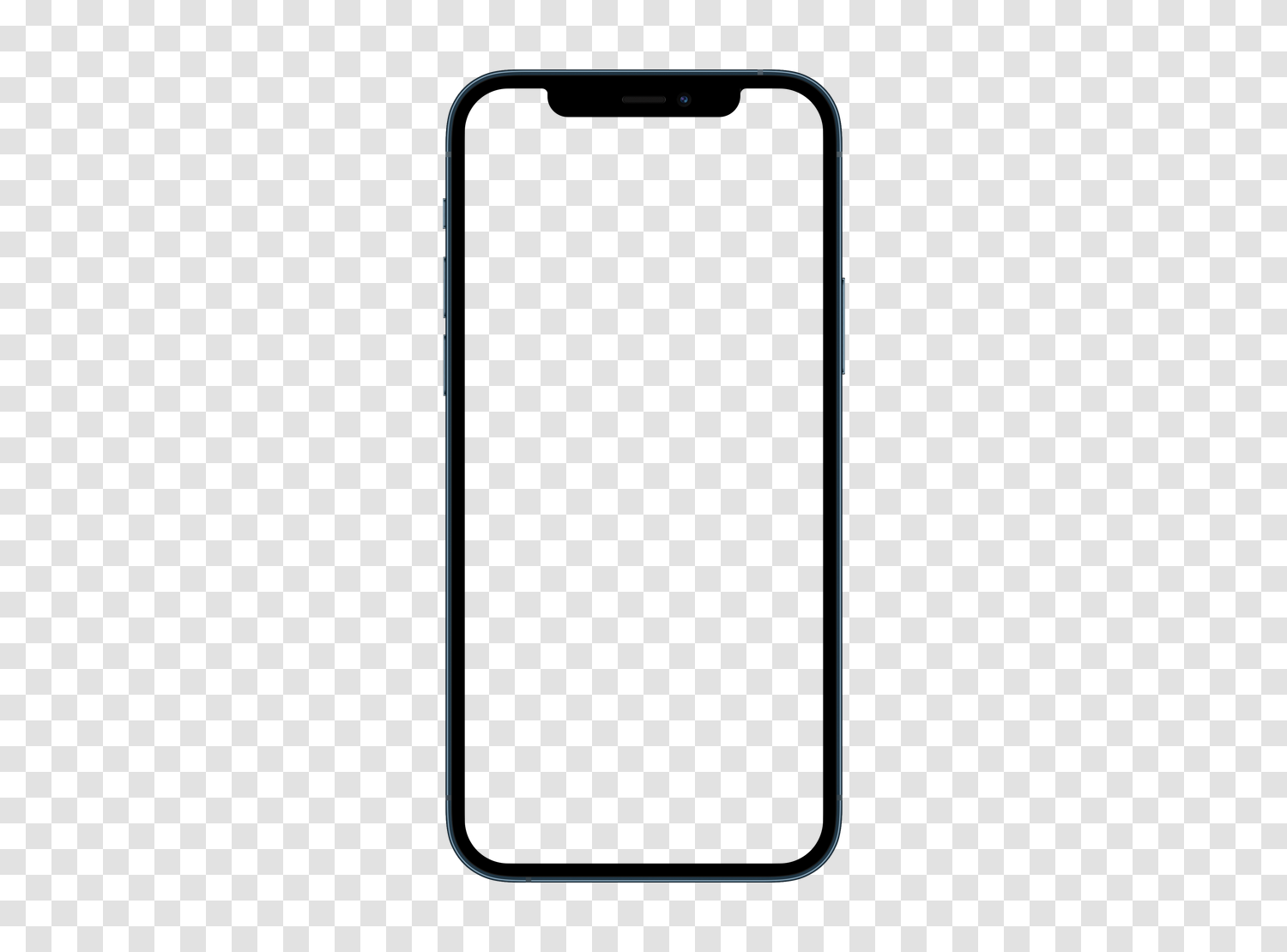
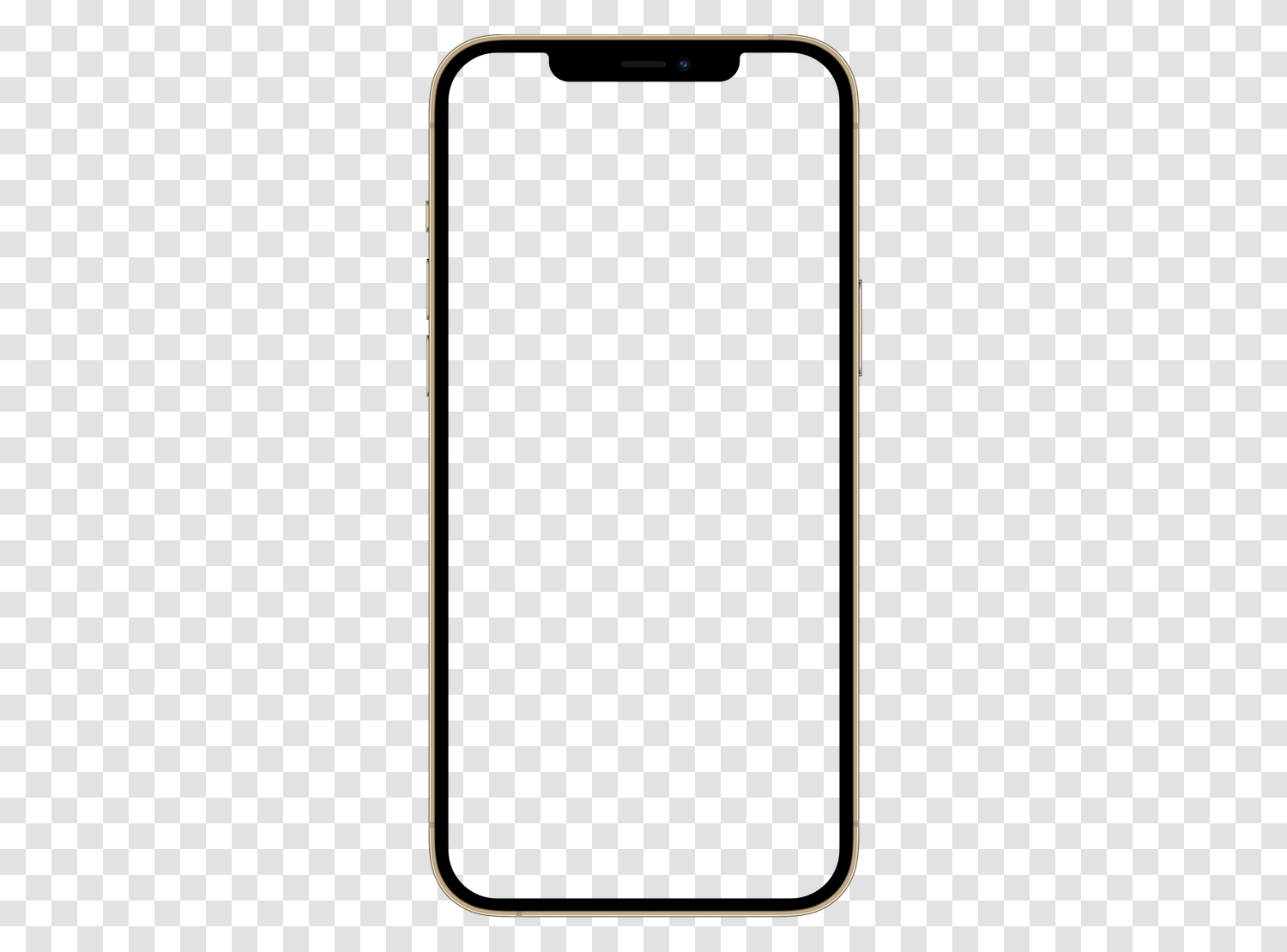
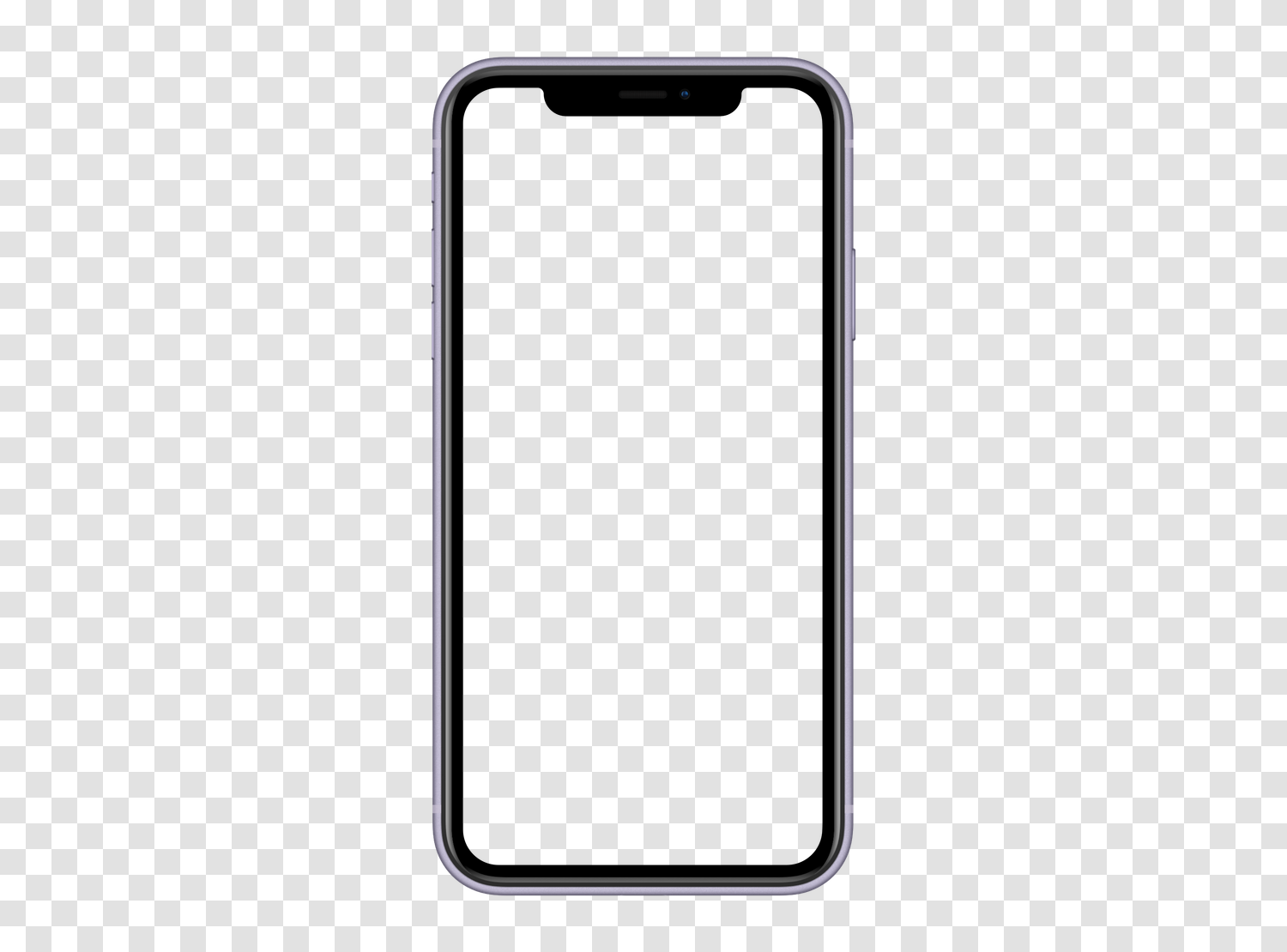
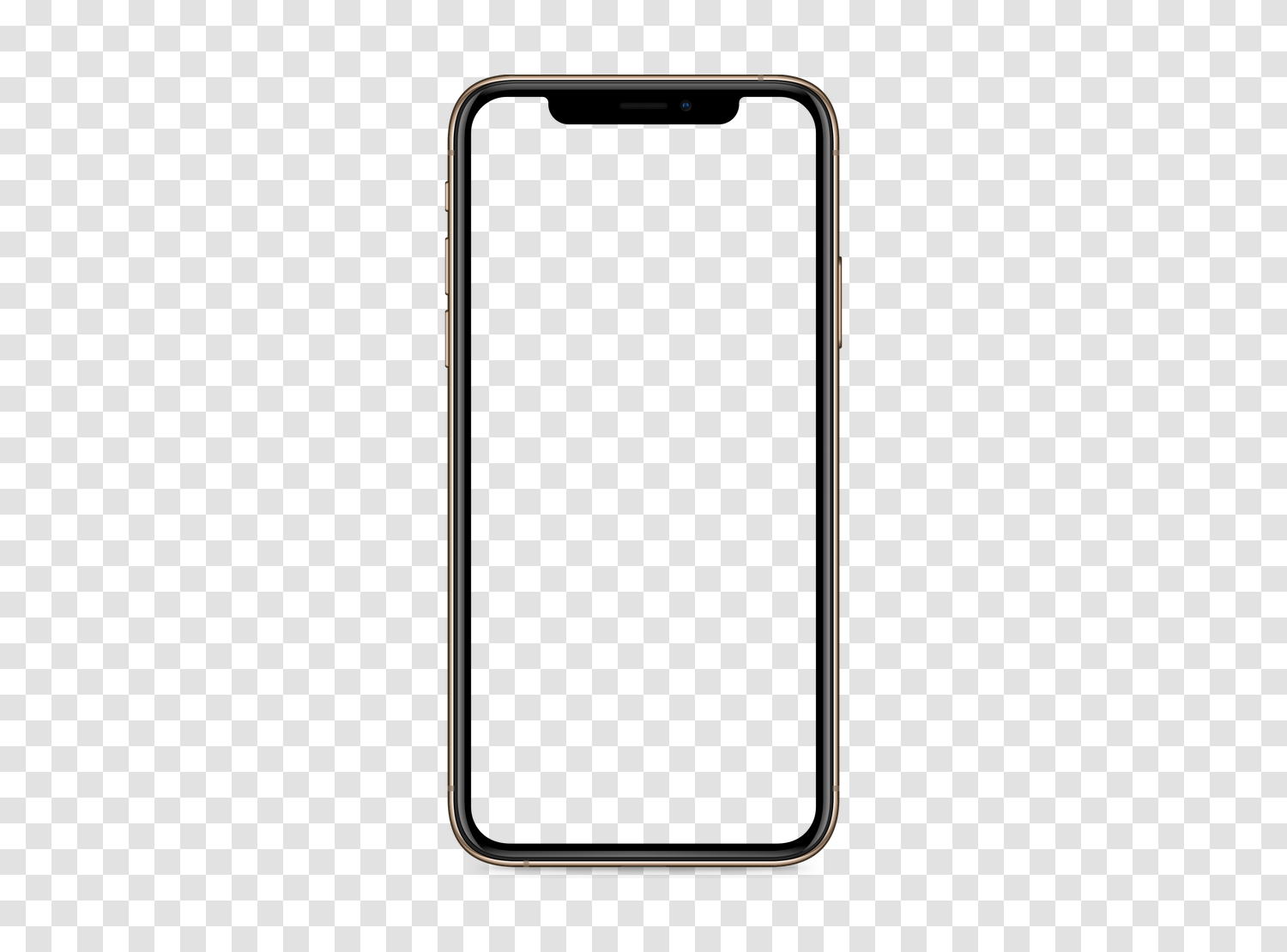
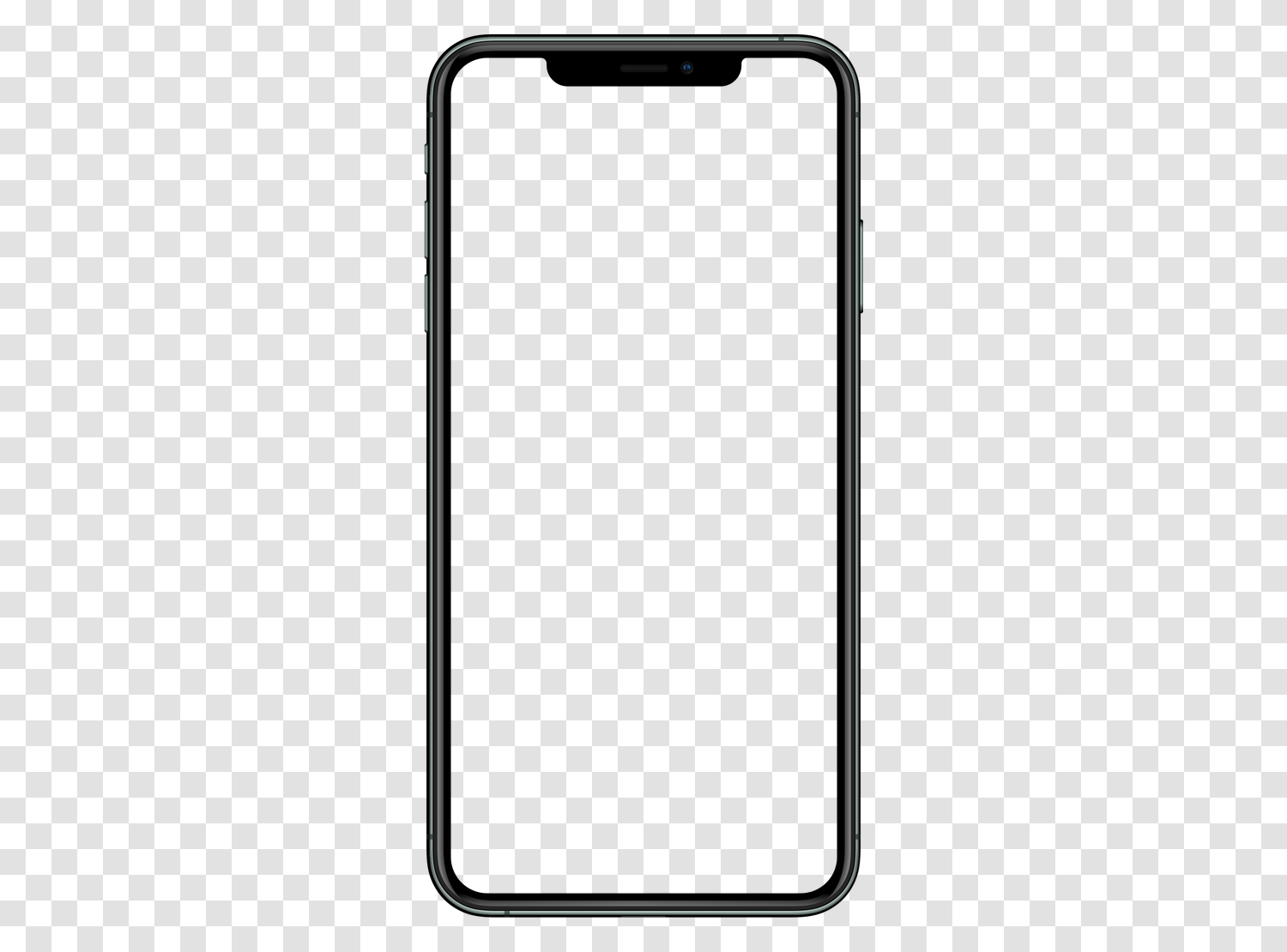
iPhone mockups34 models


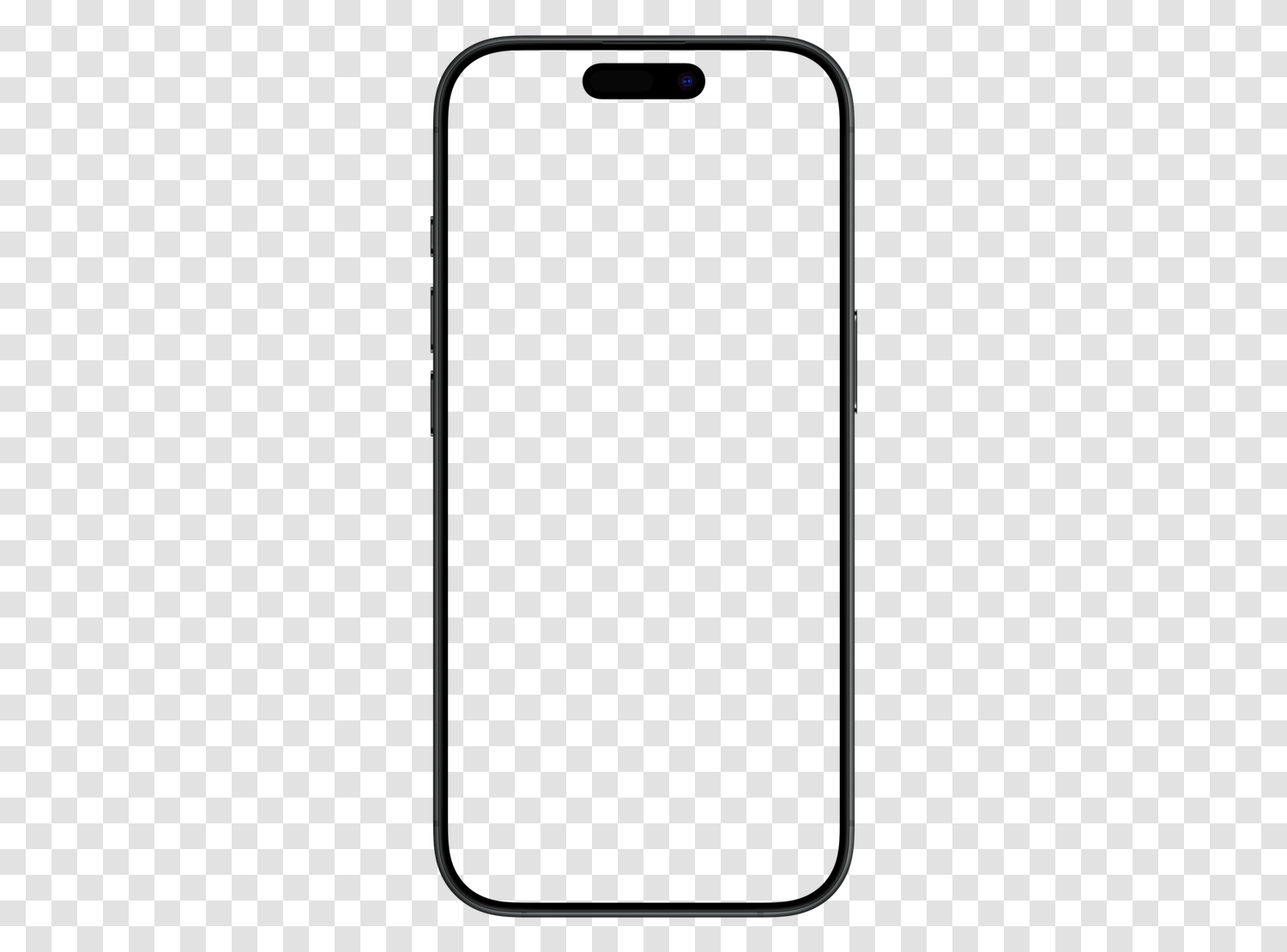
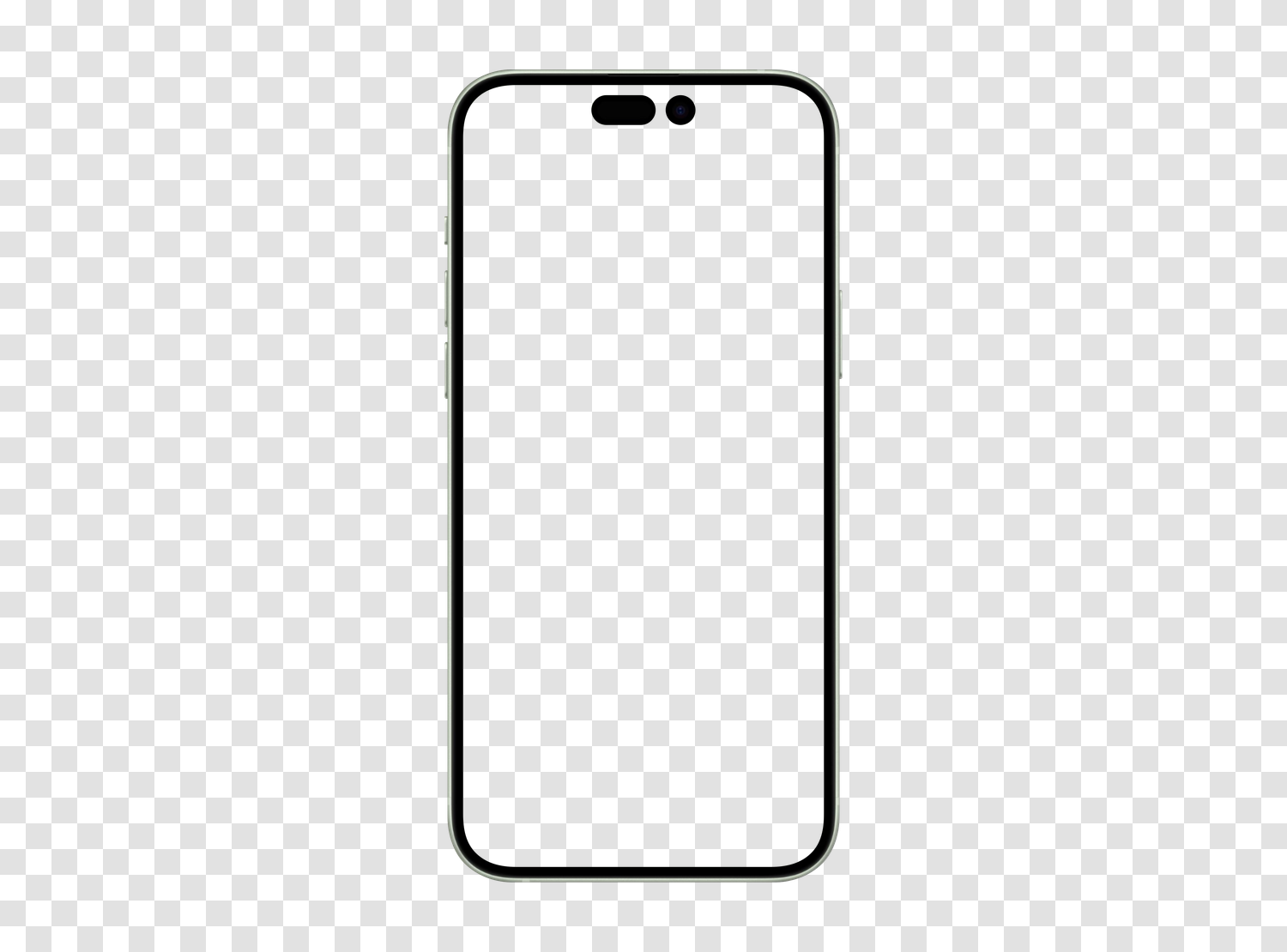
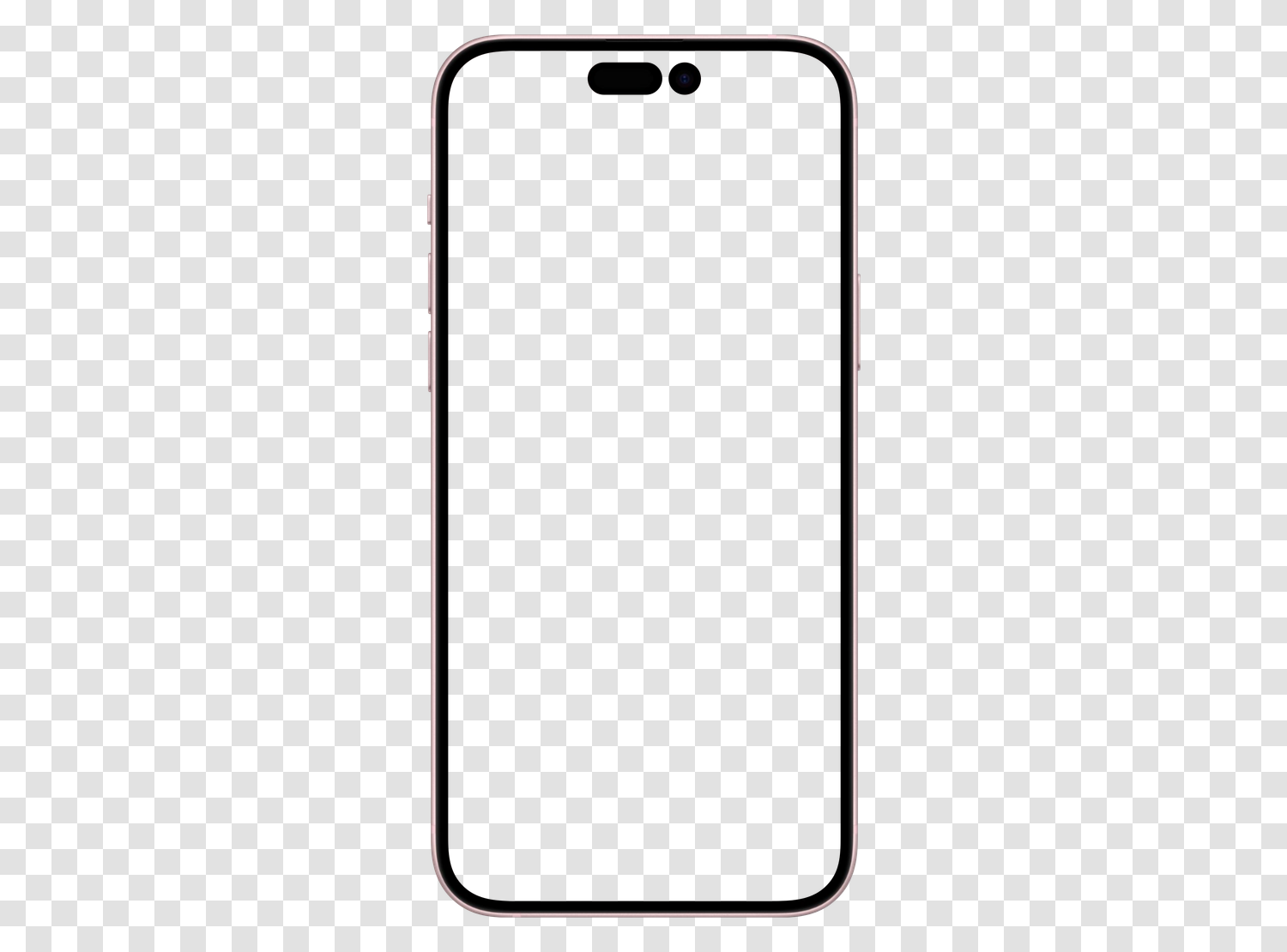
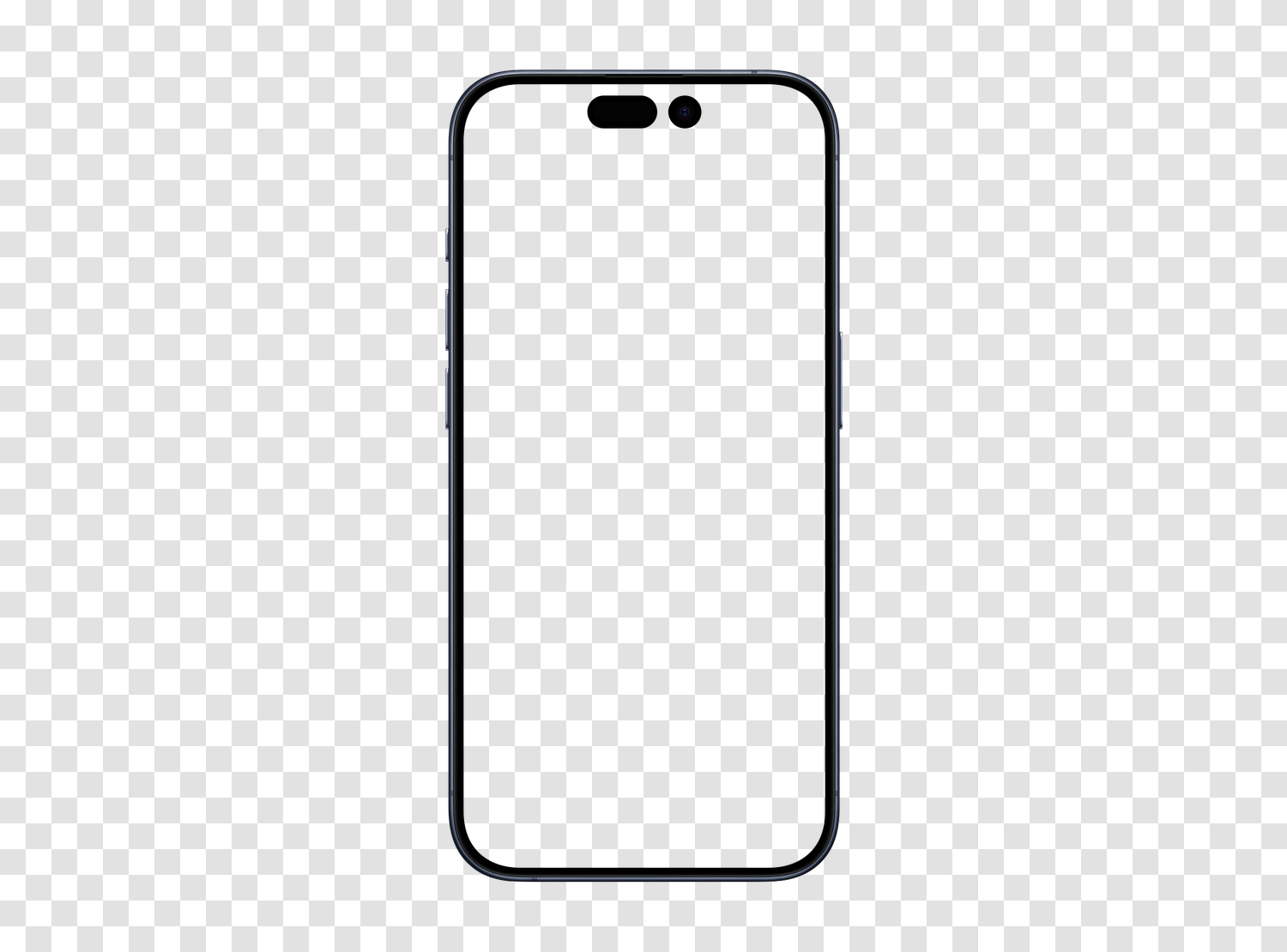
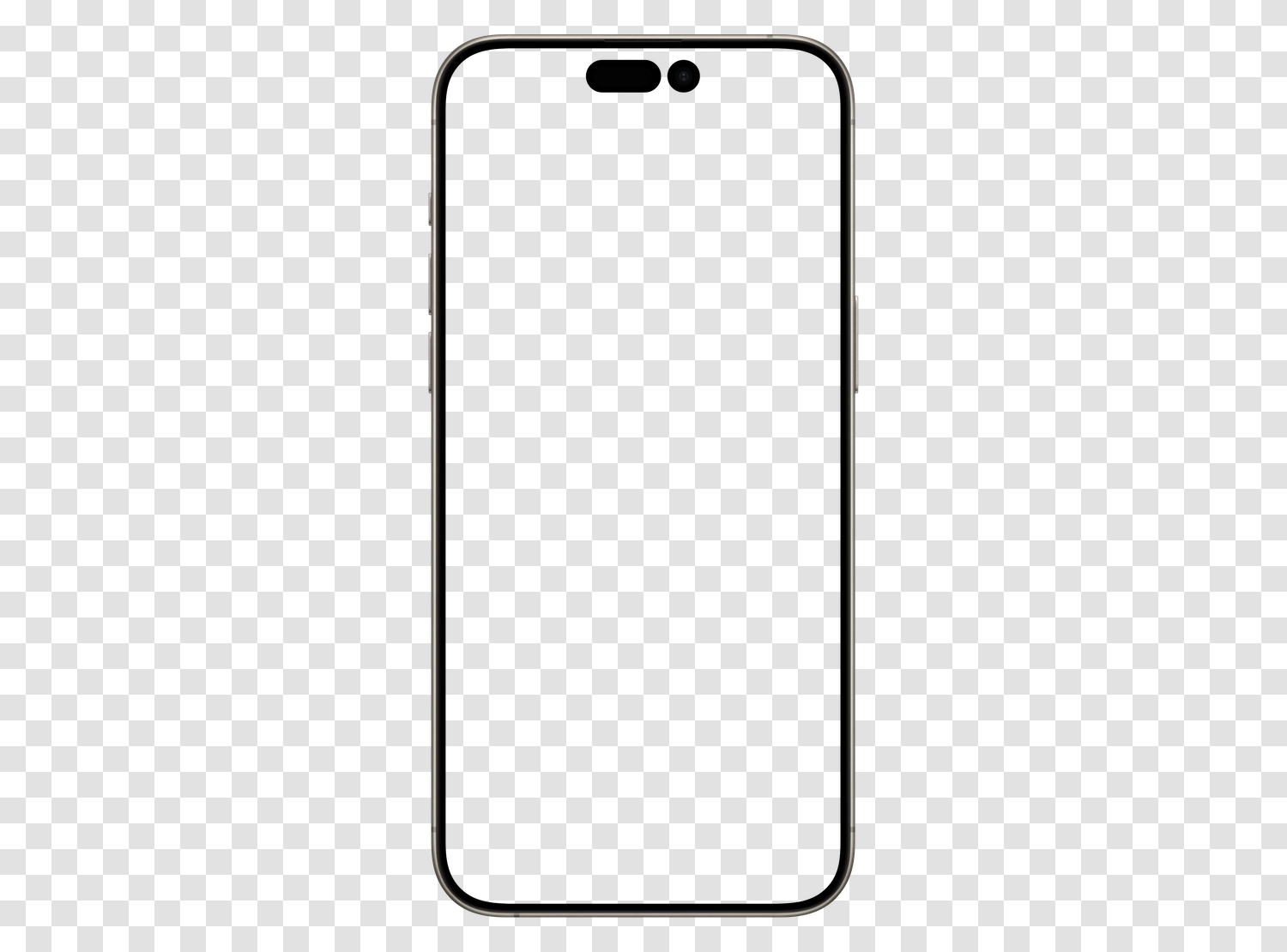
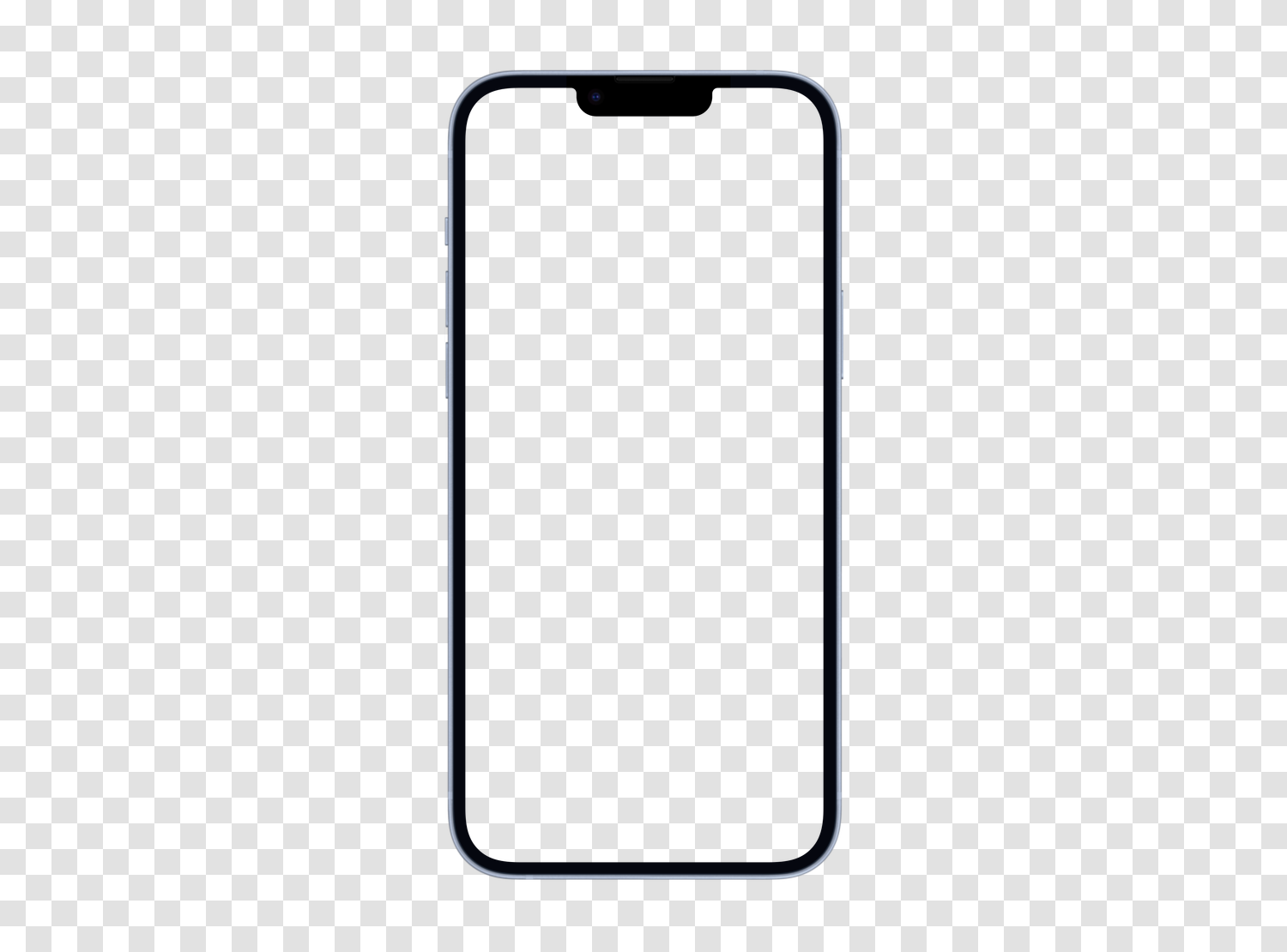
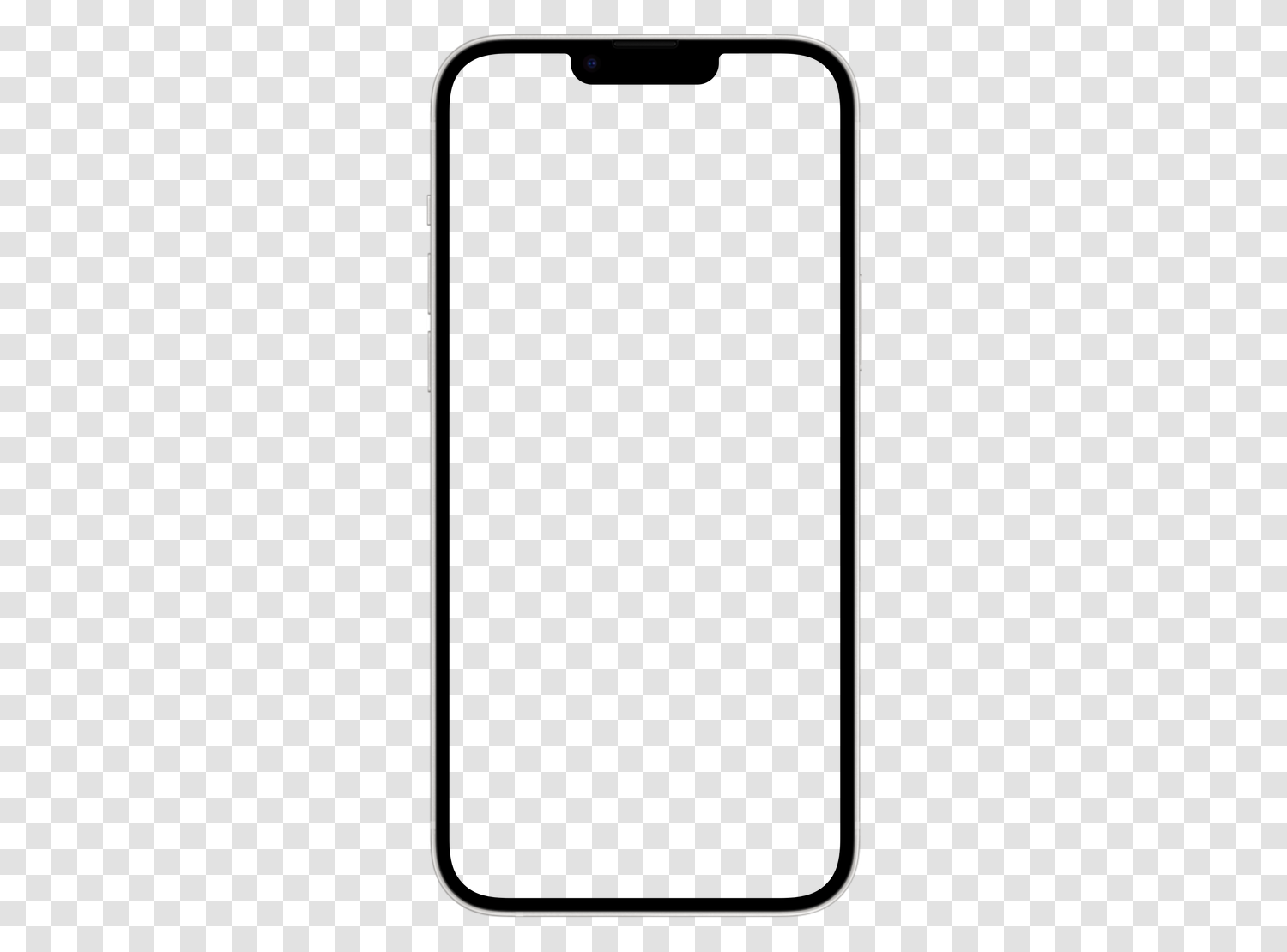
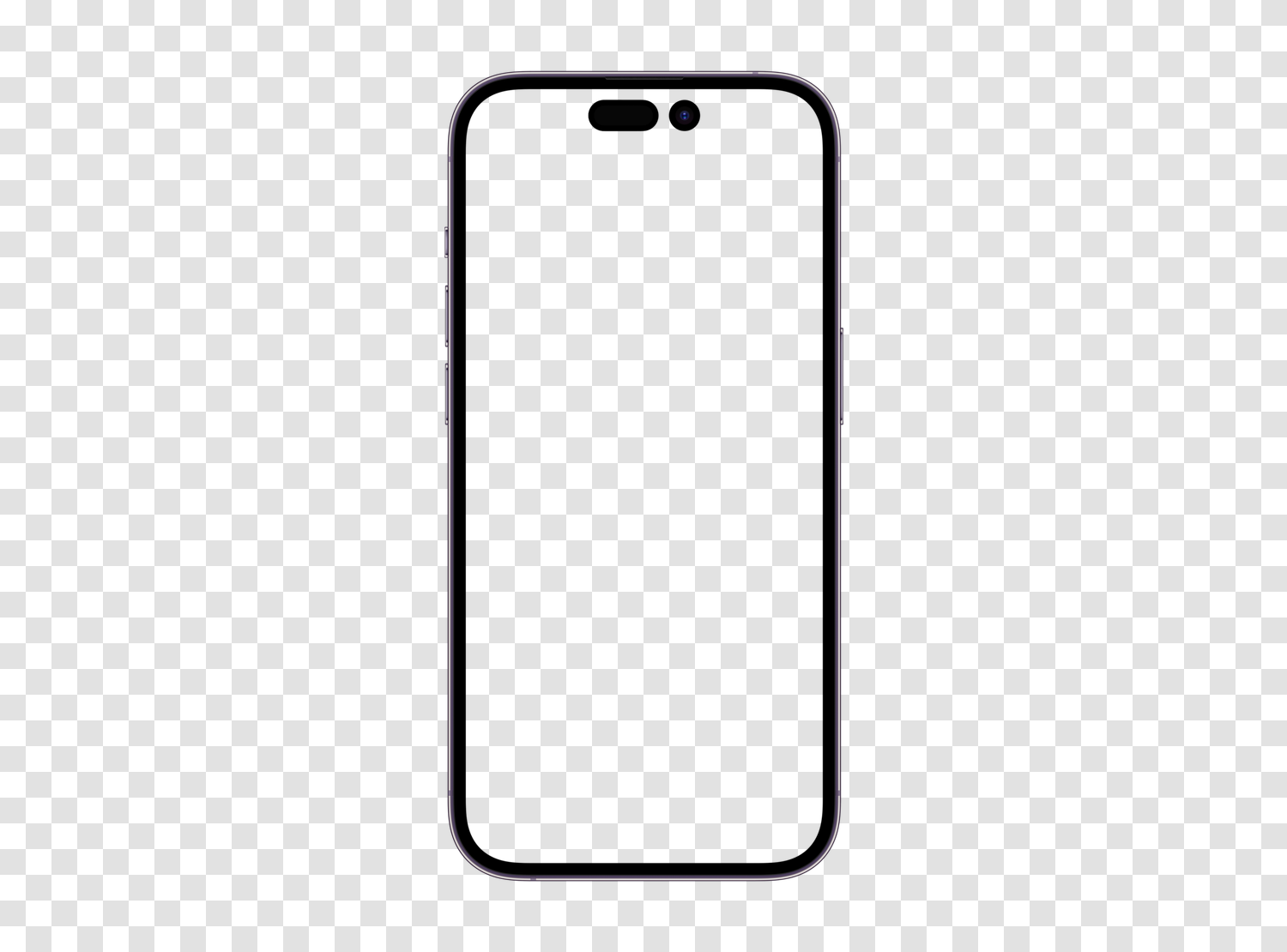
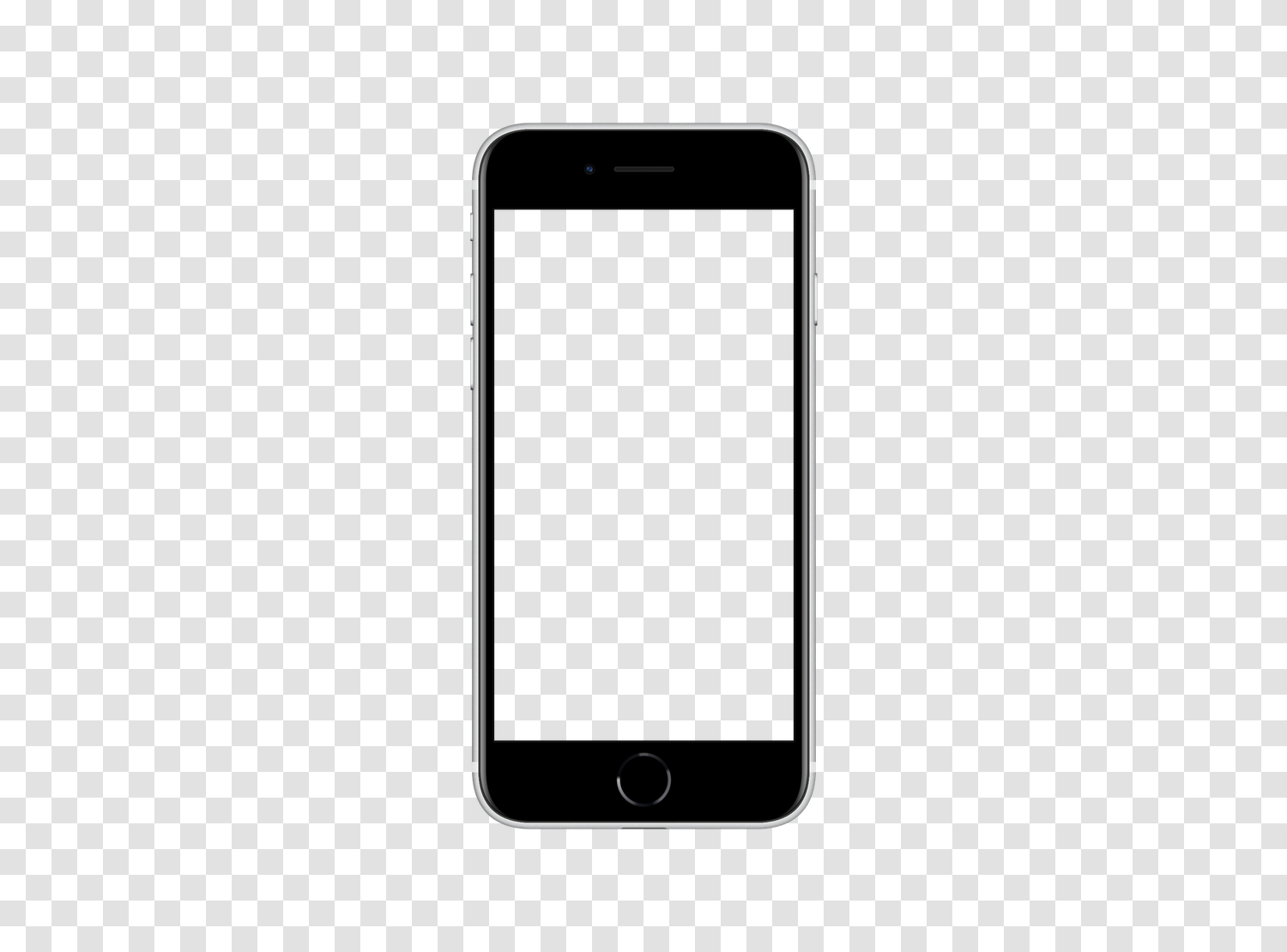
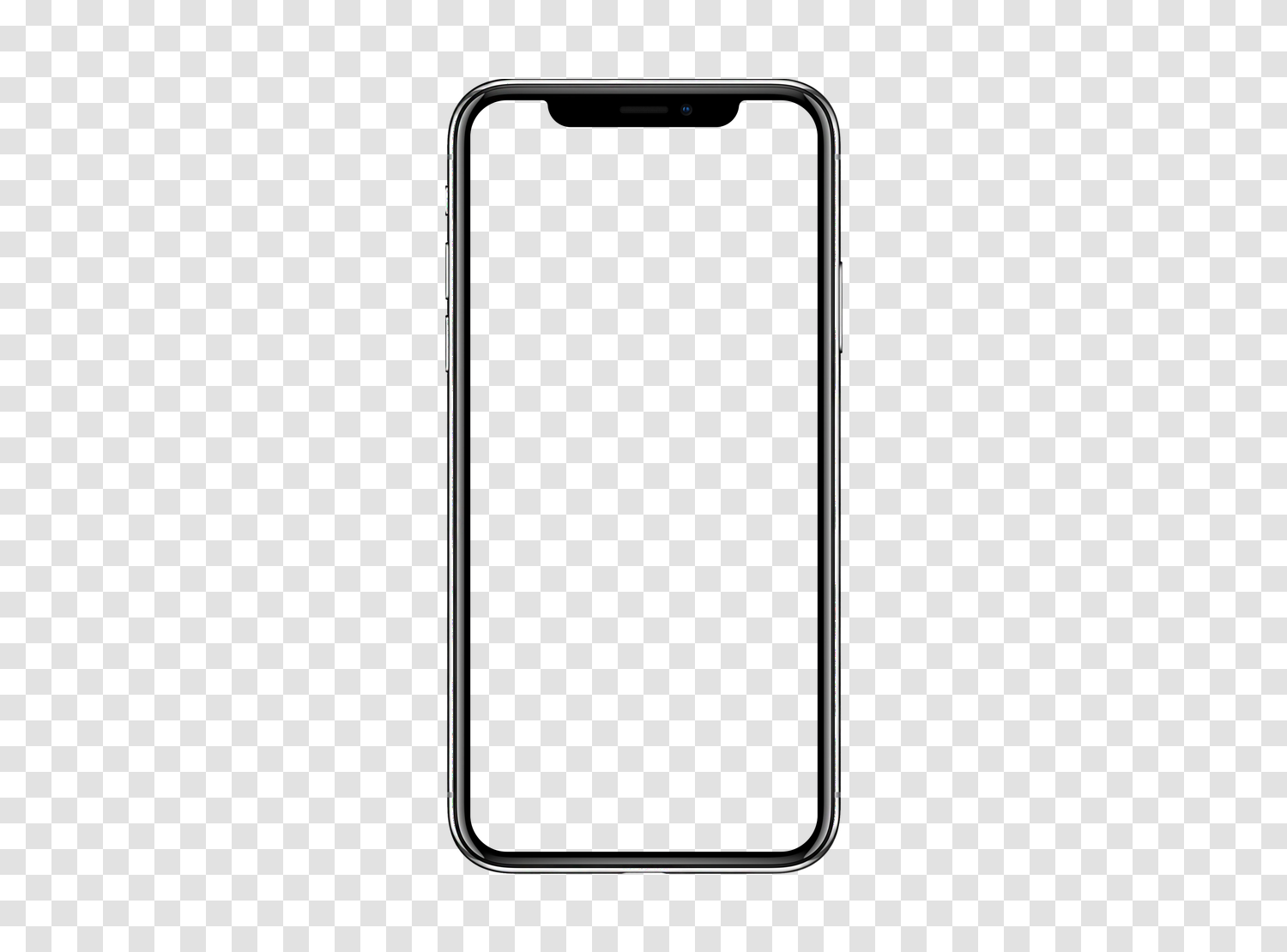
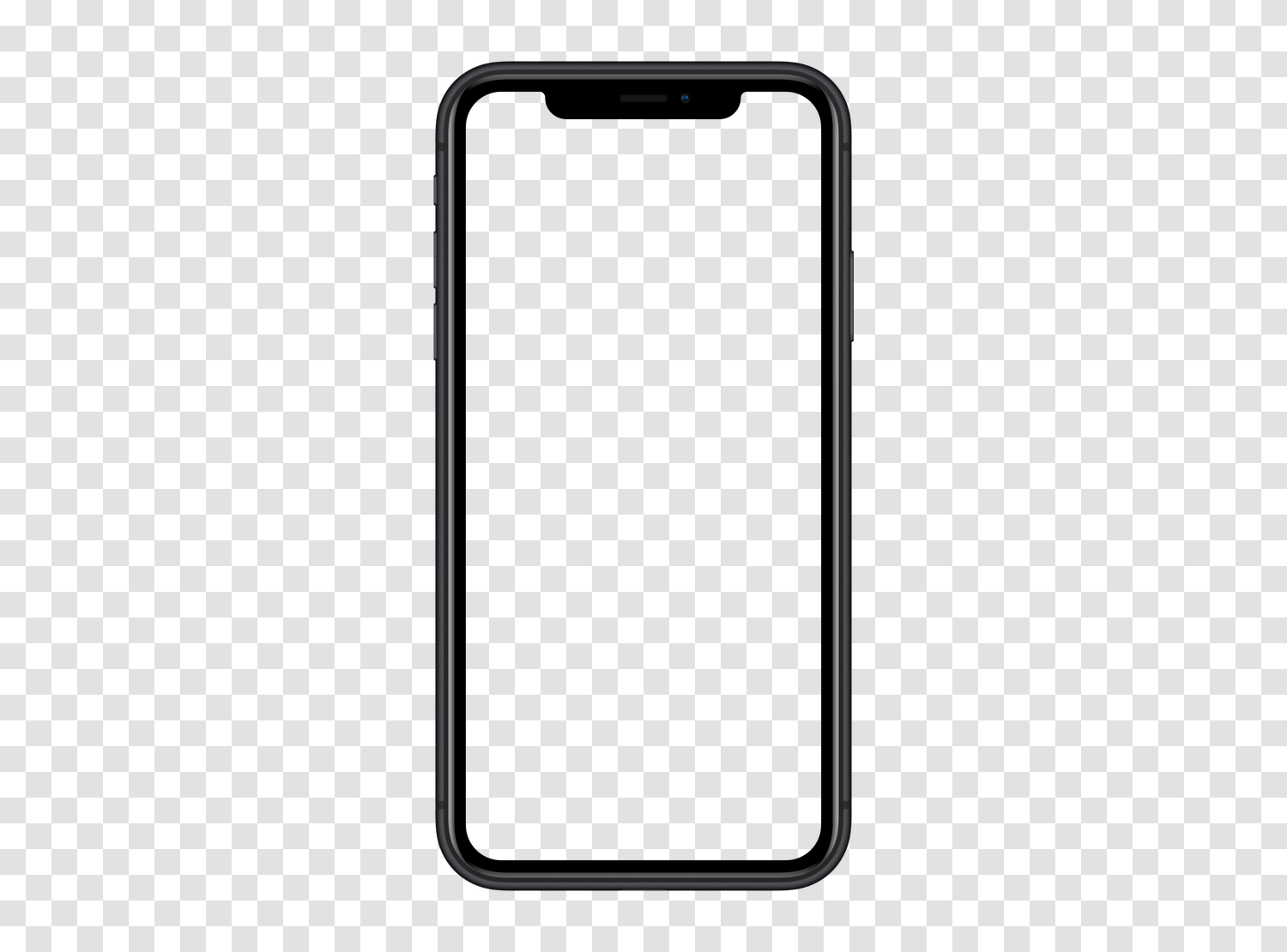
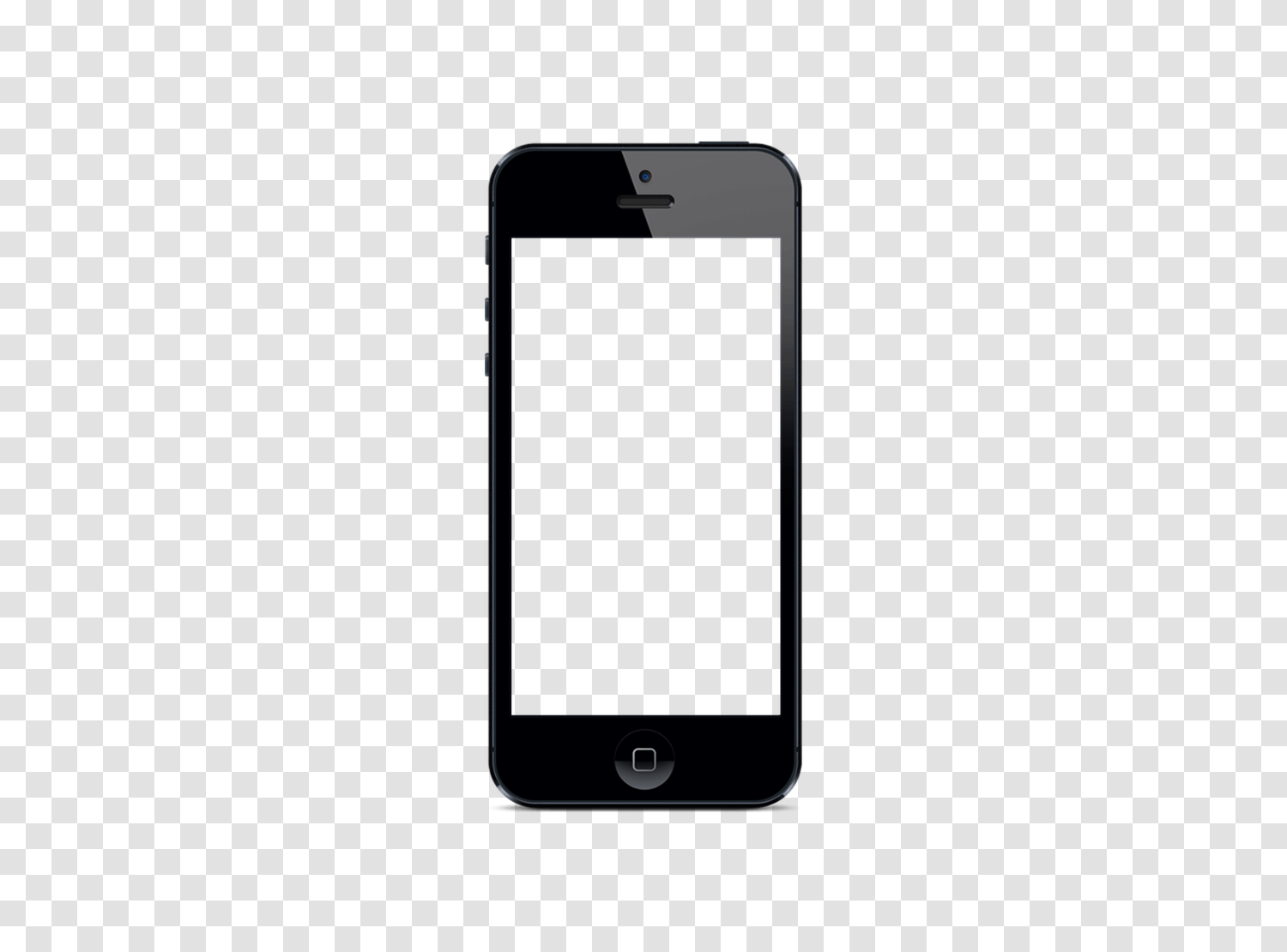
Samsung Galaxy mockups14 models
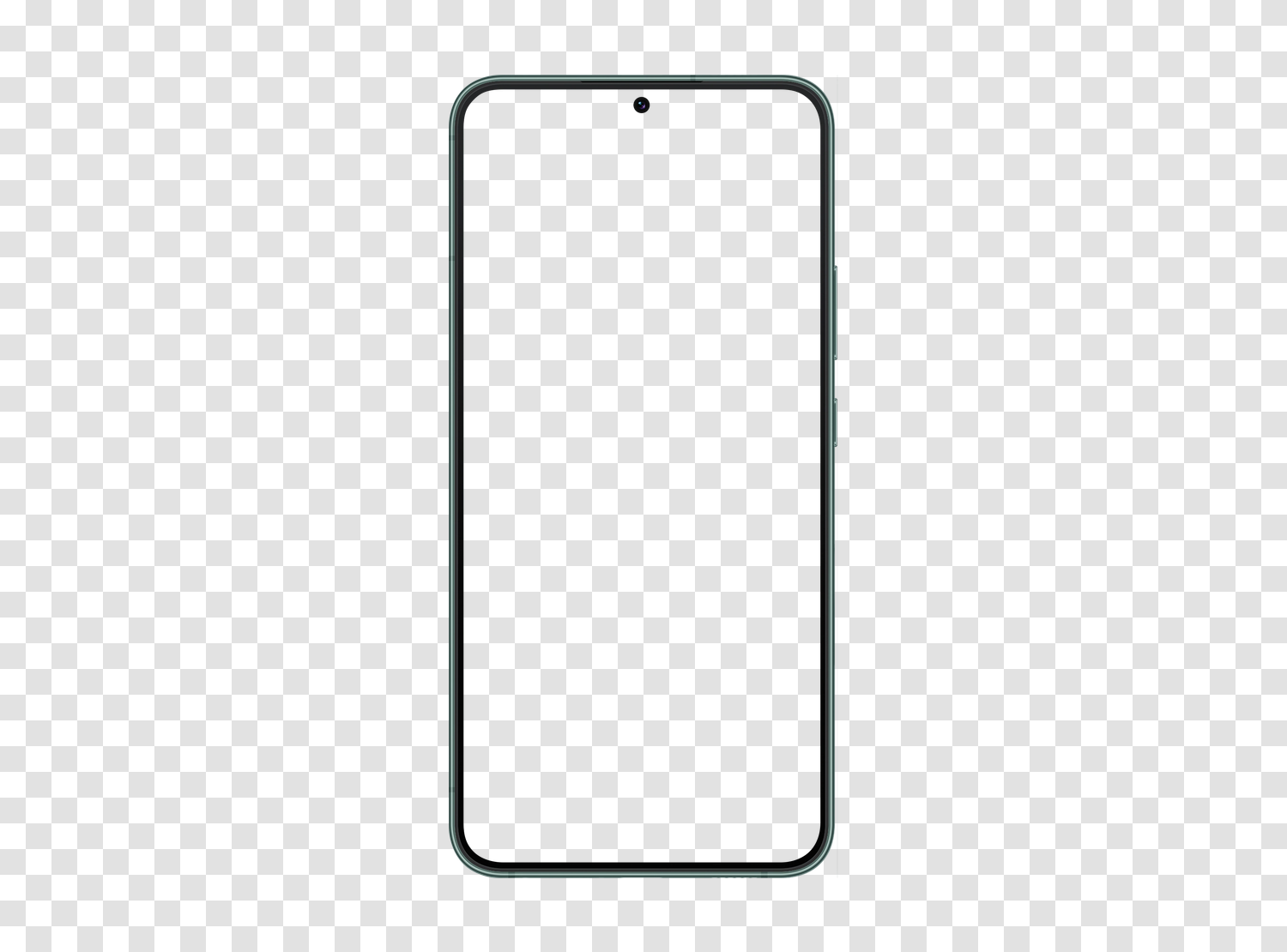
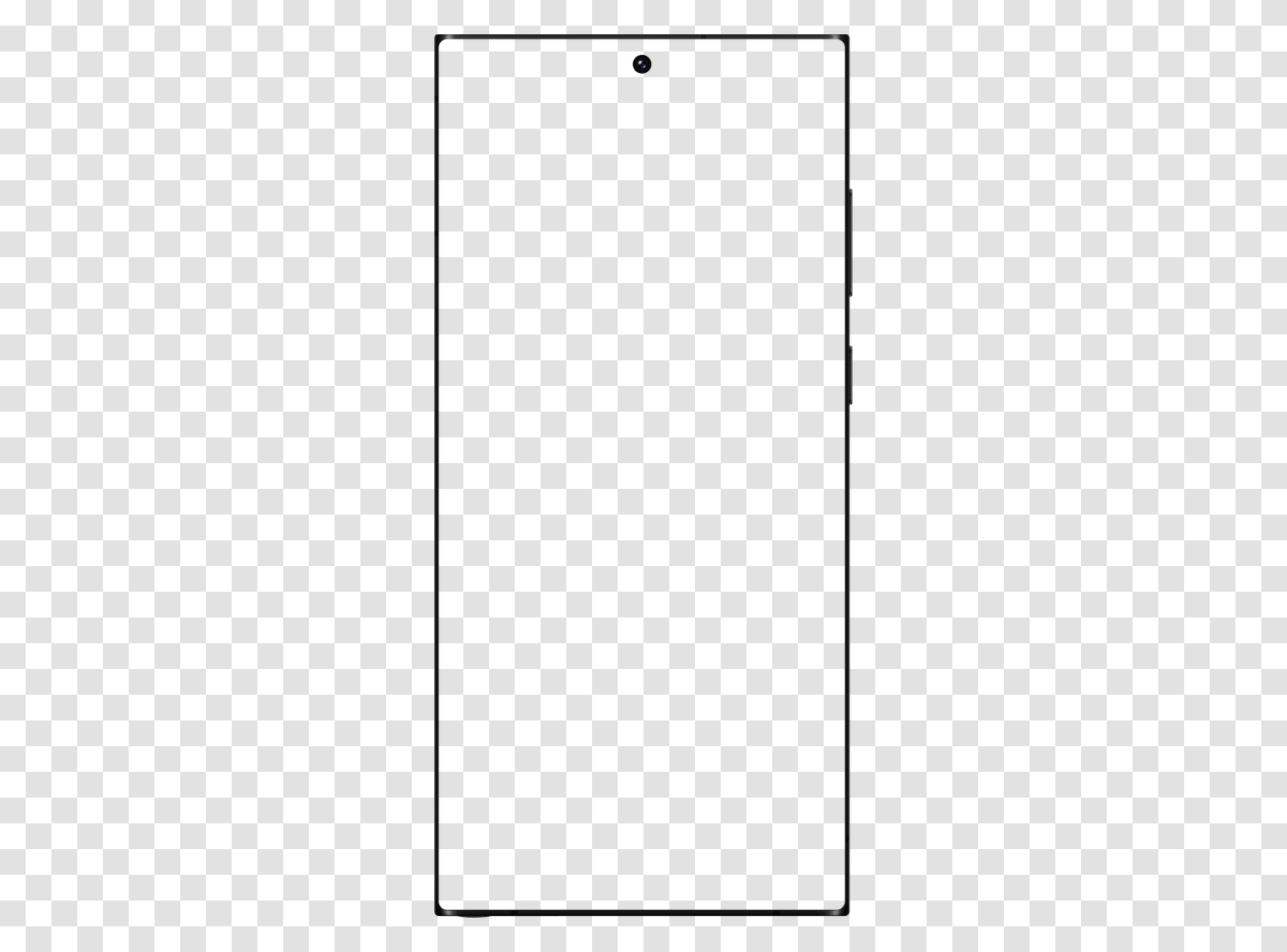
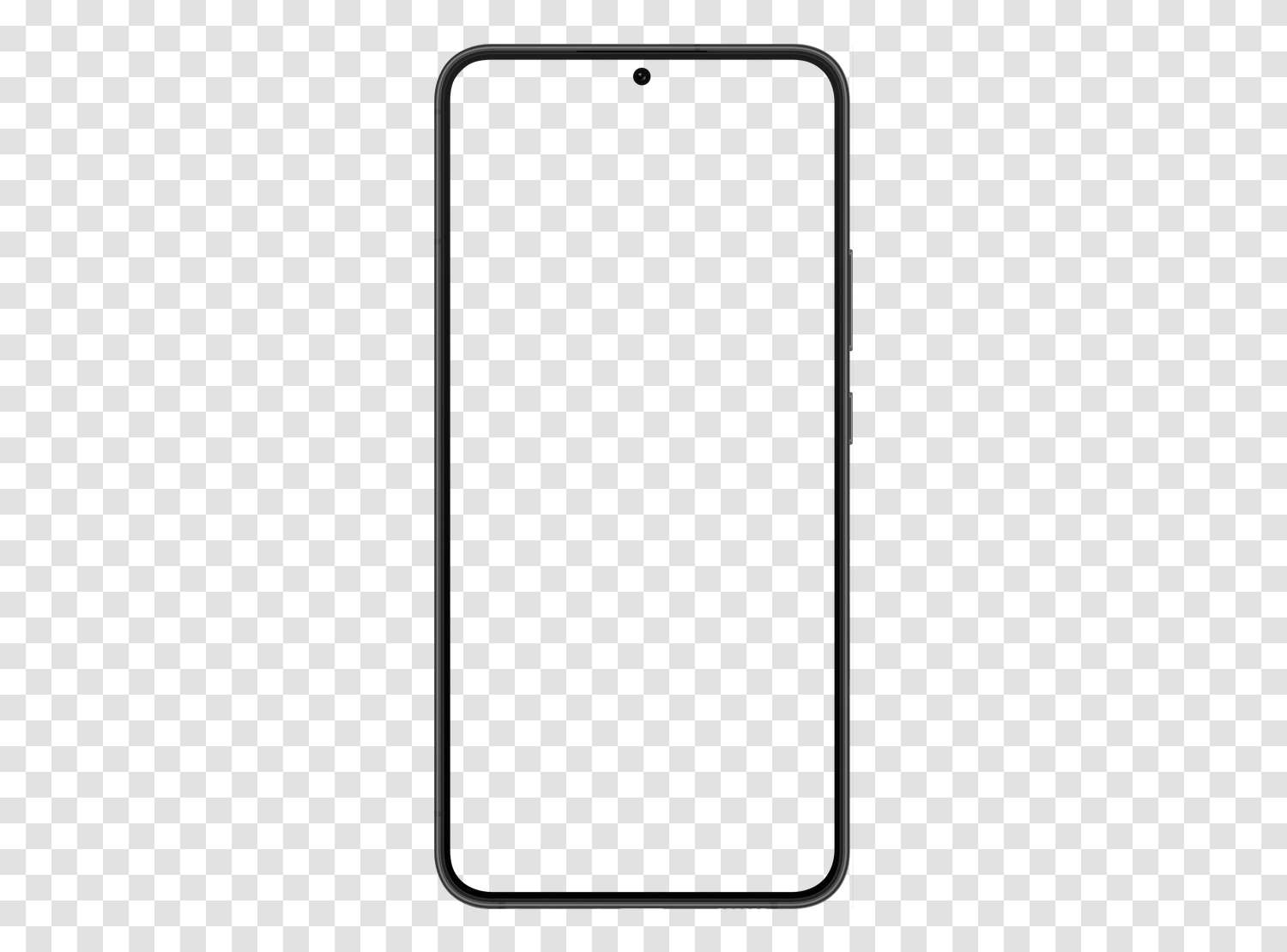
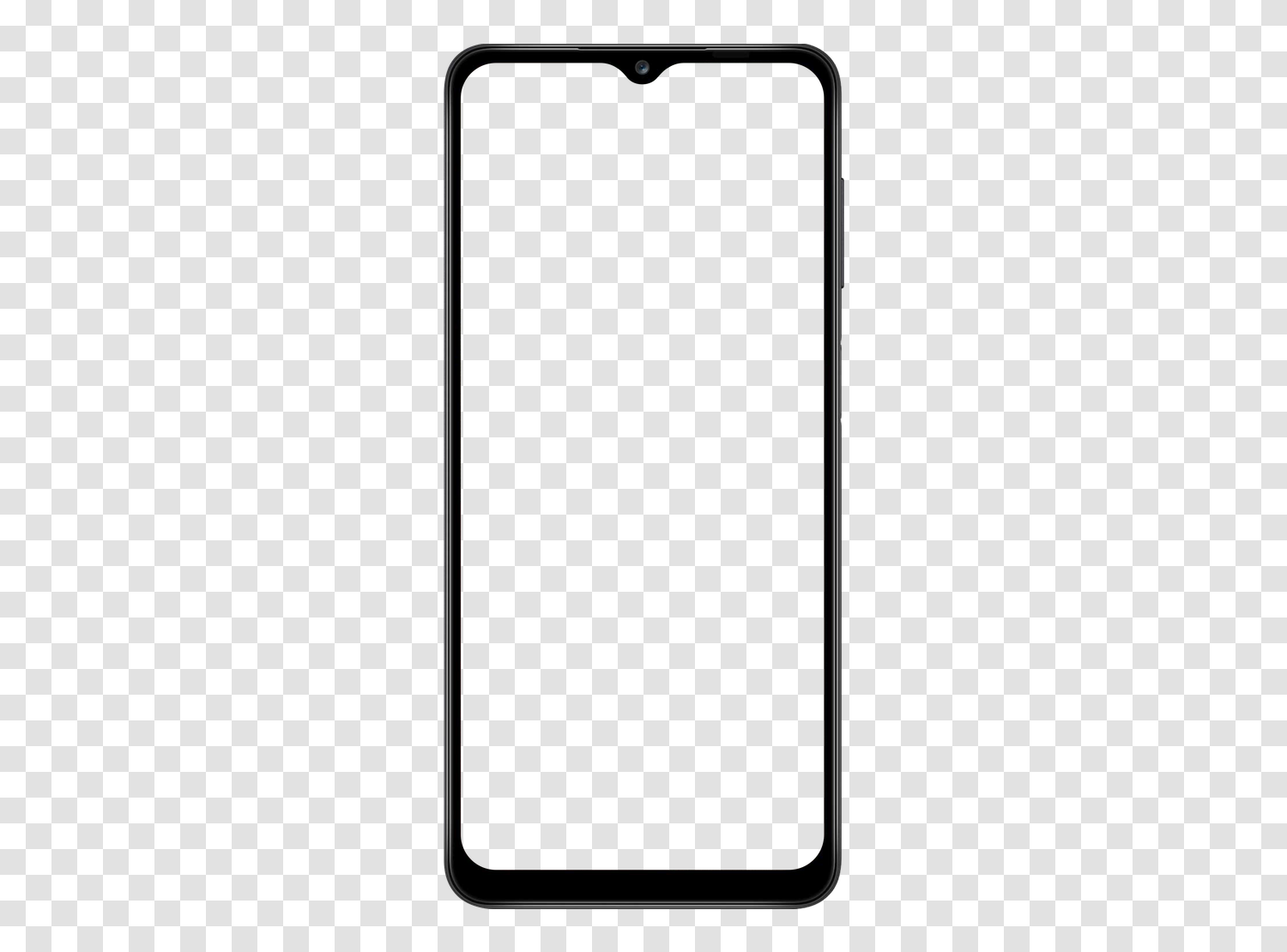
Google Pixel mockups6 models
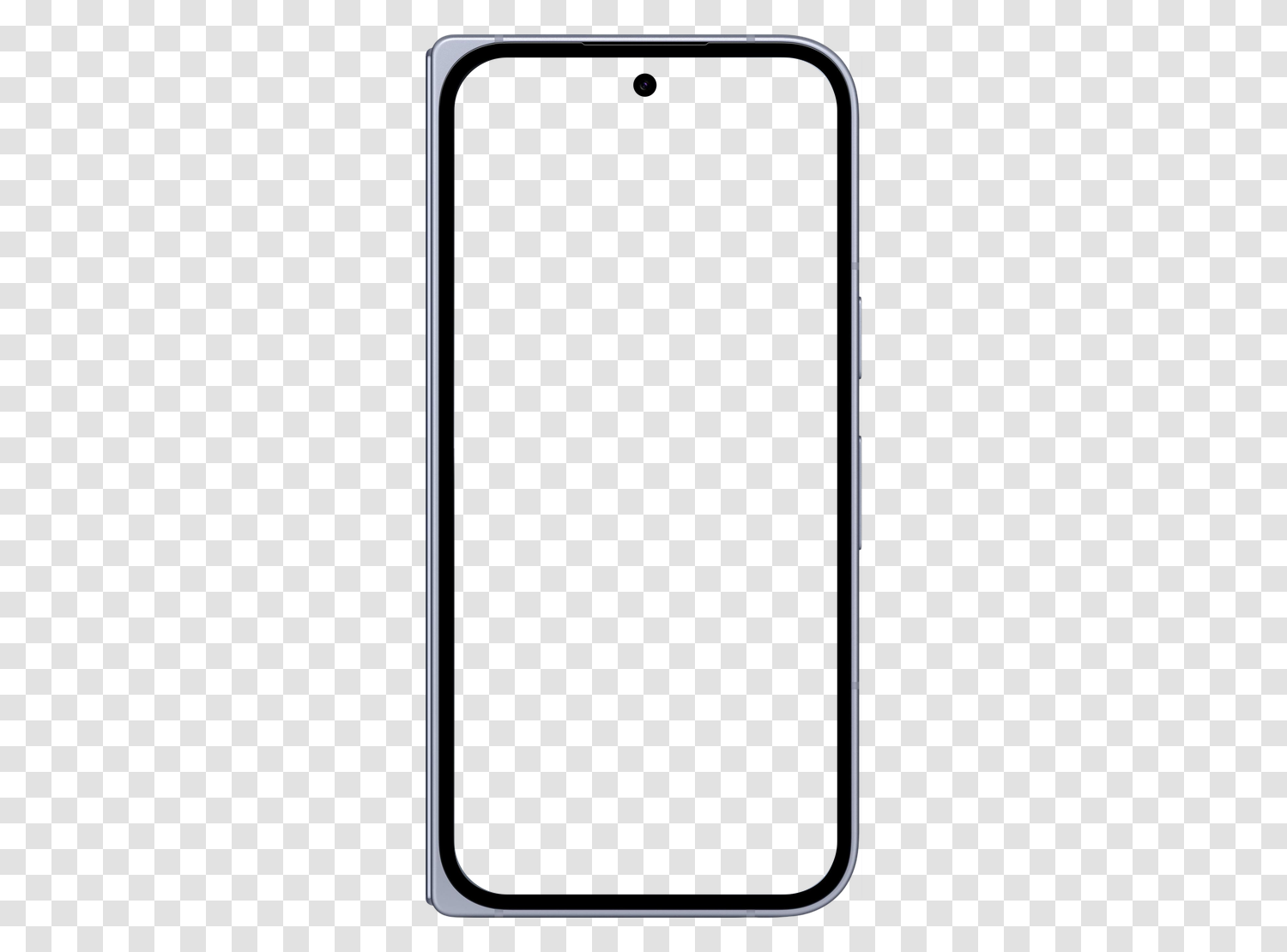
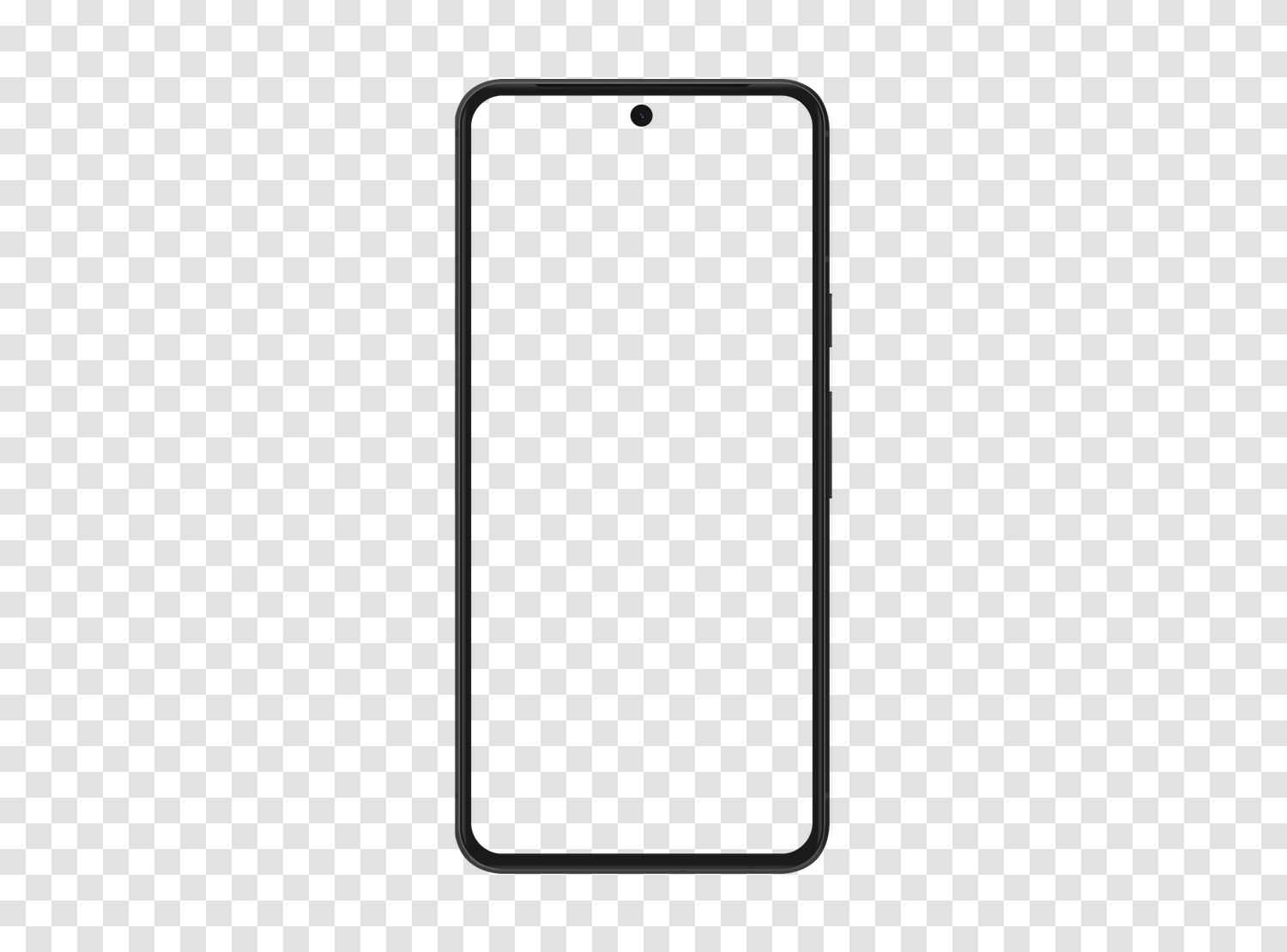
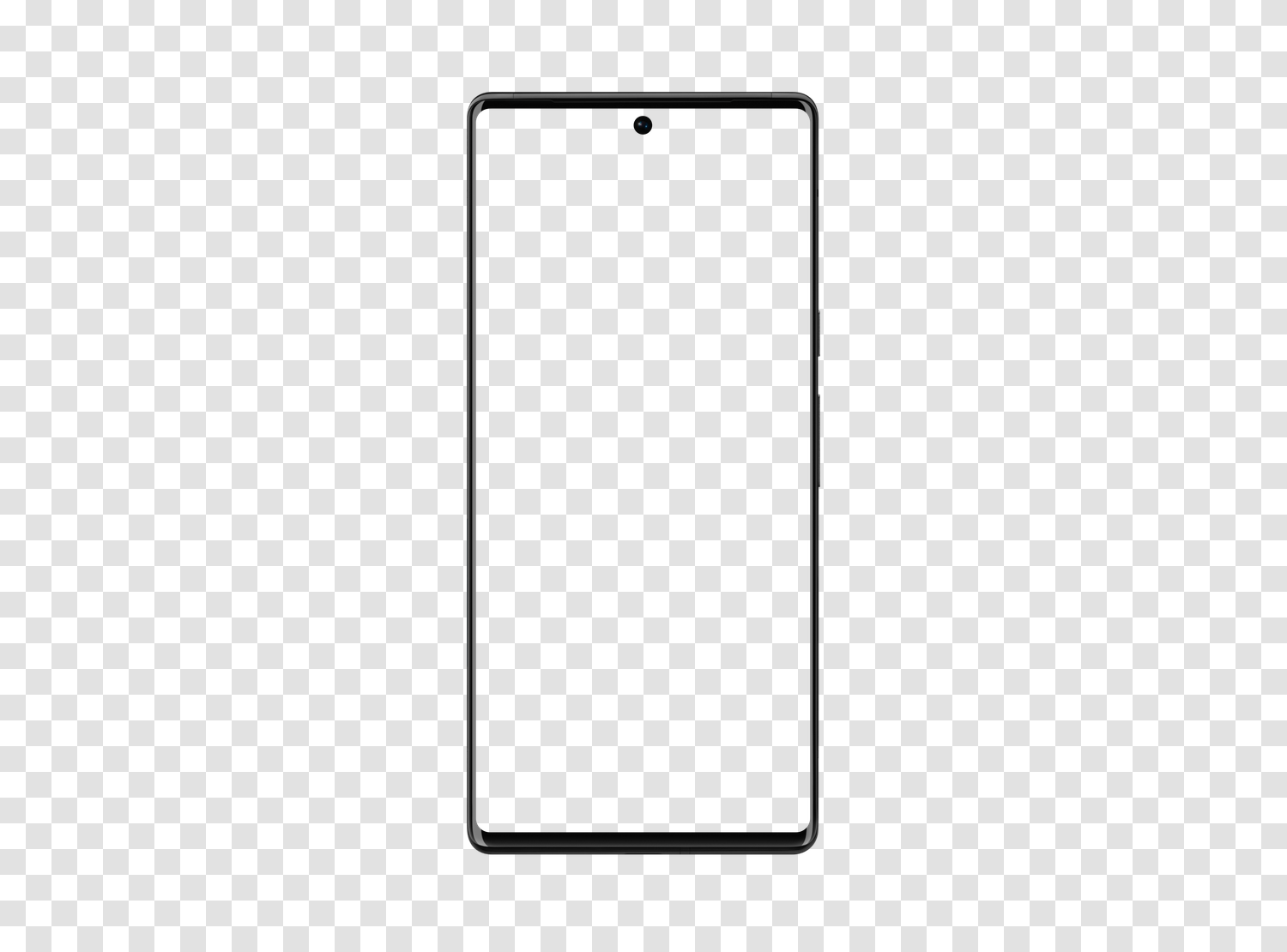
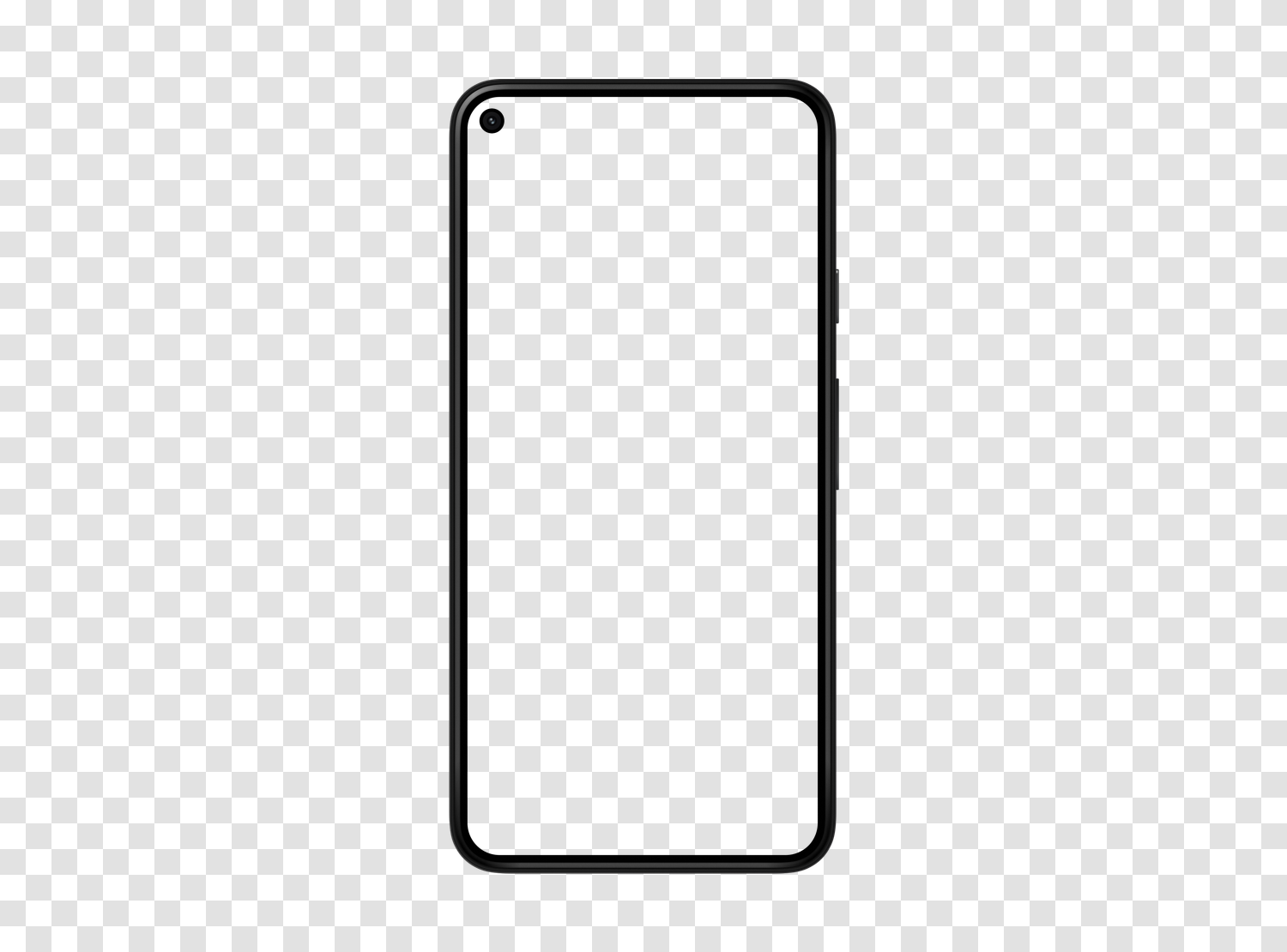
Xiaomi mockups2 models
Other brand mockups7 models
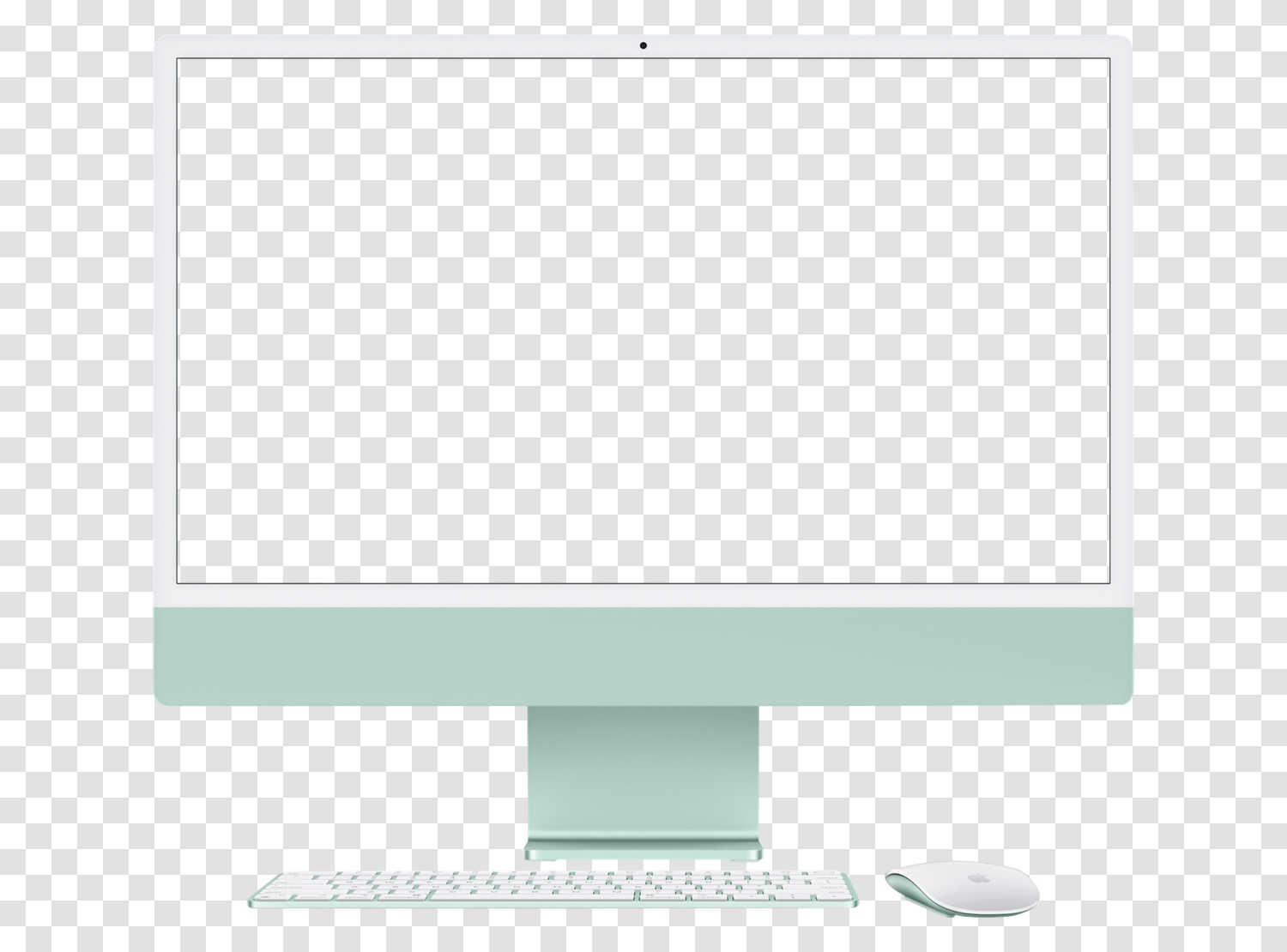
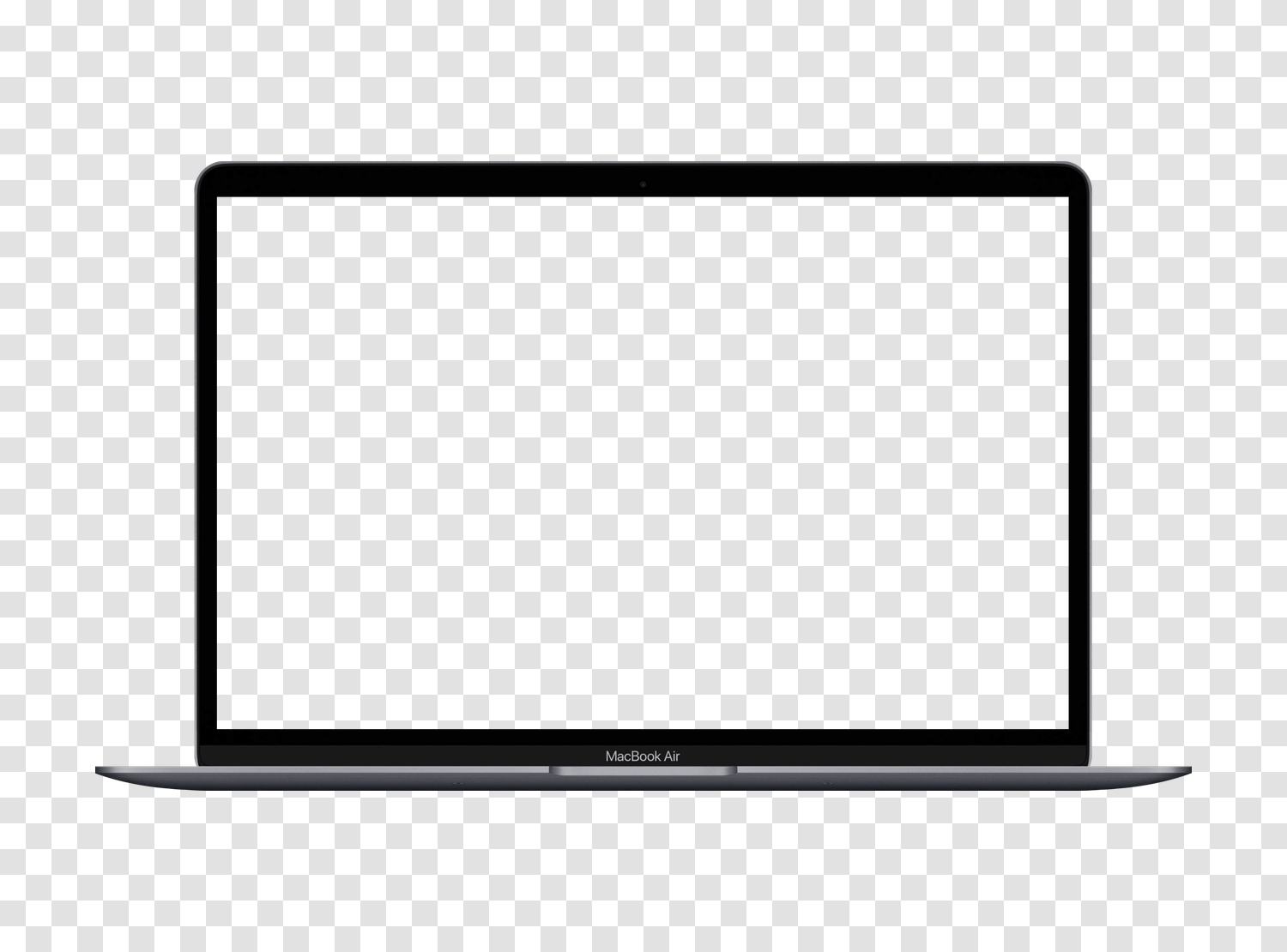
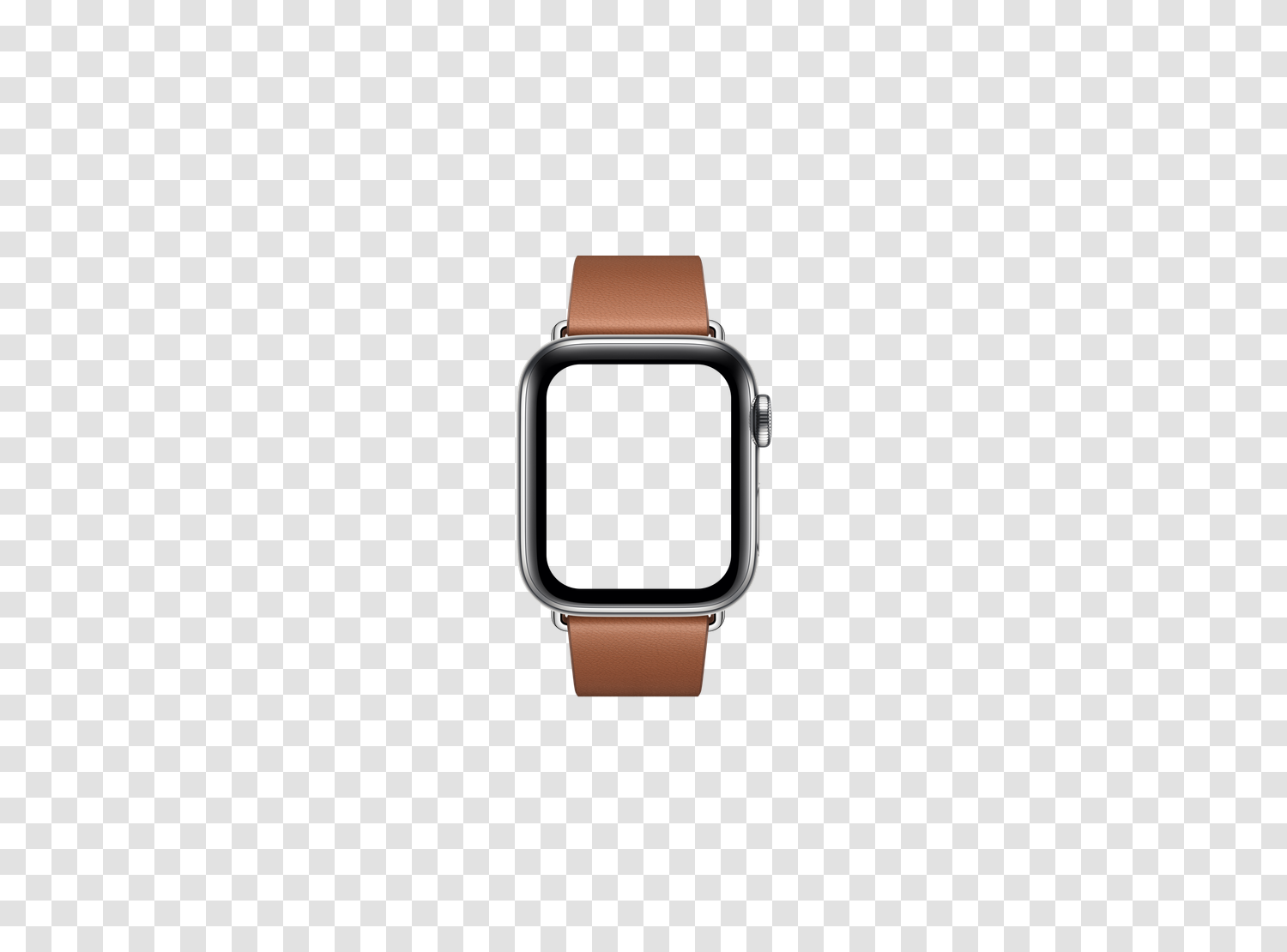
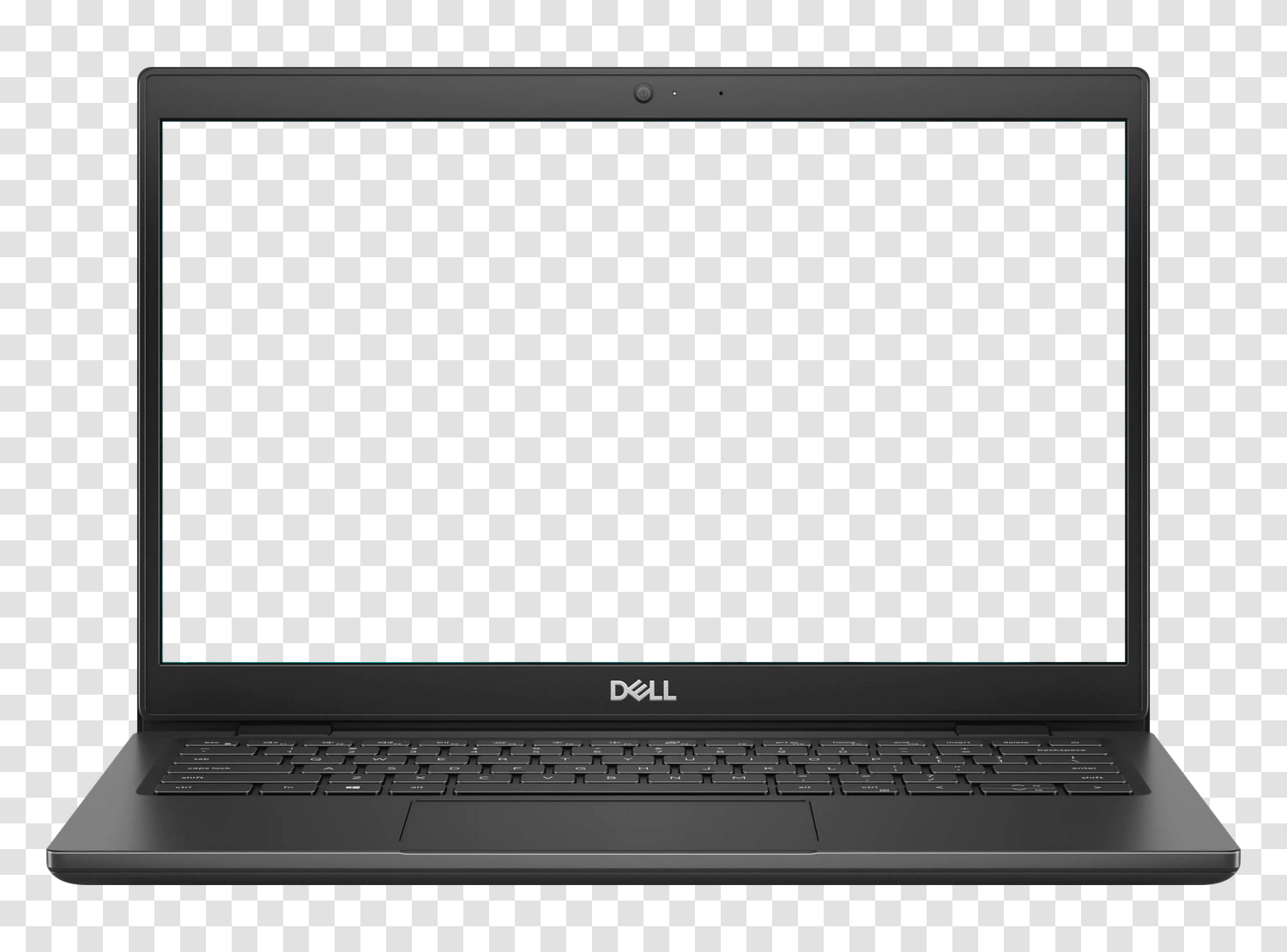
Computers, watches, and screens
How to use these mockups
Three steps, no matter your tool.
- 01 Choose the device Each sheet indicates the CSS viewport, screen resolution, and file size.
- 02 Download the transparent PNG No account or watermark. The high-definition version is available for $9.90 as a one-time payment.
- 03 Slide your capture behind the frame With the screen being empty, no cropping or mask creation is needed in Figma, Photoshop, Canva, or Keynote.
To fill the screen
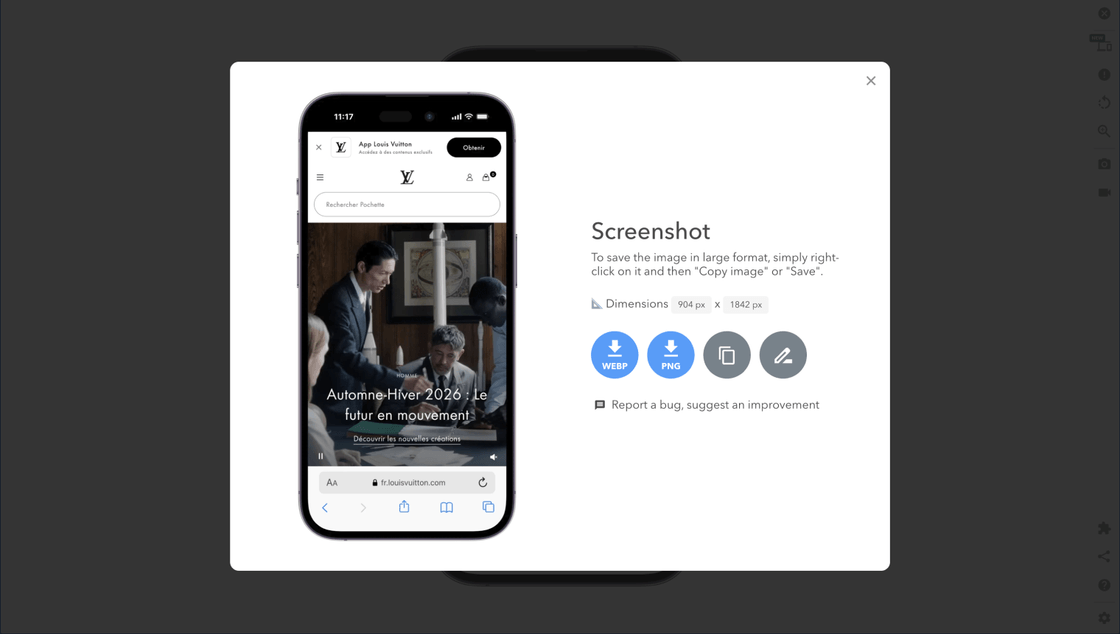
Generate the mobile screenshot in one click
Open your site in the Mobile FIRST simulator, choose the device, and export a PNG capture with a transparent background at the correct ratio. It fits directly into the corresponding mockup.
Install the extension4.93/5 based on 5,100 reviews · 1,600,000 users · free
What is a device mockup?
A device mockup is an image of the frame of a phone, tablet, or computer, with an empty screen, into which you insert a capture to show a site or application in its usage context. On a sales page, portfolio, or client presentation, the same capture placed in an iPhone or Galaxy is immediately recognizable as a mobile interface.
All files in this library are transparent background PNGs: the device outline and screen area are empty, avoiding any cropping. You place your capture on the lower layer in Figma, Sketch, Photoshop, Canva, Keynote, or PowerPoint, and the frame overlays neatly, even on a colored background, gradient, or photo. A WebP version is offered for direct web integration.
The library covers iPhone, Samsung Galaxy, Google Pixel, Xiaomi, iPad, Galaxy Tab, MacBook, smartwatches, and interactive kiosk mockups, from older models to the latest releases. Foldable smartphones appear in both of their states, folded and unfolded, since they are two different frames and two different capture ratios. Each sheet indicates the device's CSS viewport and screen resolution, the two values needed to prepare a capture at the correct ratio.
Frequently asked questions
Are the mockups free?
Yes. Each mockup is available for free download in transparent PNG or WebP, without account creation and without watermark. A high-definition version is offered at $9.90 as a one-time payment.
What does a mockup file contain?
The device frame viewed from the front, empty screen, on a transparent background. You place your capture behind the frame without needing to crop anything.
Can I use them in a commercial project?
Yes, personal and commercial use allowed, without mandatory attribution. Only the resale of the file alone is excluded. The mentioned brands and models belong to their respective owners.
How to fill the mockup screen?
With the Mobile FIRST extension: open your site in the simulator, choose the device, then export a PNG capture with a transparent background already at the correct ratio.
Are new models added?
Yes, the library is enriched with each new device release.
Test your site on these 78 devices, not just in image
The mockup shows the frame. The extension displays your site inside, at the device's exact CSS viewport.