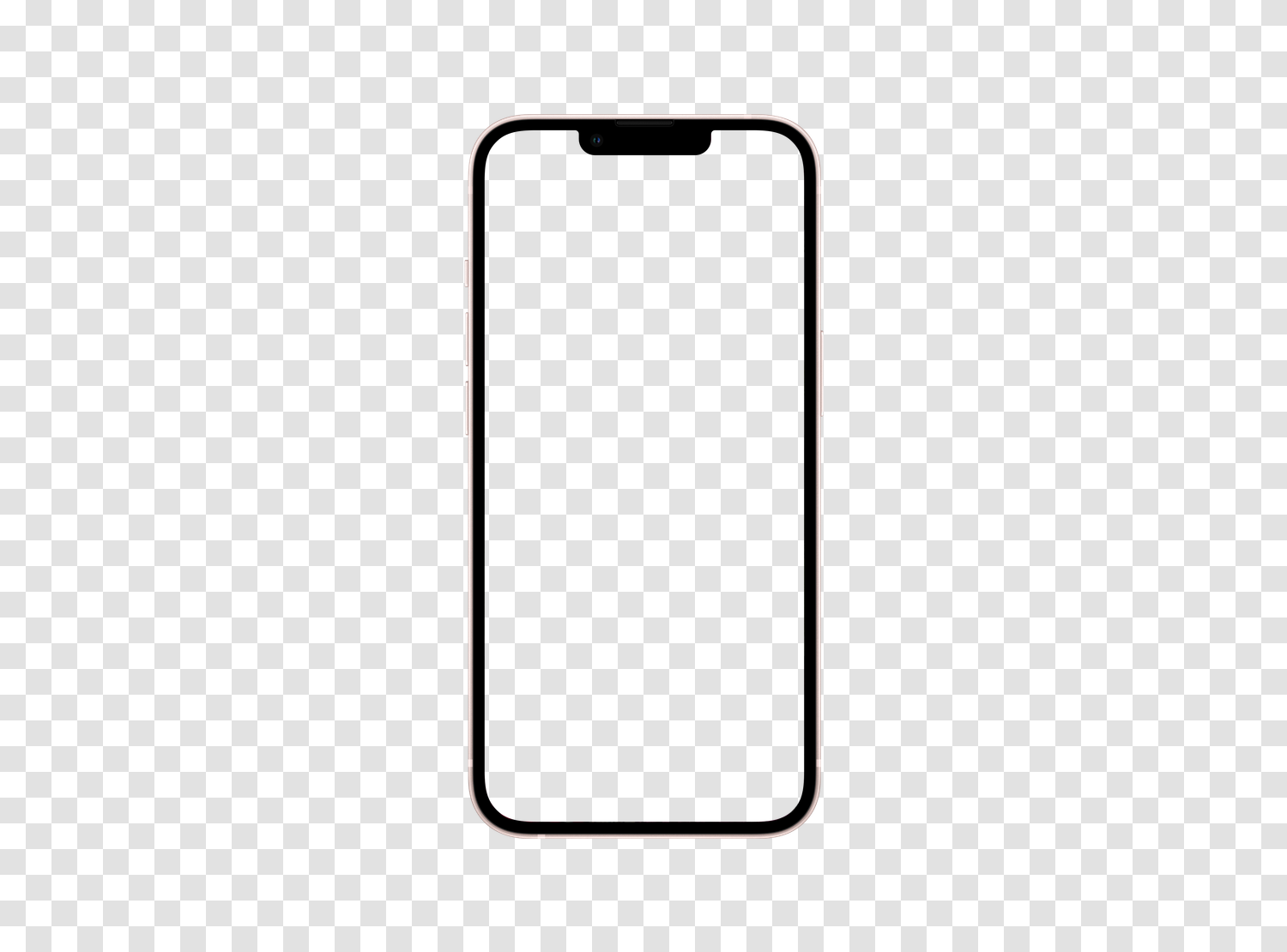
3x density
Each CSS pixel of Apple iPhone 13 Mini is rendered by 3 physical pixels. Any image, icon, or font provided in simple resolution appears immediately blurry.
Apple · iOS 16.0 · Smartphone · 2021
Apple iPhone 13 Mini, smartphone Apple from 2021, displays a CSS viewport of 375 x 812 pixels. Below, find its 3x density, ready-to-copy media queries, and how to test your site on it without buying the device.
Test your site on Apple iPhone 13 Mini directly in your browser, without buying the device.
4.9/5 based on 5,100 reviews · 1,500,000 users · free
Each CSS pixel of Apple iPhone 13 Mini is rendered by 3 physical pixels. Any image, icon, or font provided in simple resolution appears immediately blurry.
With a ratio of 19.5:9, Apple iPhone 13 Mini displays a lot of height for little width. Sections designed in landscape become endless columns, and full-screen visuals are poorly cropped.
The 375 x 812 pixels viewport of Apple iPhone 13 Mini rarely matches the round breakpoints of frameworks. It is precisely between these values that layouts break.
This is the width your CSS considers. All your breakpoints and media queries compare to this value, not the number of physical pixels on the panel.
The height remains indicative: Safari, Chrome, and other mobile browsers reduce the visible area with their address bar, which folds on scroll.
Be cautious when analyzing your statistics: some tools only report the manufacturer resolution, never the CSS viewport presented here.
3
The device pixel ratio of Apple iPhone 13 Mini is 3.
Your images should therefore be exported 3 times larger than their display size, otherwise they will appear softened on this screen.
This is the actual number of pixels on the panel. This value does not affect your layouts, but it's the one reported by technical specifications and most analytics tools.
477 pixels per inch (ppi) · 5.4 inches diagonal, or 13.7 cm
This string is what the browser of Apple iPhone 13 Mini sends. It is useful for your automated tests, reading your server logs, and server-side detection.
User-Agent string used by Apple iPhone 13 Mini, useful for your automated tests and logs.
Mozilla/5.0 (iPhone; CPU iPhone OS 16_0 like Mac OS X) AppleWebKit/605.1.15 (KHTML, like Gecko) Version/16.0 Mobile/15E148 Safari/604.1These snippets are generated from the exact characteristics of Apple iPhone 13 Mini. Copy them directly into your stylesheet or configuration.
Targets screens whose width matches that of Apple iPhone 13 Mini and models of the same format.
@media only screen and (min-width: 375px) and (max-width: 811px) {
  /* Apple iPhone 13 Mini */
}Serves high-resolution images to screens of at least 3x.
@media only screen and (-webkit-min-device-pixel-ratio: 3),
       only screen and (min-resolution: 288dpi) {
  /* High-density images and icons */
}Adds a named breakpoint at the exact width of Apple iPhone 13 Mini.
// tailwind.config.js
module.exports = {
  theme: {
    screens: {
      'apple-iphone-13-mini-2021': '375px'
    }
  }
}Detects format and density client-side.
const isDeviceWidth = window.matchMedia('(min-width: 375px)').matches;
const isHighDensity = window.devicePixelRatio >= 3;Essential for Apple iPhone 13 Mini to use its CSS viewport and not a simulated width of 980 pixels.
<meta name="viewport" content="width=device-width, initial-scale=1">Mobile FIRST includes Apple iPhone 13 Mini: your page displays in a viewport of 375 x 812 pixels, with the model's User-Agent, touch events, and scrolling behavior of a real mobile.
This is where the difference with Chrome DevTools' responsive mode is seen: DevTools resizes a window, the extension replicates the device's browser and allows exporting shareable screenshots and videos.
These 2 devices share exactly the viewport of 375 x 812 pixels and the 3x density of Apple iPhone 13 Mini. Their CSS rendering is therefore exactly the same: what you validate on one is valid on all others.
The neighboring formats of Apple iPhone 13 Mini are the ones to test right after, as they reveal poorly placed breakpoints.
| Model | CSS Viewport | Pixel density | Manufacturer resolution |
|---|---|---|---|
| Apple iPhone 13 Mini | 375 x 812 | 3x | 1080 x 2340 |
| Samsung Galaxy S21 | 360 x 800 | 3x | 1080 x 2400 |
| Xiaomi Mi 11i | 360 x 800 | 3x | 1080 x 2400 |
| Apple iPhone 11 Pro | 375 x 812 | 3x | 1125 x 2436 |
| Samsung Galaxy Z Flip3 | 360 x 880 | 3x | 1080 x 2640 |
| Apple iPhone 13 | 390 x 844 | 3x | 1170 x 2532 |
| Apple iPhone 13 PRO | 390 x 844 | 3x | 1170 x 2532 |
The CSS viewport of Apple iPhone 13 Mini measures 375 pixels wide and 812 pixels high. This is the width to use for defining your media queries, not the manufacturer's resolution.
The device pixel ratio of Apple iPhone 13 Mini is 3. Each CSS pixel is thus displayed by 3 physical pixels, requiring you to provide your images in 3x to keep them sharp.
The panel of Apple iPhone 13 Mini displays 1080 x 2340 physical pixels. This is the value reported by most analytics tools, while your CSS works on a viewport of 375 x 812 pixels.
The User-Agent of Apple iPhone 13 Mini is: Mozilla/5.0 (iPhone; CPU iPhone OS 16_0 like Mac OS X) AppleWebKit/605.1.15 (KHTML, like Gecko) Version/16.0 Mobile/15E148 Safari/604.1
2 other models share exactly the viewport of 375 x 812 pixels and the 3x density of Apple iPhone 13 Mini: Apple iPhone 11 Pro, Apple iPhone X. A rendering validated on one is valid on all others.
Install the Mobile FIRST extension on Chrome, Firefox, or Edge, then select Apple iPhone 13 Mini. Your page displays in a viewport of 375 x 812 pixels with the corresponding mobile User-Agent, in two clicks and for free.
DevTools resizes the window and applies partial emulation. Mobile FIRST additionally applies the User-Agent of Apple iPhone 13 Mini, touch events, scroll behavior, and the actual appearance of the device, and allows capturing directly usable images and videos.
Yes. The extension works on any URL open in your browser, including localhost:3000, 127.0.0.1, or a password-protected pre-production environment.
No. The simulation covers the vast majority of development needs at no cost. A final test on a real device is still recommended before critical production deployment, but it's no longer necessary for each iteration.
A media query on the exact width targets Apple iPhone 13 Mini: @media only screen and (min-width: 375px). Combine it with the pixel density to precisely target this model and those sharing its format.
Without buying a single phone, without creating an account.
Free installation in seconds · computer only